Markdown & a Pi update
Because I know you care…
Previous updates: December 2021: An Introduction To Dashboards; October 2021: Pi Update; August 2021: What’s Your Pi Doing?
So what’s up with markdown?
Way back in December 2014 (Markdown) I came across this simple markup language called Markdown. Since I wrote in text editors anyway (Word makes me crazy!) it seemed like a good way to add some simple formatting. Fast forward 8 years or so and I am still using it and use it almost exclusively for note-taking and recording (for posterity) things I am doing. (I’ve got a cheat sheet posted for those who are more interested.
These days all my computer set-up and install notes are in Markdown, my yearly books read, and lately, all my ebook and accessibility research have been written in Markdown.
A few weeks back I had one of those “I wonder if…” thoughts and it transformed my world. You perceive, I had a lot of notes and note files going by now and it was getting worse and worse everyday… since I am basically being paid these days to make notes about ebooks and accessibility and I like to give my money’s worth. Frankly it was becoming a big mess of files, folders and disorganized gibberish.
I wondered if there is a way to render all those markdown notes on a simple website? I’ve done it with my notes on GitHub for Standard eBooks but that is a fancy Jekyll installation. And I mean, half the time I am pasting markdown into this WordPress blog and the Jetpack plugin I installed renders it as html so it shouldn’t be that complicated …should it? But a separate WordPress install was just too unwieldy and frankly I have having to log in all the time since WordPress helpfully built in a timer to kick you out after a certain period of time… sigh.
So that disqualifies my first two choices. So time to do a bit of googlin’
Enter MkDocs
— MkDocs is a fast, simple and downright gorgeous static site generator that’s geared towards…
And is it ever. A quick docker install, a bit of reading about how to tweak the interface and voila! A clean, searchable interface that updates every time I hit save.
This:
Becomes this:
All organized, neat and tidy and most especially searchable. As you can imagine I am slowly making more and more sites and cleaning up a lot of old notes.
My world has been rocked.
What’s on the Pi these days?
I keep tweaking with things. I did pick up a Pi-400 as a machine to experiment on since I am trying to use the original Pi 4 as a production machine more and more.

A Pi-400 is a 4 GB Pi 4 in a keyboard case. For some reason they are actually available where as all the other Pi models are very hard to get.
The Dashboard Today

I’ve reorganized a bit but the essentials haven’t changed much. Notable new additions are VS Code Server, MeTube, Home Assistant and Snippet Box.
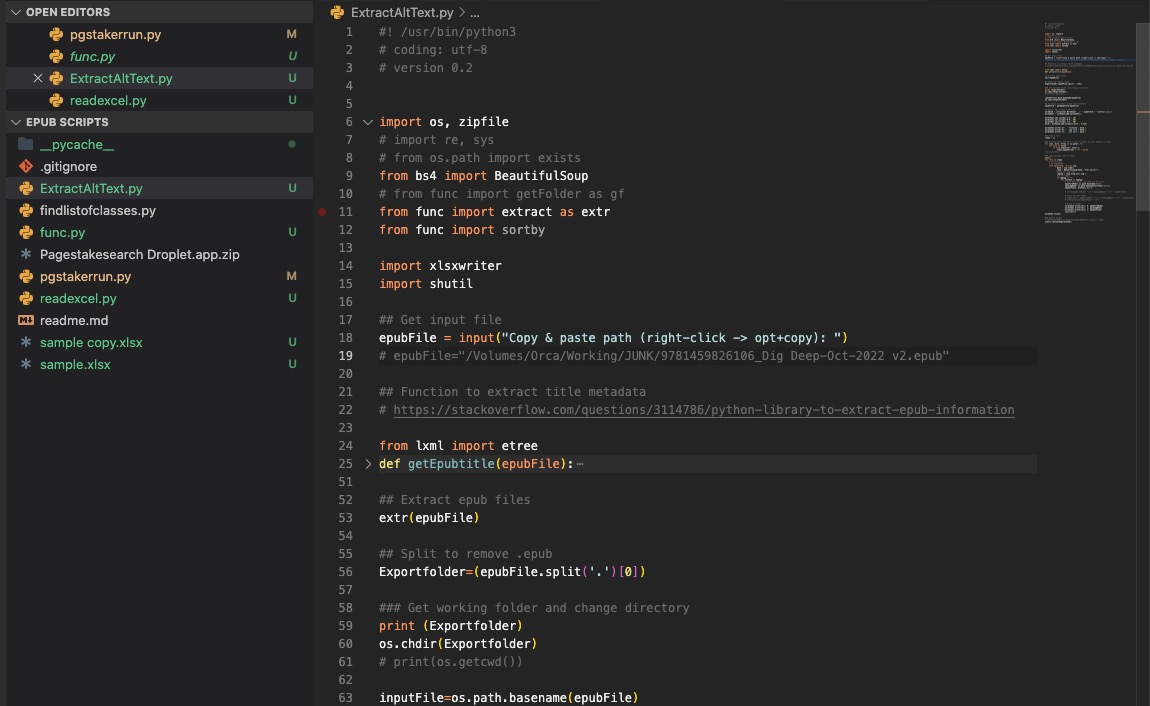
VS Code Server
VS Code Server is one of the code editors I use to write python. Having it on my Pi as a web-based version is occasionally helpful but it is most useful for editing yaml files and configs for the docker containers so I don’t have to mount the Pi as a drive etc.
MeTube
Is a fast and easy YouTube downloader. Paste in the URL and it downloads the video. Great for archiving favourite shows like Taskmaster.

Home Assistant
I bought my first smart bulb. And since I am a cheapo I didn’t buy the expensive Hue that works with Macs, I had to do some hacking to get Siri to recognize it. I will probably do a post later about that whole adventure, but suffice it to say I landed on Home Assistant — which is a missive open source home automation software package with a huge community. All to control one single bulb.
But hey it turns on and off everyday all by itself and even turns on earlier if it’s cloudy outside! W00t!

MkDocs
See above 🙂
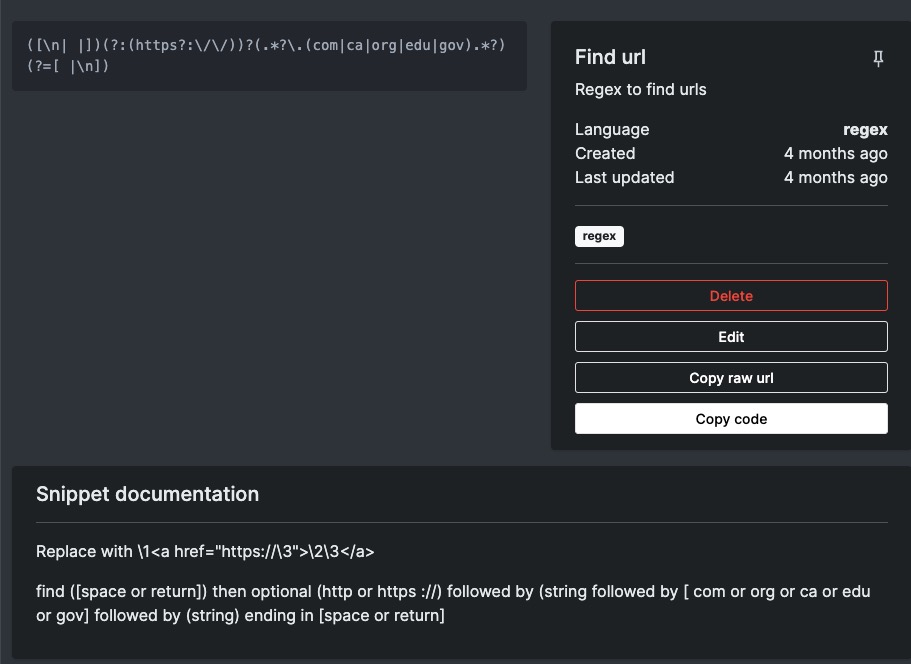
Snippet Box
Snippet box may not be long for the (Pi) world… It’s a great app that allows you to store snippets of code that you use fairly frequently but always forget the specifics of.
I was using it to store regex’s but I have a feeling I will replace it with a MkDocs site. We will see I guess…
Keep reminding yourself…

Instagram Since Last Time
My auto updater broke sometime this past spring so here is one big update.


Accessibiity

Accessibility is a big part of my new job, I don’t often add alt text to my images but I guess it’s something I will have to start doing.
Social Media offers some great options but we (the public) don’t actually use many of them, mostly because of apathy and just general ignorance around the options.
Here’s a great overview:
General overview: https://usability.yale.edu/web-accessibility/articles/social-media
(In case you are wondering, this post is really just an excuse to play with alt text 🙂 )
CSS Magic
I haven’t been keeping up on my css learning but I saw a new one the other day that is so applicable to text design. One can only hope that ebook reading systems will eventually support it. From https://www.youtube.com/watch?v=OGJvhpoE8b4
Often you want a different spacing between a H1 and H2 than you want between an H1 and paragraph. This is actually quite hard to do:
Title
Subtitle
This is the paragraph.
Title
This is the paragraph.
Using the :has selector you can say if the h1 class has (not) a subtitle them change the space after:
<h1 class="article-title">Title</h1>
    <h2 class="article-title">subtitle</h2>
    <p>Lorem ipsum baby.</p>

<h1 class="article-title">Title&</h1>
   <p>Lorem ipsum baby.</p>
.article-title{
  margin:0;

.article-subtitle{
  margin:0;
  margin-block-end: 3rem;
}

.article-title:not(:has(+ .article-subtitle)){
  margin-block-end: 3rem;
}
It’s everywhere, and it’s glorious
It’s all over the internet but I can’t help it. What a glorious image.

The Pillars of Creation are set off in a kaleidoscope of color in NASA’s James Webb Space Telescope’s near-infrared-light view. The pillars look like arches and spires rising out of a desert landscape, but are filled with semi-transparent gas and dust, and ever changing. This is a region where young stars are forming — or have barely burst from their dusty cocoons as they continue to form.
Credits: NASA, ESA, CSA, STScI; Joseph DePasquale (STScI), Anton M. Koekemoer (STScI), Alyssa Pagan (STScI).
Orca

Founded in 1984, Orca Book Publishers is an independently owned Canadian children’s book publisher of award-winning, bestselling books in a number of genres. With over 1,000 titles in print and more than 80 new titles a year, Orca prides itself on publishing Canadian authors and bringing them to a wider market.
So I mentioned I had news in the job realm. I’ve accepted a position at Orca Book Publishers as a Digital Publishing Specialist. In essence I am taking over most things digital-book from the various people who’s responsibility it currently is and trying to both consolidate the workflow and streamline the process so Orca can better leverage those assets in the future.

As I mentioned in the teaser post his job is a direct result of the the work I did at Standard and the ongoing attempts I’ve made to teach myself ebook production and accessibility over the years. Over the pst year or two I have really tried to focus on accessibility—it floors me how relatively “easy” it is and how many publishers continue to ignore it. Given the frustrations experienced in my family due to various disabilities, I don’t see why these more cost-effective changes are made more rapidly. It’s not like we are having to redesign entire buildings! Things are changing though.
Anyway, I have been trying to worm my way back into full-time book publishing for years and I am extra grateful for this amazing opportunity.
Onward and upward…always!
Oh, and I bought myself a present. (And yes, I know, I have some cable management to do…)

Teaser News
I haven’t signed on the dotted yet (actually it’s solid) but, barring unforeseen circumstances, I am once again gainfully employed in the publishing industry.
This is a direct result of my work with the Standard Ebooks project. Four years of volunteering for this terrific project both taught me the skills and gave me the will to learn even more about digital publishing and accessibility and that has resulted in this exciting opportunity. And did I mention it’s back in book publishing… living the dream man, living the dream.
More later when I actually sign.

The office. Yes, it is a remote position so I get to keep my cluttered desk cluttered just the way I like it.
Cleansers…
I haven’t posted a random picture in a while. This one is called “Why I haven’t done much glass work lately…”
Lol.

Because stupid is stupid
I post a lot of right-wing idiocy in the Stupid Human Tricks category but that doesn’t mean that dumb-f*ckery is limited to that end of the political spectrum.

Travis Toews, centre, makes a comment as Leela Aheer, left, and Brian Jean listen during the UCP leadership candidates’ debate in July. All three have been targeted during the campaign. (Jeff McIntosh/The Canadian Press)
Two candidates running to lead Alberta’s United Conservative Party say they’ve received death threats over the course of the campaign.
Travis Toews, the former finance minister, and Brian Jean, the MLA for Fort McMurray-Lac La Biche, told CBC News they’ve each been the subject of at least one death threat.
Both have also received additional threats online and via social media.
This is the state of politics in our province and I imagine in our country as a whole. To those who feel free to threaten anyone, of any political stripe or social viewpoint I refer you to a previous post and say:
Just fuck off.
I’m done now. I’ll reserve any further political commentary to things that don’t involve the dregs of our society.
Addendum: Going back and reading the comments the assumption being made is that the death threats are coming from the extreme right. I want to believe this is so, at least for the actual death threat parts but I know in my heart that the online abuse and threatening behaviour is not limited to that extreme end of the right. I see it every day. Threats, abuse and just general intolerance are all unacceptable.