Instagram This Week


Teh is The Answer
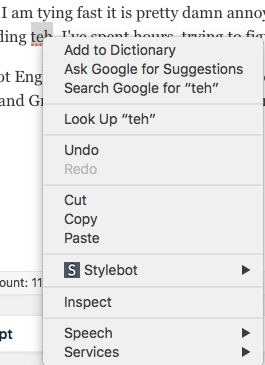
For some reason Chrome has never wanted to suggest any other possible spellings for the word “teh.” I almost always misspell it when I am typing fast and it is pretty damn annoying since Chrome completely ignores OS X’s language preferences—so I can’t turn on Substitutions—and screwing with the OS X dictionary was useless. So every time I go back through to proof a document (especially here in WordPress) and although Chrome will identify it as an error, I can’t just right-click and correct the offending teh like every other word I mistype:
I’ve spent hours trying to figure it out and I finally managed it today. It seems I didn’t have a dictionary enabled. I’ve got English, US and English, UK selected in Chrome’s preferences but that never did any good. You need to go to Edit: Spelling and Grammar: Show Spelling and Grammar: and instead of Automatic by Language, change it to something else.
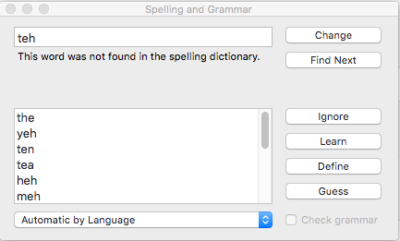
Turns out if I change that to Canadian English:

Then voila! Right-clicking now yields the proper suggested spellings.
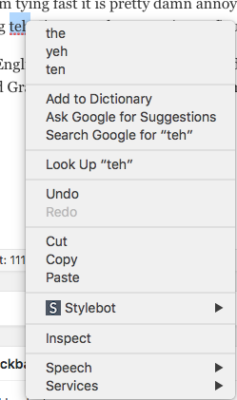
Mystery solved. After too many years.
Addendum
So here we are a week later and teh is no longer being suggested as a correction! WTF mate? So I went back and checked, and sure enough Chrome had moved the language back to Automatic by Language. A quick selection of Canadian English and we are back in business. But why? Was it an update somewhere along the way? I will have to keep an eye on it…
Addendum to teh Addendum
June 7th and the bloody thing has forgotten its dictionary again. Another quick reset back to Canadian English and we are good to go. I guess now I have another problem to investigate.
Instagram This Week

Instagram This Week
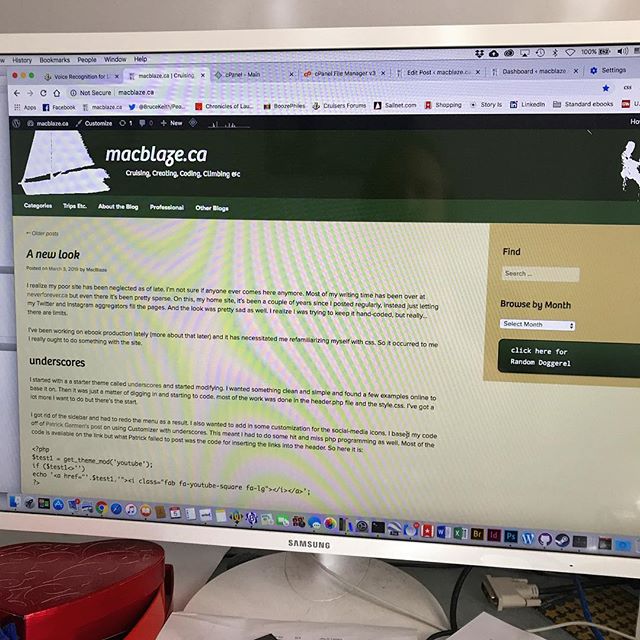
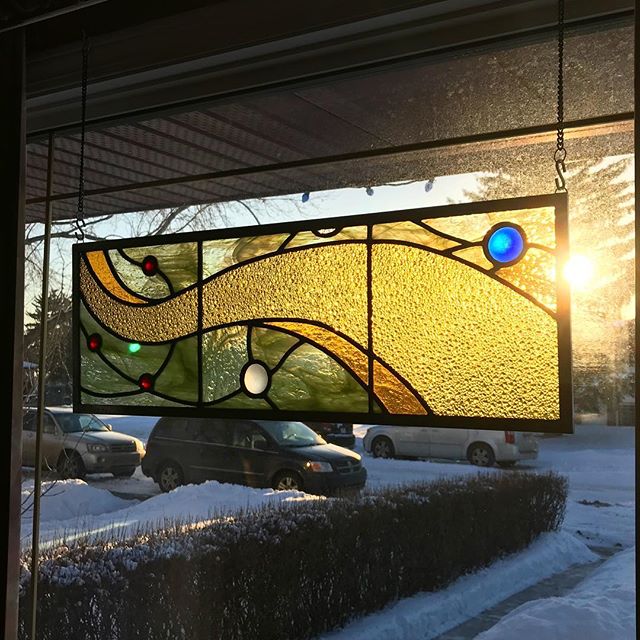
#cssishard #doingitthehardway
ebook creation
As a side project in late 2018 I started to produce ebooks for Standard Ebooks. I had been wanting to broaden my knowledge of epubs so I went casting about the internet for some good starting places. And I stumbled across this project:
Standard Ebooks takes ebooks from sources like Project Gutenberg, formats and typesets them using a carefully designed and professional-grade style manual, fully proofreads and corrects them, and then builds them to create a new edition that takes advantage of state-of-the-art ereader and browser technology.
 It sounded perfect. And the addition of current semantics and web standards in construction also allow them to be more accessible which was something I had also been looking into. Volunteers pick a book project and after the redesign of the base code, they are modernized, proofread again and issued on the Standard Ebook website in multiple formats. And the whole system is also setup to allow maintenance after publication with fixes and updates by both the original producer and readers at large using GitHub. I would absolutely recommend that if you are thinking of downloading an ebook from Gutenberg that you check with Standard ebooks first to see if it has been worked on. It’s a much better choice.
So what do you do?
Well first off you need to subscribe to their google groups mailing list. Then you pick a copyright free (U.S. copyright free) book and propose it to the group. They prefer that the first project be short (~40,000 words) to encourage you to finish it rather than getting bogged down and abandoning the book. I get the sense that this happens a lot. Once the proposed title is approved you head over to the their website and follow their handy step-by-step guide. Step one is downloading their tools. These are a set of Python-based command line tools that take care of a lot of the technical bits. If you’ve never used command line (Terminal on a Mac) it can be a bit intimidating but if you are interested you really shouldn’t let that stop you. Downloading the tools can take a lot of time so be patient.
The process
Essentially you follow these basic steps:
- Find the book on Gutenberg (or some other archive). Also locate online scans of the original text.
- Create a basic ebook template using the downloaded files (via the toolset).
- Clean up the files and make them conform to Standard Ebook standards.
- Fix the typography (via the toolset).
- Check the typography against their thorough typography manual.
- Add Semantics (again first via the toolset, then by using their semantic manual).
- Modernize spelling and punctuation.
- Find a cover (this is really rather a difficult and time-consuming step because they insist you find a CCO public domain image or something that was previously printed prior to 1922.)
- Complete the ToC and add links to various pages.
- Finish off the metadata (usually just a matter of writing a synopsis and filling in some blanks).
- Proofread, proofread, proofread.
- Submit for approval (and inevitably revise based on things you’ve missed).
Interestingly enough
This is a project started by and mostly inhabited by bibliophilic computer geeks. They use a programmer’s approach to both structure, methodology and problem solving and rely on all sots of computer tools like GitHub—and the things I have learned about regex’s (high-powered search and replace paradigms) makes me giggle in glee. I can’t say, as a book designer I always agree with them and some of their stricter choices but the results speak for themselves. The main the thing their approach brings is an easily updated and maintained ebook that suffers very little from the idiosyncratic problems I find in “professionally” designed ebooks. And their collaborative approach ensures that multiple contributions by multiple contributors can be managed swiftly and easily, something that almost never happens in the real publishing world.
My ebooks so far…
After the first couple of books I settled into doing mostly plays. It’s a form I have always enjoyed, a genre that I am really familiar with and the technical challenges make them much more interesting to work on. And they’re fairly short which works well with my short attention span.


If you’d like to see a current list of books I will try to keep the page over at astart.ca/coding/ebooks current.
In conclusion
I plan to continue doing this as long as I have time. I am learning an incredible amount about ebooks, ebook structure, programming tools, css and html, art, literature, and even a bit about copyright and the open source community. I am trying to talk L into collaborating on a project with me (we are thinking William Carlos Williams’ pre-1923 poetry) where I will focus on the tech end and she can do the “boring” proofing and editorial. There might be an opportunity to work straight from a scanned original—bypassing the Gutenberg process altogether. That will make it much more challenging. And I will probably start adding some notes about my various process and fixes to the site. After all I did originally start it as a way to save my bits and bobs of computer experimentation for posterity. So if you start seeing things like:
Find stage direction in brackets: [maid dusts the mantlepiece]\[(.*?)(.*)\]Replace with:<i epub:type="z3998:stage-direction">\u\1\2\.</i>
…you will know what it’s all about.
A new look
I realize my poor site has been neglected as of late. I’m not sure if anyone ever comes here anymore. Most of my writing time has been over at neverforever.ca but even there it’s been pretty sparse. On this, my home site, it’s been a couple of years since I posted regularly, instead just letting my Twitter and Instagram aggregators fill the pages. And the look was pretty sad as well. I realize I was trying to keep it hand-coded, but really…there are limits.
I’ve been working on ebook production lately (more about that later) and it has necessitated me refamiliarizing myself with css. So it occurred to me I really ought to do something with the site.
underscores
I started with a a starter theme called underscores and started modifying. I wanted something clean and simple and found a few examples online to base it on. Then it was just a matter of digging in and starting to code. most of the work was done in the header.php file and the style.css. I’ve got a lot more I want to do but there’s the start.
I got rid of the sidebar and had to redo the menu as a result. I also wanted to add in some customization for the social-media icons. I based my code off of Patrick Garmen’s post on using Customizer with underscores. This meant I had to do some hit and miss php programming as well. Most of the code is available on the link but what Patrick failed to post was the code for inserting the links into the header. So here it is:
<?php
$test1 = get_theme_mod('youtube');
if ($test1<>'')
echo '<a href="'.$test1.'"><i class="fab fa-youtube-square fa-lg"></i></a>';
?>
You repeat this for each social media option you added in the Customizer.
Fonts & Icons
The icons come from Font Awesome and they have a great system for adding icons etc. to your page. I also grabbed two fonts from Google Fonts: Open Sans Condensed and Quicksand. I might go back and rethink that later, but for now they work pretty good.
To Do
- I want to revisit the code for posting the Instagram updates. It’s still pretty ugly and I think I can do better.
- I am not sure about the background colour yet. Too blue?
- I want to continue to work on the header to make it work better on smaller screens.
- Go through page by page and fix the tiny issues.
- And probably delete some of the pages that are out of date.
It also occurs to me I haven’t upgraded to WordPress 5 (Gutenberg) here on my main site. That might also throw some wrenches in the works…maybe even monkeys…

This is a screen shot for posterity. I am sure it will change pretty quickly.

The old look!
Instagram This Week
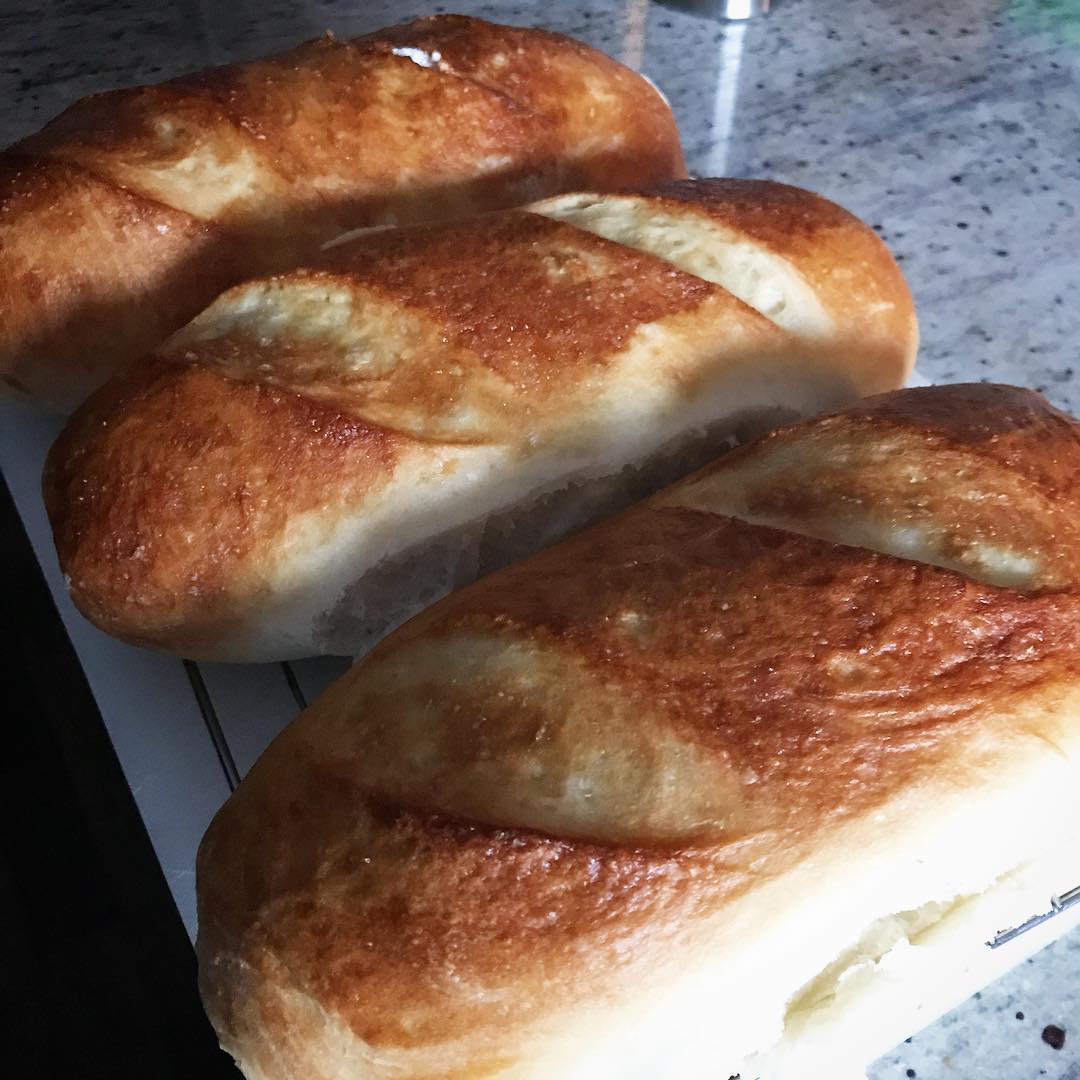

#oldfriends #toughplants #tropicals #indoorplants
Instagram This Week

Instagram This Week
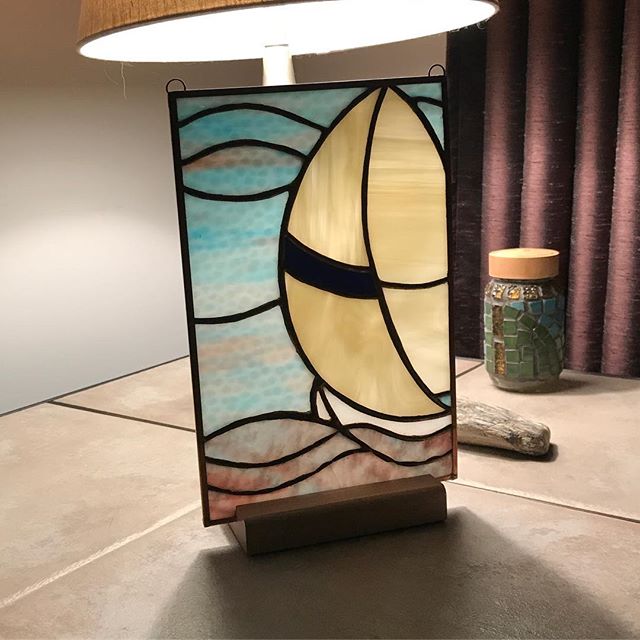
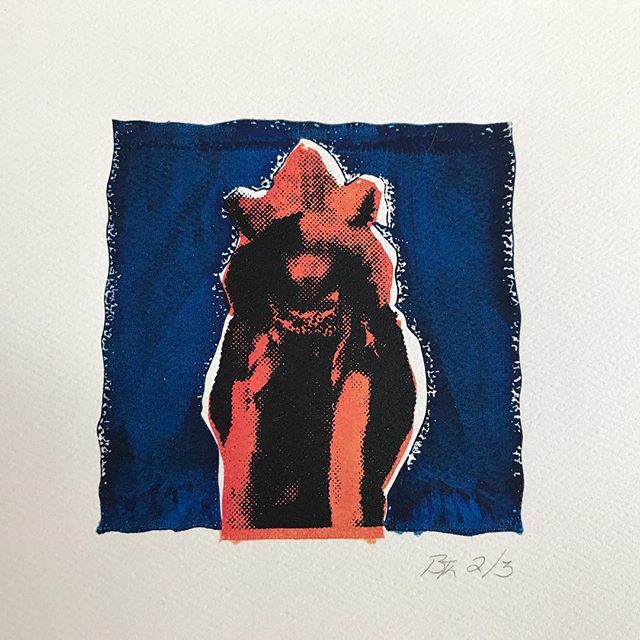
Silk screen Print — Bruce Keith#31daysofart #artinourhouse
#art #artists #artwork #beautiful #yeg
#print #printmaking
#lastone
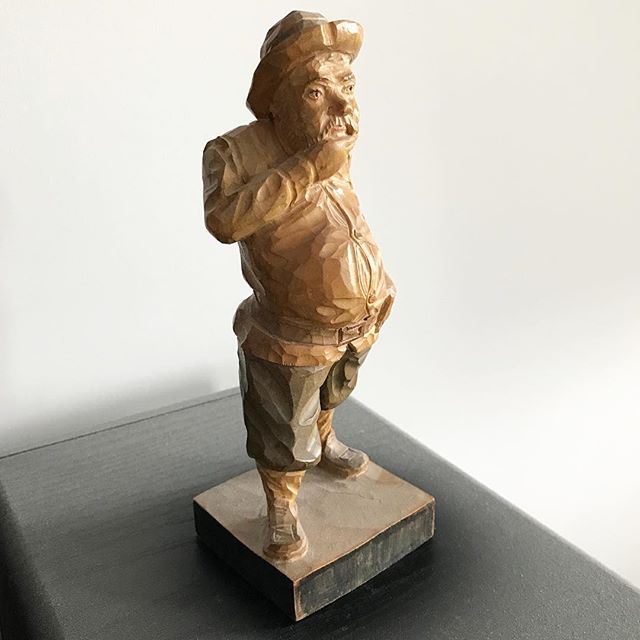
Wooden sculpture — Unknown Spanish street artist#31daysofart #artinourhouse
#art #artists #artwork #beautiful #BC #artoftheheart
#wood #sculpture #carving #wellloved
Instagram This Week
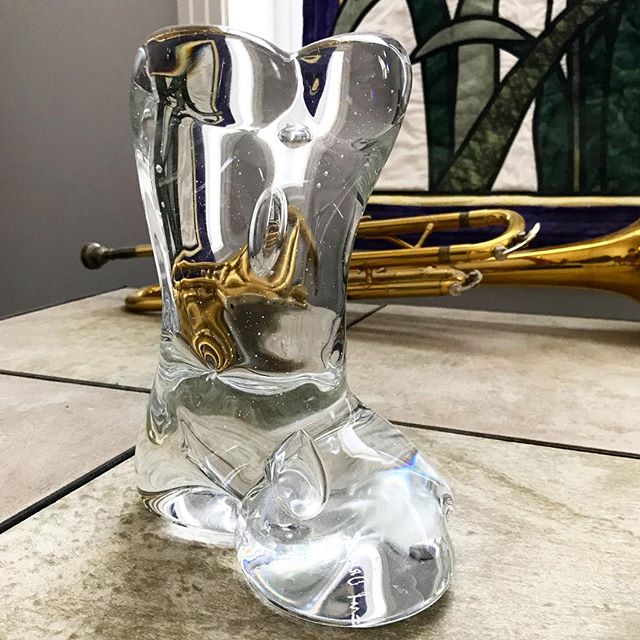
blown glass — Carol Dragich-Bishop www.dragichdesign.com#31daysofart
#art #artists #artwork #beautiful #yeg #yegart
#glassblowing #glass #artinourhouse

Acrylics — Unknown artist#31daysofart
#art #artists #artwork #beautiful #artinourhouse
#acrylic #owls #simplepleasures #lostart #paintings

Litho — Roy Henry Vickers @royhenryvickersgallery
(the original is a seriograph — spiritsofthewestcoast.com/products/easter-1985-by-roy-henry-vickers)#31daysofart
#art #artists #artwork #beautiful #BC #westcoastartist
#print #printmaking #aboriginalart #litho #artinourhouse

Pastel drawing — Susanne Loutas#31daysofart
#art #artists #artwork #beautiful #stalbert #yegartists
#pastels #drawing #artinourhouse

Silver gelatin print — Akemi Matsubuchi @akemimats#31daysofart
#art #artists #artwork #beautiful #stalbert #yeg
#photography #photos #portraits #realmoments #family #artinourhouse
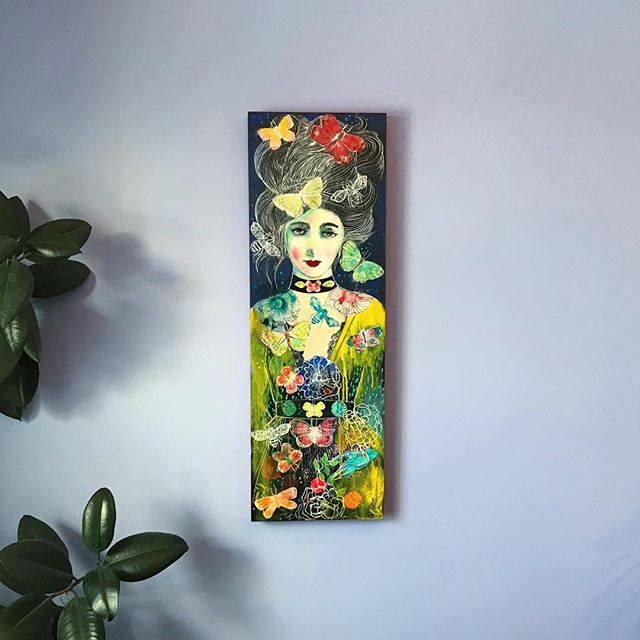
mixed media — Maria Pace-Wynters @mpwynters#31daysofart
#art #artists #artwork #beautiful #yeg #yegartist
#femalefigure #painting #mixedmedia #artinourhouse

Print — Sa Boothroyd#31daysofart
#art #artists #artwork #beautiful #BC
#print #printmaking #artinourhouse