New Image Management?
I’ve decided to give an alternative to Apple Photos a try. Photos has been increasingly frustrating in its organization on the iphone and its pretty darn slow on my desktop if I try and offload the data base to an external drive.
Immich
An open source, self hosted photo solution, Immich is also free. And it has an iPhone app that will sync with you camera roll to automatically backup photos from the camera.

I will flush out the documentation but basically I followed baty.net/posts/2025/12/from-apple-photos-to-immich/
Immich is a Docker container but My Pi’s aren’t robust enough (I think) so I installed it on my Intel Mac Mini (2019) which is doing duty as my Calibre server and Jellyfin server. This means I have to use the clucnky Docker Desktop for Mac but c’est la vie. It install via docker -compose file docs.immich.app/install/docker-compose. The wget didn’t work so I just downloaded the file from Github. I had to use terminal to rename the .env file. Then I fired up the container by running the compose file and that was pretty much it.
Visit the app by going to 192.168.1.x:2283, create an account and add a password.
Preliminary testing
cd into your directory and docker compose up -d
I played around with and the iPhone app and decided it was going to work and proceeded to move my main library of 30,000+ images. What I did was copy the photos library (Photos Library.photoslibrary) over to the mac mini (150gig, 1+ hours) then use an utility to export it. In retrospect that was silly since I exported it to an external SSD for temporary storage anyway. What I should have done was run the utility direct from the original library to the ssd and save me a lot of time.
osxphotos
To install:
brew tap Rhetbull/osxphotos
brew install osxphotos
It’s a pretty fancy little utility but I went with the basics:
osxphotos export /Volumes/External_SSD/DestinationFolder \
--skip-original-if-edited \
--sidecar XMP \
--touch-file \
--directory "{folder_album}" \
--download-missing \
--library '/Users/admin/Desktop/photo library/Photos Library.photoslibrary'
Note this if you want to import a library other than the defualt Photos library. Otherwise you can just eliminate the last line.
It didn’t take too long and it had exported all my images in a fancy folder structure on the ssd.
immich cli
Then I had to install the command line interface for immich. I discovered it was on brew which was easier than the suggested npm.
brew install immich-cli
Then you need to go to the immich web interface (192.168.1.x:2283) and add an api key. Account Settings > Api Key. Then add the key tot eh following and log in.
immich login http://192.168.1.x:2283/api APIKEYxxxXXXxxxXXXXxxXXXXXx
Once you are logged in, let ’er rip.
immich upload --recursive /Volumes/External_SSD/DestinationFolder --album
Less than an hour later the images were imported. It took a couple of hours for the thumbnails to appear and overnight for things like geo-location and face recognition to finishing running.
Conclusion
So far it is pretty slick. I can take a picture on my phone and it is set to upload the image as soon as I open the app (if I am at home). The response is snappy, the AI assisted search is wonderful (for finding images with two cats, or bread, or pizza etc.)

If I keep it I will likely set up a domain and a ssl cert so I can access the images from outside my firewall. But for now the big downside is that if I want to do anything but look at an image on my iPhone from outside my personal network I am out of luck—the app only stores thumbnails. And maybe a followup review where I can add a bit more detail…
Electronic waste
I dug up this picture of my desk from 2010… 15 years ago. Of all the electronics visible (and there are a lot if you look closely…including the calculator and the camera) they have all been relegated to the recycling bin. (Actually so have the desk, shelves and chair lol…) The very last thing I was using was the Apple keyboard which got replaced last week… so all in all I think the sometimes outrageous price of Apple products is worth the while.

I still have the ipad (1st gen) and one of the apple mices but both are in a box and only used in an emergency. Actually looking closer I still use those speakers so I guess they are the winners 🙂
Resident Cat
Almost a year. Settlin’ in…
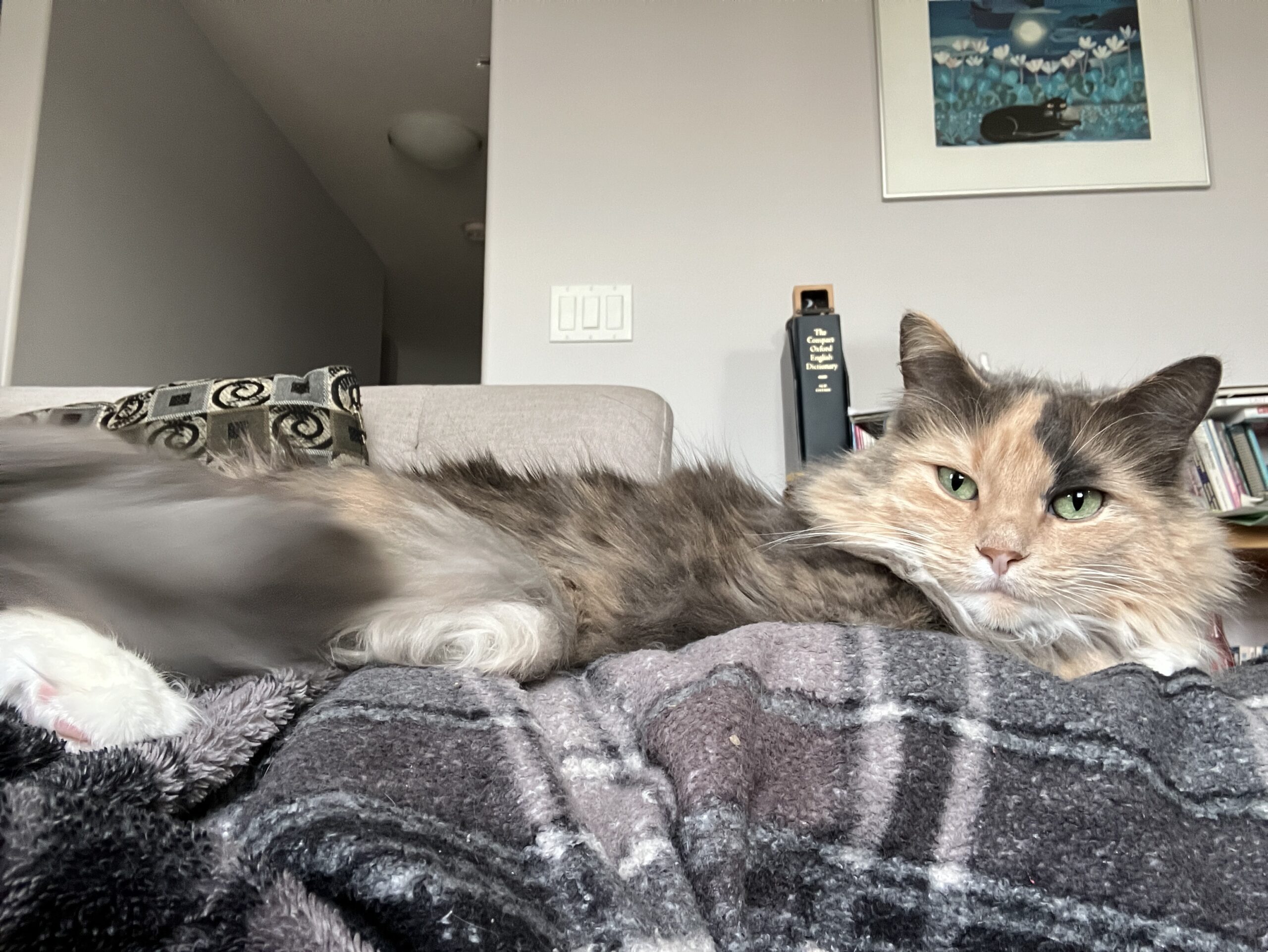
Waiting for Godot
Wait…was it Godot? or Leslie? No matter….

The Bad List
Years ago we saw this episode of Rug Rats and were always tickled by the dude from Cogs Unlimited’s interaction with Angelica.
So we finally got it out from the library, found the scene, and have stored it here for posterity.
Speaking of AI
Facebook has an irritating new feature that puts an AI prompt under every post and picture, often offering to explain all there is to know about the subject matter.
But under a recent image of Calvin and Hobbes playing Calvinball it went just a bit too far. Explain the rules of Calvinball? Ha! I triple dare ya…

AI Art FTW…
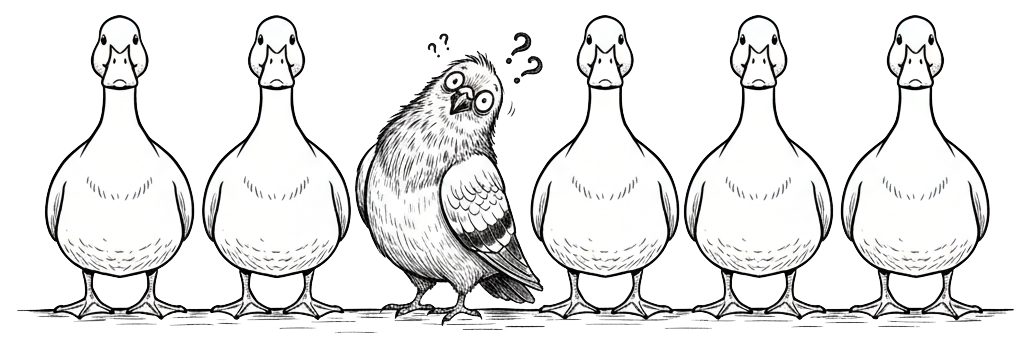
“Lordy, it’s a duck-in-a-row kind of day, but I don’t even know where mine are, and I’m pretty sure one is a pigeon.”
The joys of working for a publisher!
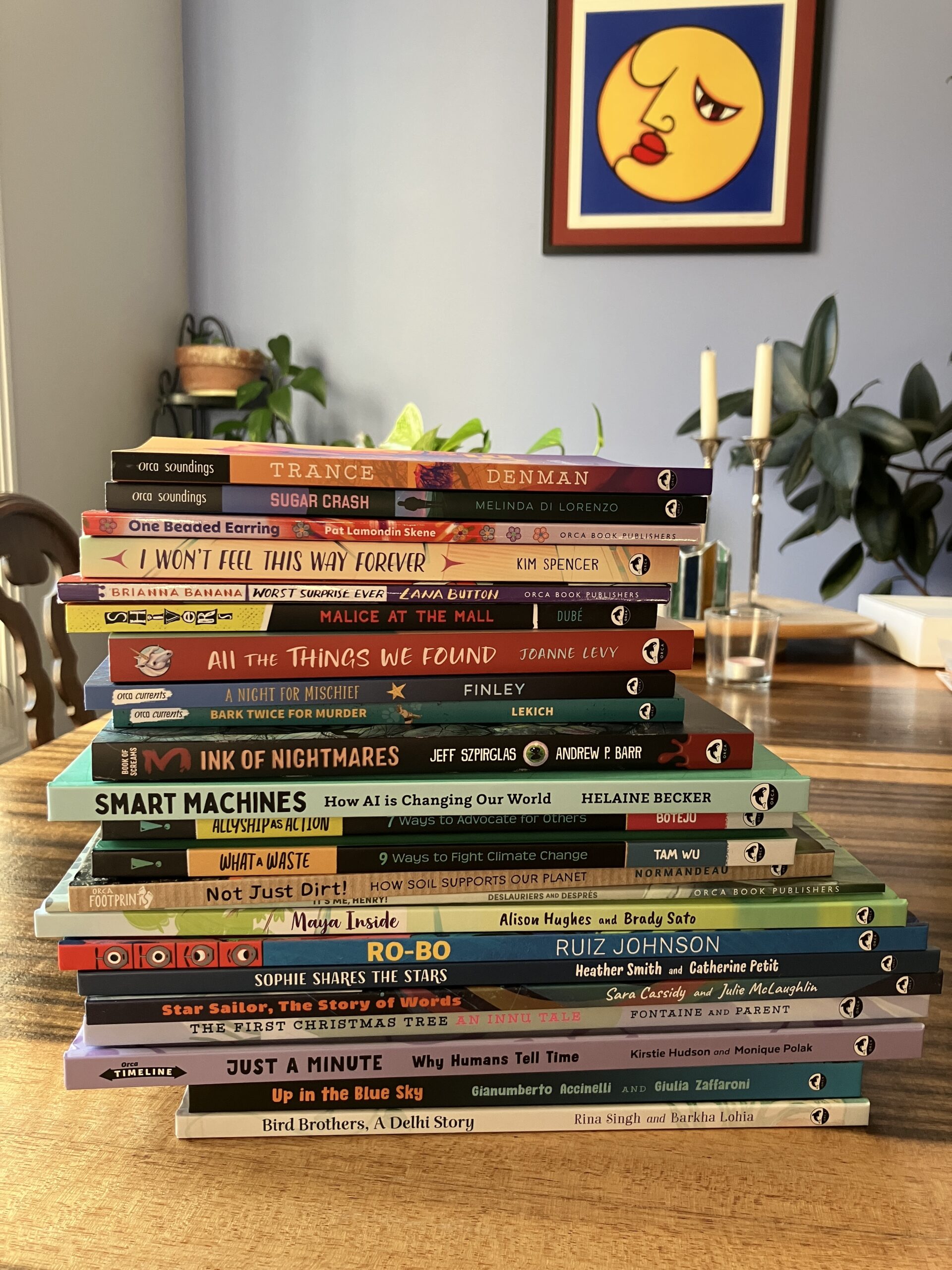
20 years!
A reminder!
SATURDAY, NOVEMBER 30, 2002
https://moreblaze.blogspot.com/2002/11/
I had this set up as an auto post… I have no idea why… it’s not been 20 years since anything…
Sigh.
