Open Source
L needs a textbook for a course. Her go-to is now out-of-print. Last year she used an open-source textbook from UBC in a different course and was keen on the idea.
So she wrote one.
And I get to make it a book.
 Making an epub/pdf text

So it’s been a scramble because she was still writing while I was trying to adapt the tools (standard ebooks toolset) I usually use to fit the new model. Eventually she wants to host it with the MacEwan OER repository and that might mean moving it over to Pressbooks which they use for publication and version management, but for now I was just going to stick with what I knew best. And frankly Pressbooks has turned into one of those things like Microsoft Word that tries to do too much in a way that appeals to the lowest common denominator and ends up being more confusing than helpful.
So I stuck with my own tools for now. My intent is to produce a epub/azw files and then covert back into pdf. It sacrifices a bit on the design side but it ensures clean epub files and, after all, its only a text book—and a free one for that.
Process
Step one was revising the Standard file templates so I could continue to use the tools without anything hiccuping (thanks Alex for all the latest revision that have facilitated that!) and building out the extra components.
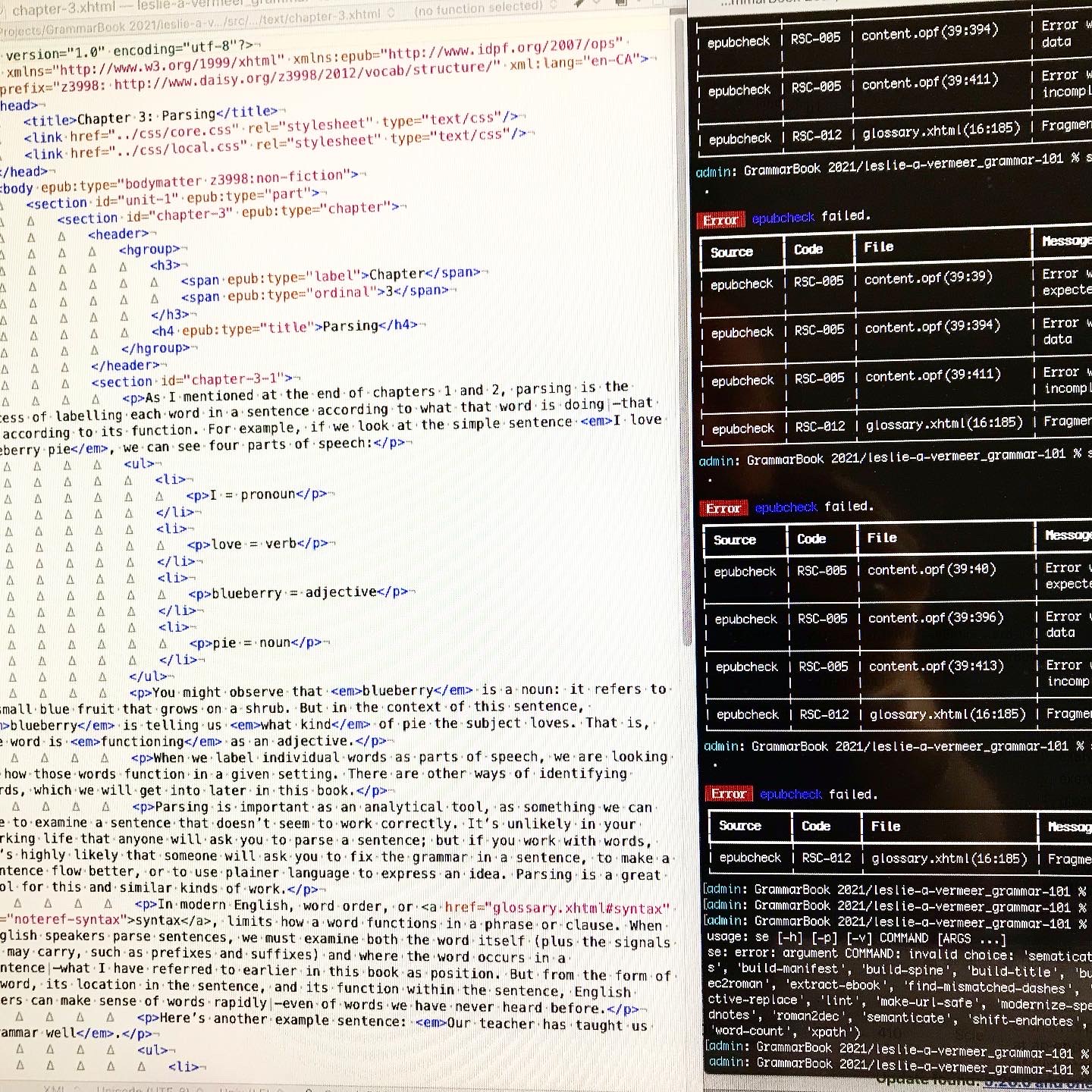
This meant adding a glossary (and associated linking system), a table of contents (because Standard eschews them for the built-in version), answer keys (again with associated links back to the exercises), a bibliography and an About the Author page. Pretty much everything else came straight from the basic templates I usually use.
I also had to go through and change and adapt things like logos, metadata that referred to Standard Ebooks and their imprint and colophon. I also had to remove all the references to the custom Standard Ebooks semantics, redesign the cover build tool and research and ask some question in regards to the more complex hierarchy (again, thanks Alex!).
Challenges
To get this:
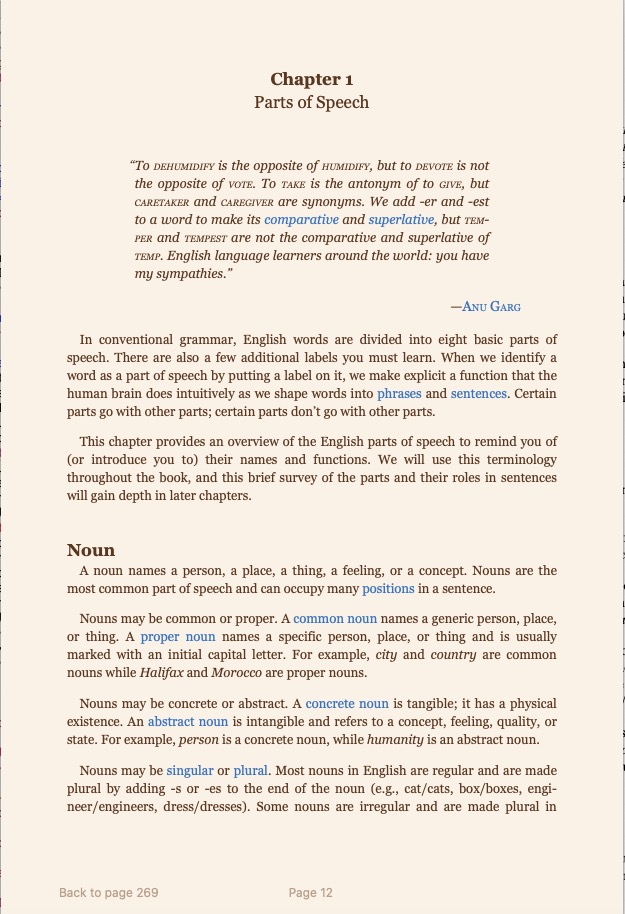
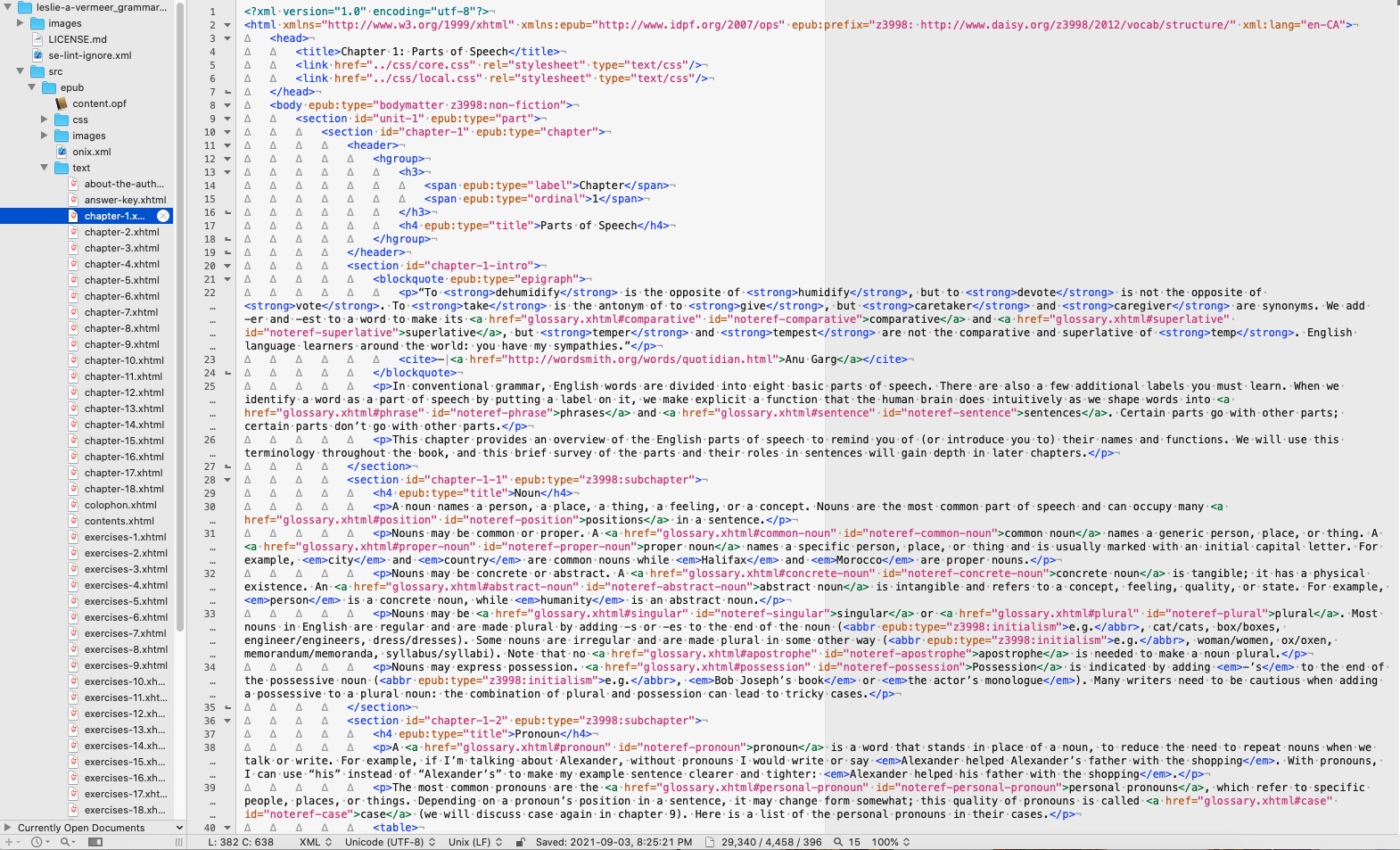
You need to produce this:
The single biggest issue I encountered (and this will be a surprise to absolutely no one who has had to do any kind of design) was…wait for it…Microsoft Word. Gawd, what a monstrosity. All I wanted to do was export files that had the appropriate heads, bulleted and numbered lists and text that was highlighted or underlined while retaining italics and bolds.. This is among the simplest and most basic html markup you can do. So you’d think that one of the many export to html functions. built into Word would be able to accomplish that, wouldn’t you?
Nope.
At worst I got massive amounts of unnecessary gobbledy-gook that still didn’t retain the list format and at best I got a cleaner file that apparently at random either retained the list format or translated the it into some complex css while turning the highlighted text into increasing more bizarre span links. But it wasn’t much of a surprise as there are tons and tons of Word -> html utilities out there and why would they exist unless to try and solve a problem that was pretty universal.
I looked at bunch of them but soon found that even that wasn’t going to work. Most of the rely n a copy form Word and past into an instance of tiny mce editor (a web utility to allow you to write and format text). After converting most of the files I discovered it had a weird glitch that dropped words in the last line of a list if it had any formatting applied. I didn’t look into exactly what the issue was but it occurred in all of the converters I could find.
Back to the drawing board.
In the end I exported all the Word files to .rtf files and then copied and pasted them into this converter. I was careful not to clean the html as that lost me some of my formatting. This left me with somethin like this:
<p class="p1">Chapter 1: Parts of Speech</p>
<p class="p2"> </p>
<p class="p1">In conventional grammar, English words are divided into eight basic parts of speech. There are also a few additional labels you must learn. When we identify a word as a part of speech by putting a label on it, we make explicit a function that the human brain does intuitively as we shape words into phrases and sentences. Certain parts go with other parts; certain parts don’t go with other parts.</p>
<p class="p1">This chapter provides an overview of the English parts of speech to remind you of (or introduce you to) their names and functions. We will use this terminology throughout the book, and this brief survey of the parts and their roles in sentences will gain depth in later chapters.</p>
<p class="p2"> </p>
<p class="p1"><h2> Noun</p>
<p class="p1">A noun names a person, a place, a thing, a feeling, or a concept. Nouns are the most common part of speech and can occupy many <span class="s2">positions </span>in a sentence.</p>

<p class="p1">Nouns may be common or proper. A <span class="s2">common noun</span> names a generic person, place, or thing. A <span class="s2">proper noun</span> names a specific person, place, or thing and is usually marked with an initial capital letter. For example, <em>city</em> and <em>country</em> are common nouns while <em>Halifax</em> and <em>Morocco</em> are proper nouns.</p>
Which was pretty easy to clean up.
Everything from then on went pretty smoothly. From raw text to a complete (albeit badly formatted) textbook was less than half and hour after I got the chapter templates set up.
The Fiddley Bits
- It needed a cover. I had a quick concept so that didn’t take long and the “client” was not fussy.
- It needed some internal links from word -> glossary and then glossary -> originating word and frankly this second bit took the most time of the whole project, as I didn’t know which chapter the word came from so I had to search each term and then edit the backlink. But it was only a couple of hours work.
- I had to do some research on Pressbooks to make sure I could convert the book later if I had to. I can.
- I also had to look at/for Library and Archives Canada’s list of Canadian Subject Headings (CSH) as I was used to the Library of Congress. Now there was a rabbit hole… or more accurately a morass. What a mess! I ended up just using BISAC codes.
- Figuring out how to convert to pdf. In the end I went with this online tool and then edited the resulting pdf in Acrobat to add page numbers and footers. It still had some bad page breaks but overall it made a pretty nice text.
- Custom css. I am still working on tweaking this. I want to keep it simple but still add a bit of functional design to make it easier on the eyes.
What’s Next
Well, L is going to pilot the 1.0 version this fall with her current class and in the mean time it will go out for peer review to various people. After any revisions and updates she hopes to add it to the OER network for others to also use as a teaching tool.
I will post up the links to the files when I get everything done and reviews are in.