Vlogging 2019
I finally got around to editing all my video footage from April 2019. It really only needed 3 videos to cover the trip but I wanted to do the week-plus spent travelling with the Calgary Yacht Club as a separate video, so I ended up making 4 with the last one mostly just a round up of the last week, easing back into the real world and cleaning up.
I also thought I would publish a bit of background on the vids themselves. Some of the online forums I participate in are filled with curmudgeons that insist that YouTube is filled with freeloaders and people with no, or bad, work ethics. If the amount of effort I put into my — admittedly bad — videos can be taken as a measure, then those who weekly produce high (or even medium) quality videos for their sailing channels are in no way suffering from work ethic issues.

My Channel
All 23 of my videos can be found here on the Never for Ever channel. It has a whopping 21 subscribers, half-a-dozen likes, and 6.8k views lifetime. The most views at 1.7k is a short, mostly unedited video of our second solo transit through Dodd Narrows on a Bayliner 38. I guess people just want to see what all the hype is about? The least amount of views (not counting the new ones) is 62 which is Part 6 of our 2017 trip to Desolation—I guess people were getting bored by then as Part 1 has 222 views.
For those who have never been to the channel, here is a summary of what you will find:
- 1 early and long video of a flotilla trip to Broughtons — 2014
- 3 short Broughtons’ videos — 2015
- 3 test promo videos for NYCSS
- 7 medium-length videos of Desolation Sound — 2017
- 3 long Broughtons’ videos — 2018
- 4 medium Desolation videos — 2019

Videos
Why do I make these? Successful YouTube channels have a hook or theme—something to attract and retain viewers. Me? Not so much. I got to thinking about it during the last round of editing and realized my imagined audience (the enormity of sadly ignorant people who really should come to know and love the PNW) and my real audience (family and friends) were worlds apart. Given the videos I do create, I would guess my subconscious realizes this, as I would definitely characterize them as a “travel log” for people who know us.
To expand the channel by any degree I think I would have to make the leap to official travelogue. This format has a long and storied history in the world of television but it would take a bunch more research and filming to really show the essence of places we visit. And it’s not really feasible for me to move into the vlog world. At the very least, that would take a more cooperative (and less camera shy) partner and a lot more talking to camera…or even any talking to camera. Hmmmm…
And there is no way we could really be a true sailing channel — not with all the motoring we do 🙂 I can just imagine the scathing comments.
One of the main reasons I make the videos is to practice and sharpen my software skills. My “Map” is a perfect example of this. I needed a map to display routes and rather than steal (and it actually is stealing) one off the internet I decided to make my own based on various sources. I traced a detailed outline into Adobe Illustrator and then modified and added layers to it. This was then imported into Adobe After Effects, routes added and animated and finally placed into the main Premiere video file for integration with the rest of the footage. It is labour intensive and complex and I end up learning something new every time I attempt it. Good practice, lousy efficiency.

The 3 videos I did to promote Nanaimo Yacht Charters were very much done for practice and proof of concept. It started when Water Dragon, a 2017 42 Lagoon, was going into charter and had done some videos to promote the boat — and I really hated his splash screens. So I volunteered to see if I could add something to it.
This:


Became this:
Then I redid an interview video he had done, tweaking the audio and lighting and played with a sample cruise itinerary of the Gulf Islands, which incidentally is my second-most viewed video despite the fact that it is beyond horrible.
I have also discovered subtitles recently. When I took my one brother for a tour through the Broughtons I checked to see if YouTube had CC (closed caption) capability (he’s deaf). Turns out they have an automatic captioning tool that, like most “autocorrect” type features, produces some awesomely funny results. Fortunately there is an ability to edit and add your own captioning, so I have started to add that to all my videos.
Tools
Hardware-wise I mostly use my iPhone 7 (or iPhone 5 in past videos), a Nikon Coolpix L80 with 28x optical zoom for long shots, and an SJCam (which is a cheap GoPro knockoff) for wide angle, timelapse and underwater shots. I long for a drone but keep talking myself out of it. At home I use my 2015 Macbook Pro to edit and last year invested in a 32-inch Samsung monitor after my old 21″ burned out.

As you can see, one of the “hardest” things about cruising is giving up all that delicious screen real estate for the puny 13″ monitor on my laptop. 😉
I am lucky enough to have the full Adobe Creative Suite so I use After Effects for animations and titles, Audition to prep and balance the audio and Premiere to put it all together. This year’s videos feature a lot of colour grading, which is a new skill for me, and a little experimentation with 2.33:1 anamorphic aspect ratios. I will usually open Photoshop and Illustrator at least once during a project to tweak an image or build some sort of graphic like the compass rose.
2019 Offerings
I had originally meant to say something about time invested and work ethic, but I think I have blithered on enough. Suffice it to say I shot these videos in April and it is now December. The rest I will leave for a future post. So, without further adieu, here are the four 2019 videos.
Part one is YEG to Lund.
Part two is Desolation Sound: Lund to Shark Spit.
Part three is a loop through the Discovery Islands with my brother and the Calgary Yacht Club‘s annual flotilla and our return to Smuggler Cove.
Part 4 is just our trip home from Smuggler, and encounter with the start of the VanIsle 360 and cleaning up.
—Bruce #Cruising, #Equipment
Subtext…
I can’t even begin to express all the subtitles that this headline brings to mind. Trump aides? WTF.
We are living in very strange times.

Instagram This Week
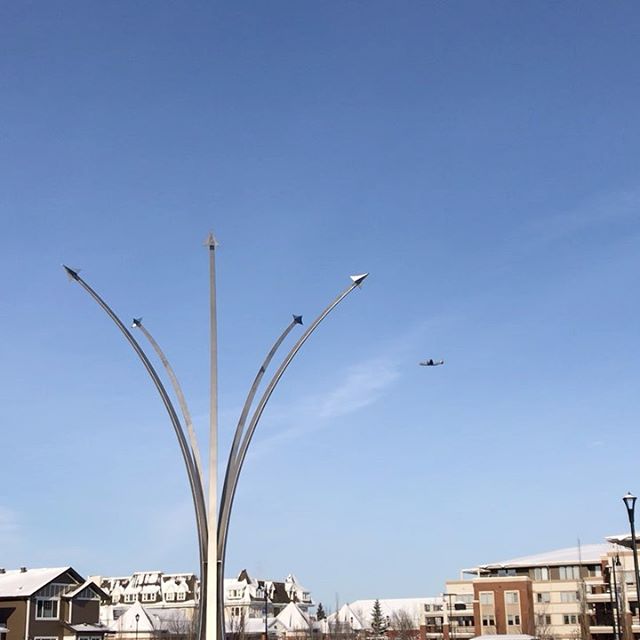
#rcaf #remembranceday #lestweforget

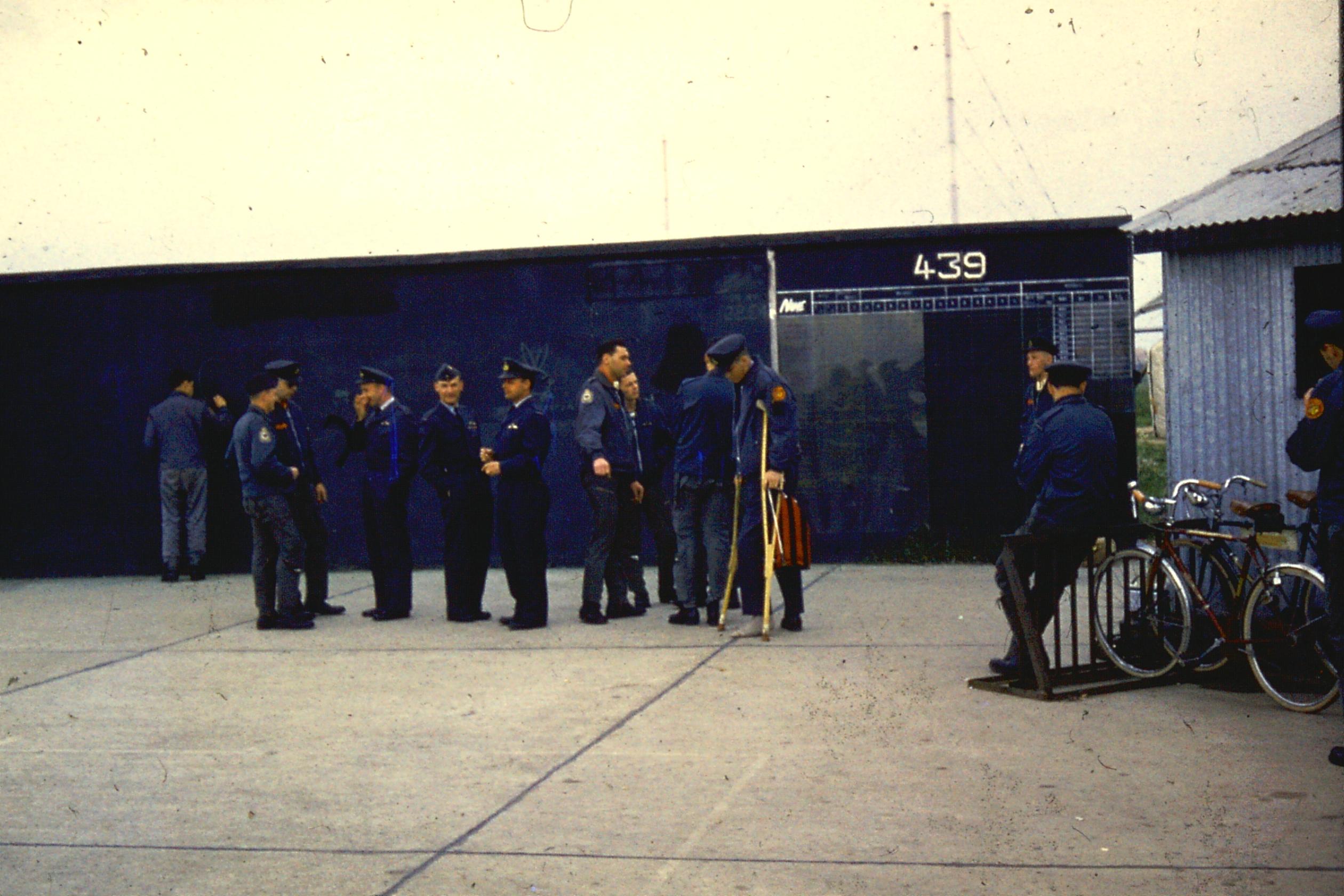
Remember
Remember not the violence and hate but the sacrifice and fellowship.

439 Squadron awaiting ZULU call, Sardinia, ~1963
Instagram This Week
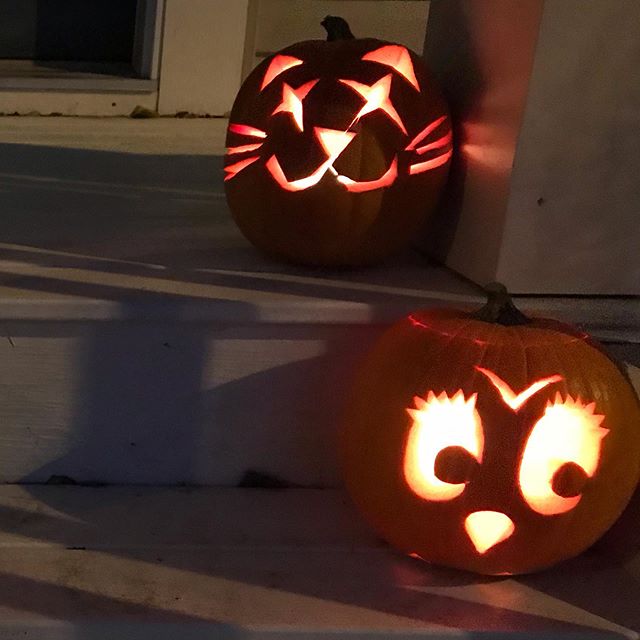
A motto for modern life
Live your life in wonder.
How simple is that?
Instagram This Week

Instagram This Week
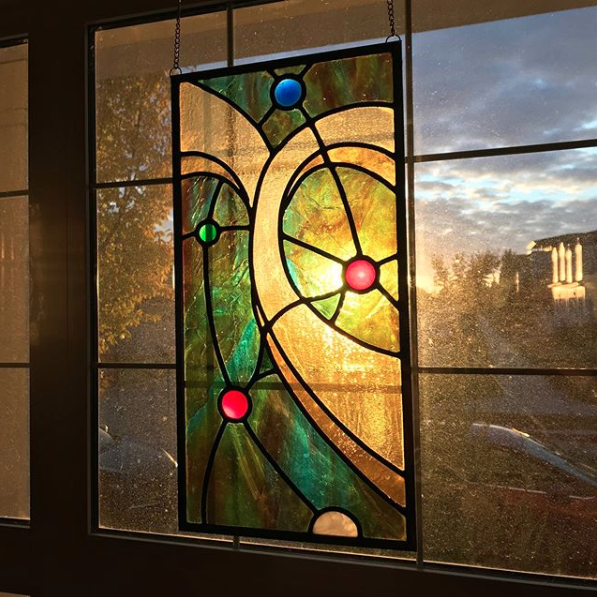
#sunset #nofilter
Instagram This Week

Computer Doings
I had recently discovered that my old copy of Filemaker Pro 12 wouldn’t run on my main computer (Macbook Pro OSX 10.14 Mojave) since my latest round of upgrades and it kept crashing on my old Mac Mini server (10.13 High Sierra). I don’t use Filemaker for much anymore but I do have two databases that get used about once a year: a boating log and a Blackboard quiz maker. The quiz maker wasn’t important but I had all my sailing resume stored in that Filemaker database. So it looked like I had a bit of a problem.
But every problem is just a new opportunity. I decided to break down and actually learn how to use Mysql and php. I’ve dabbled. This website (and most of my other sites) is run on WordPress and that is based on Mysql/php—so any modifications I’ve done to them have definitely danced around the edges.
Mysql is an open source database related to the professional standard SQL database. Sort of a linux to unix relationship, although not really. Php is a scripting language for web development. Since mysql has no interface, php is used to bridge the gap and provided a web-based GUI to access the database. My Mac Mini has a testing version of mysql/php I use for my own wordpress work so that was set. All I had to download was a gui to help me see what it was doing. I settled on Mysql Workbench which is the “official” mysql gui.
I started here: tutorialrepublic.com/php-tutorial. Eventually I got to the section about CRUDs (an acronym for Create, Read, Update, and Delete) and then dumped all my work to date to make my own crud and use it to develop the Blackboard quiz as a test project. Then it was a week of learning, trial and error and discovery. I even had to delve into javascript which was a whole other learning curve.

Javascript..Oh MY!
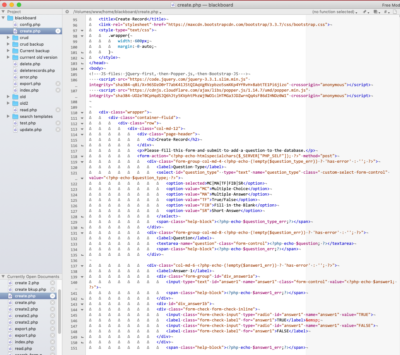
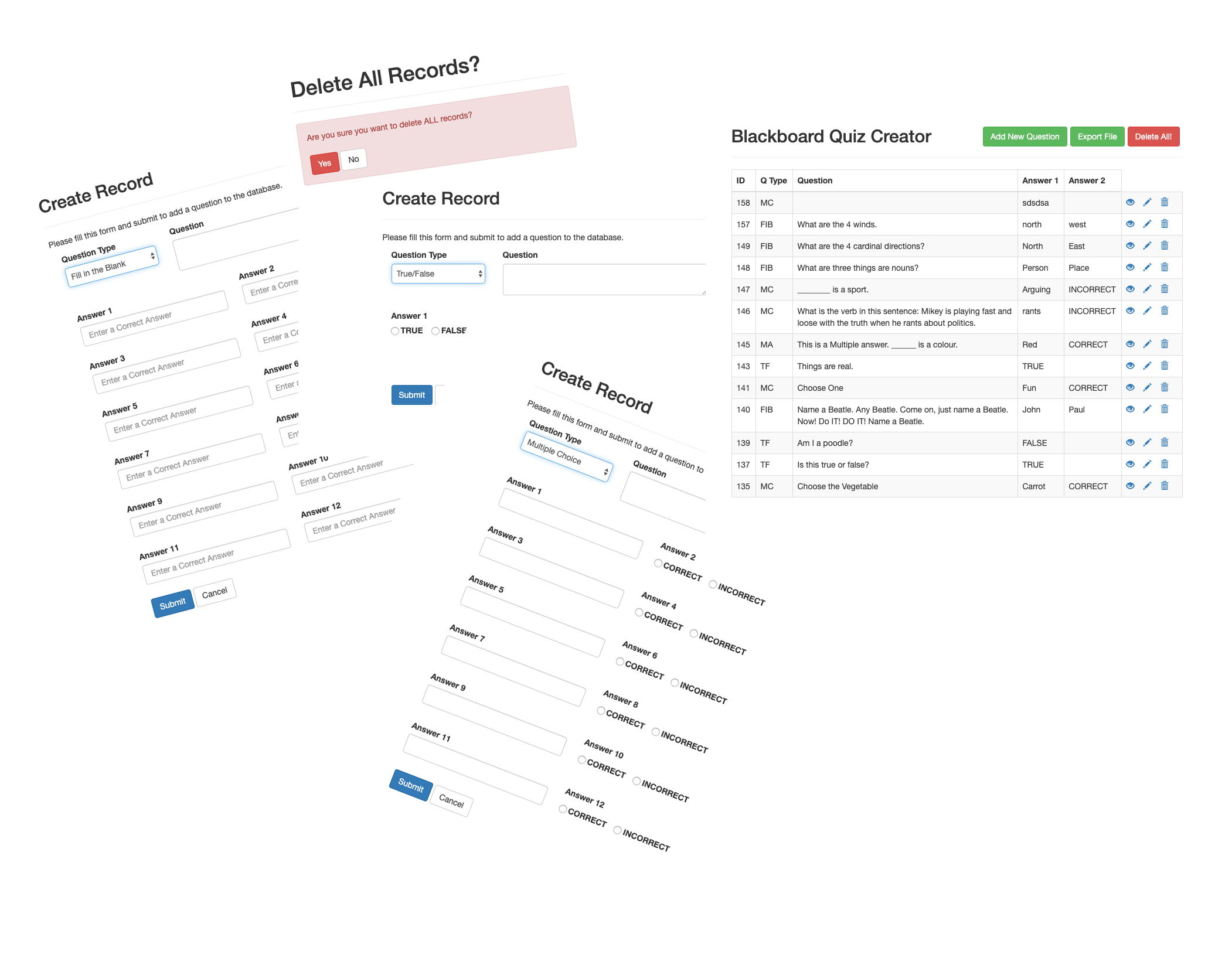
At the end of the day I got it 90% there. There are still some issues with error checking and security. It really isn’t ready for use in the wild, but then again I doubt any of my Filemaker DBs ever were either. But it works and we are setting up for a live test to see if it’s actually practical for L to use.
Features
Some things I managed to add to the crud tutorial:
- changing the placeholder text in a field based on the question-type dropdown menu
- changing input types (box, radio buttons etc.) with defaults based on question type
- export to tab delimited file, with ability to choose file name
- javascript loops through variable names so I didn’t have to repeat the same code for all 12 possible answers
- ability to delete all records with error checking
- and a few other tweaks
I also learned about Bootstrap. Which was so cool. Wikipedia says:
Bootstrap is a free and open-source CSS framework directed at responsive, mobile-first front-end web development. It contains CSS- and (optionally) JavaScript-based design templates for typography, forms, buttons, navigation and other interface components.
…
Bootstrap, originally named Twitter Blueprint, was developed by Mark Otto and Jacob Thornton at Twitter as a framework to encourage consistency across internal tools. Before Bootstrap, various libraries were used for interface development, which led to inconsistencies and a high maintenance burden.
…
It was renamed from Twitter Blueprint to Bootstrap, and released as an open source project on August 19, 2011.
I certainly appreciate the way it makes for a beautiful looking website without much effort. And it’s something more to learn…
What’s Next
As a result of all this I am going to attempt to recreate my much more complex Boating Log DB. And the realization that I need some “official” training rather than just the hit and miss, trial and error, flavoured with random googling method that characterizes so much of my computer work. So the next step is to find some courses…