My cellphone sees…
Holy crap…it's that time again already?

More from the archives
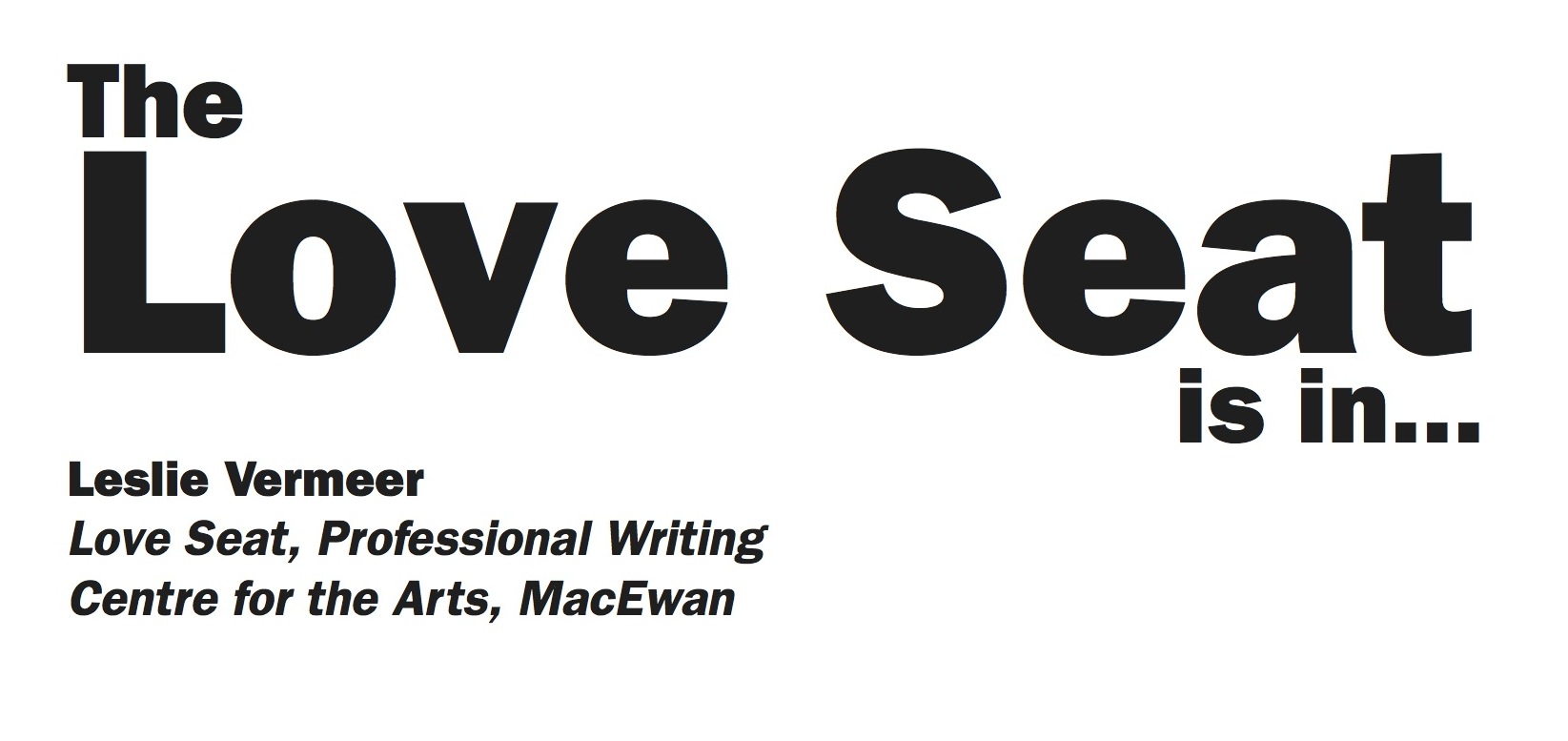
Here’s a couple of signs I made for Leslie upon her appointment to Chair of the PROW Program at MacEwan. I don’t think she ever hung them…

Filler
It’s magazine production week and February is a short month so as a result, the next 6 or 7 days are going to be filler.
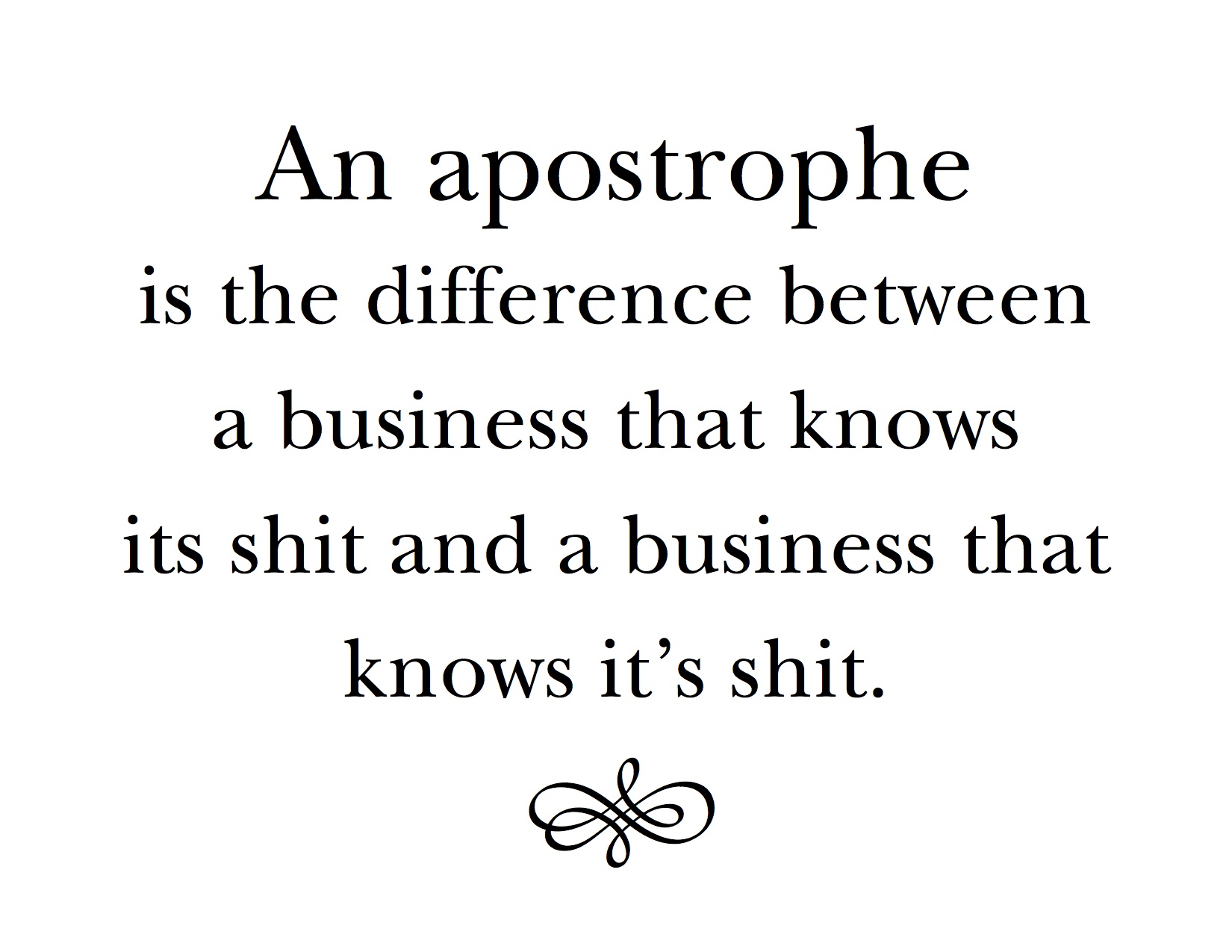
Here’s a sign that used to hang in my old office. I liked it…
House of Books
I came across a link for a photographer’s website who has an ongoing project that involves shooting beautiful libraries: “Houses of Books” as he phrases it. franckbohbot.com/house-of-books
I’ve always had books and I’ve lugged them from home to home and whined when they have been packed away in boxes. Of course Leslie is even worse than I am — at both the collecting and the whining — so we’ve always shared that special feeling when gazing upon row upon row of loaded bookshelves. Even visiting the Rutherford at eh U of A was a great thrill. Now that I’ve been reading ebooks for the last few years, I’m not adding to my collection, but L has soldiered on. The dream of a library of our own is not yet realized (mostly because of me I admit) but someday the collection might hope to have a home as beautiful as these. Or at least a home. Be sure to visit the website for even more stunning images.

Bibliothèque Sainte Genevieve, Paris, France, 2012

Biblioteca Angelica, Roma, Italy, 2013
I’ve not yet visited any of the great libraries of Europe but I’ve seen both the main branches of the New York Public Library and the Boston Public Library. We here in Canada really can’t grasp the enormous wealth and philanthropy of the early 20th century that resulted in these magnificent edifices until you stand there gazing in awe.
 .
.
The Reading Room of the New York Public Library

Boston Public Library’s Reading Room
Pick a topic

“Dude, I’ve got a deadline.”
He didn’t look impressed. In fact he looked like he was actively considering throwing me a block on this one. It was starting to look like this was the time; that legendary time when your luck runs out, the house of cards crumbles like the proverbial cookie, that taste of goose fat on your lips, dust billowing from the well, the wagon repairman handing me the bill, the… you get the picture.
I mean they always told you to be conscientious, get your work done ahead of time, nose to the grindstone, prior planning and performance, but who really did? There was those two dweeby girls and the weird guy who whined about getting a lowly 99% on the Final, but really, we all knew they were on something. I’ve always suspected that Ridalin was some sort of keener’s high. But not the rest of us. No, the rest of us just sauntered along, doing all-nighters and pulling rabbits out of our asses like normal people do. Month after month, year after year, that hokey parental advice continued to prove false and all was right in the world. Ok, some people started to get scared as they got a bit older. They said the odds were against them now, it was time to shape up or ship out, time to accept the responsibilities of an adult… cowards one and all.
But I don’t blame them. Really I don’t. They say as you get older and continue to learn, that more and more wrinkles appear in the old braincase. Cortexes convulate or something. More surface area to compute the horrific fates that lurk and loom around every corner. Some people just give in to the wrinkles. But to me, a few crowsfeet on the Corpus Callosum is no reason to break faith with the only dictum worth dicking around with: “I can always do it tomorrow!”
At least until now.
Brad here was about to break my streak. My phablet was dead, I was 30 miles by water from the nearest power outlet and while I was sure I could wangle an extension out of old Beasley, I couldn’t do that unless Brad lent me his Sat phone. And Brad wasn’t budging.
“You should have planned ahead. The Sat phone is for emergencies only. You know it costs over 10 bucks a minute. I can’t let you run down my batteries for nonessential purposes. I have to be here for another 3 months you know.” Brad looked at me as if I was some sort of defective trained seal. “Do you understand what I am saying? Emergencies only.”
“Brad,” I replied in my calmest and most persuasive tone. The tone that had got me into grad school with the crappiest marks on record. The tone that had convinced Sara that I’d behave upstairs in her bedroom that lovely summer before Grade 12. The tone that made sure that Mitch caught hell for the burned down haystack and I was absolved. The tone that had never, ever failed me.
“Brad. Look at it like this. An emergency is a situation that threatens the life or well being of someone or something important. I’m important right? And my wellbeing is definitely under threat…”
” Yah, but you coulda prevented it by…”
“Brad. Really? I could have known that there was no generator here? I could have known it was going to take two days to collect the data? I could have known that there was no one else on this rock in the middle of nowhere. No one at all? Really Brad, open your mind a bit…”
“No. That’s final.” He turned and stumped down the hill towards the docks and his dilapidated old cruiser, leaving me standing there alone like a scarecrow in a harvested cornfield.
“Crap.”
Oh well, now I guess I’ll have to steal the bloody thing. How hard could that be?
Random Treat
I’ve had a cold all week. I still ave a cold but at least I no longer feel like a turgid pink balloon filled with semi-solid mush rolling down multiple long flights of freezing cold metal stairs.
So today I am bring back an old favourite; Random Picture of the Day. My iPhoto library now holds 19,724 images. I am way behind on my culling so I figure a couple of thousand of those are garbage, but still, I might hit 20,000 this year or maybe next.
Process
This is a short (15 minutes or so) video of one fellows logo design process. What I find interesting is his process which mirrors mine fairly closely — although I will admit to often skipping the sketching much to my detriment. In regards to process I am almost entirely self-taught. My career paralleled the development of the computers and software, often starting with version 1; such was the case with Pagemaker, CorelDraw, Aldus Freehand and InDesign. THe result was, other than the occasional magazine article or coffee discussion with co workers, we all made our own way when it came to deciding how best to use the tools that were being developed.
So, if you ever wonder how I go about doing logos or wordmarks, watch this video. I have tons of files with multiple copy and pasted versions sitting disjointedly on the desktop. I don’t keep a sketchbook though… I tend to just doodle on whatever is at hand; maybe I should get one…
Aaron Draplin Takes On a Logo Design Challenge from lynda.com on Vimeo.
Demonbane

The demon’s ichor dripping from his shattered breastplate, the massive warrior raised his fist to the sky and screamed. “My thanks Oh Oydin for this final victory. Our foes lay shattered at your feet, and we, Are, VICTORIOUS!” Torn and bleeding from scores of wounds, the warrior dropped his massive and broken shield beside the monstrous demon’s crushed skull and stared at the remains of the incinerated mace. He sketched a bow to the now useless weapon and then turned to face the blackened altar.
“After all these years and too many deaths, at last…” Leather creaking and armour groaning he dropped to his knees and bowed his mighty head in supplication. For a moment then he rested his head and remembered the path. The journey of sorrows and tragedies that would now live on only in song.
Then he surged to his feet and strode purposely up the basalt stairs and the pains and sorrows of battles present and past fell away as he stood straight and proud before the sword that lay wrapped in the perfect folds of stone. As he laid his hands upon the sharkskin hilt twined with threads of pegasus mane and decorated with a single massive blue stone, he once again tilted is head back and spoke to the sky.
“I come to claim my birthright. I have survived the trials and defeated your enemies and, as it was foretold, it is time for peace in the land. With this the sword of Oydinright, I and my sons will rule in your name and no more shall Loski’s minions trouble our people. It is done.”
And with that he heaved mightily on the sword to draw forth the ancient symbol of a god’s love and approval and bring it once more into the land.
“Oh crap.”
Happy Birthday
Happy birthday to you,
Happy birthday to you,
Happy birthday, happy birthday,
Happy birthday to you,
And many morrree…!
Sung to the tune of Happy Birthday©
It said to do what?
“Cryste, that hurt. Ok, I got it. What next?”
The slender young man holding the book looked down at the screen and read “Turn the main flange tightening unit clockwise until it hits the safety stopper. Hey Boss, what’s clockwise?”
Kavin was still rubbing his elbow where he’d smashed it into the outer casing, but he glanced up at his apprentice who was hanging off the main strut on his harness, dangling there like a gawky primate. “Don’t rightly know. I mean, turning clockwise is a turn to anti-sinster—you should know that kid—but what a clockwise actually is, well that’s beyond me.”
“How come? I mean don’t they teach ya stuff like that when you become a Master?”
“Look kid. I can strip a modern generator unit down to nothing and rebuild it with my eyes closed, but this ancient shit is beyond anyone. They ain’t taught this stuff in hundreds of years. And who the hell cares why they couldn’t speak proper back then; that’s why books have dictionaries and translate functions.
Now read me the next bit and make sure you got the tools ready. I’m tired of this shit and my wings are about to fall off.”