Highway #2 in Alberta’s Winter
My parents sent me a pic of Highway #2 on Friday, December 4. This is the highway just outside of Red Deer, AB.

Gotta love winter drivers…
Playing with bulk photogalleries
Note: Due to the speed (or lack there of) of my server this is painfully slow on any connections not immediately in my house household…
Sigh
And now that I’ve disabled Shadowbox JS automatic image, it no longer adds the effect to galleries.
Sigh
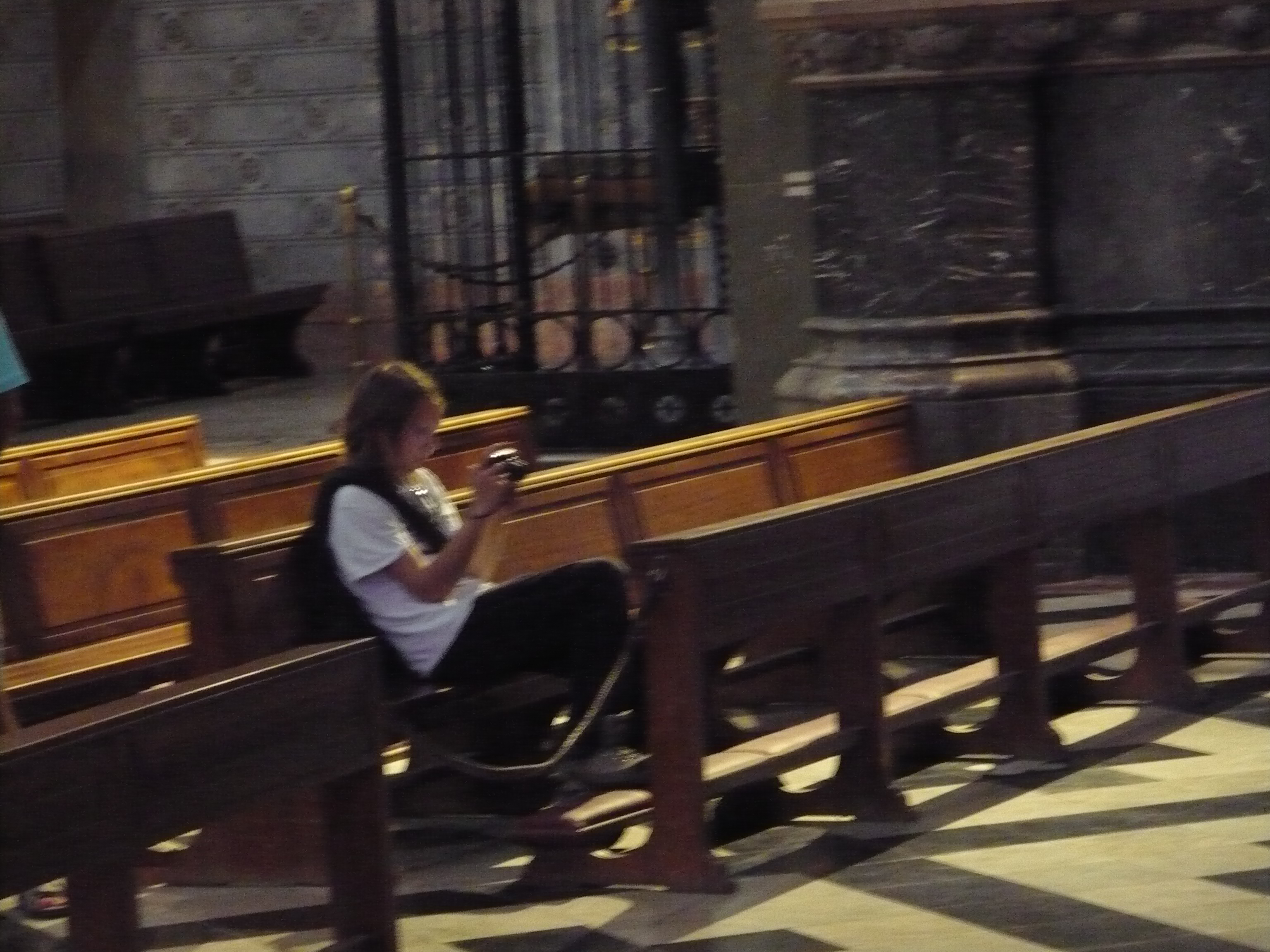
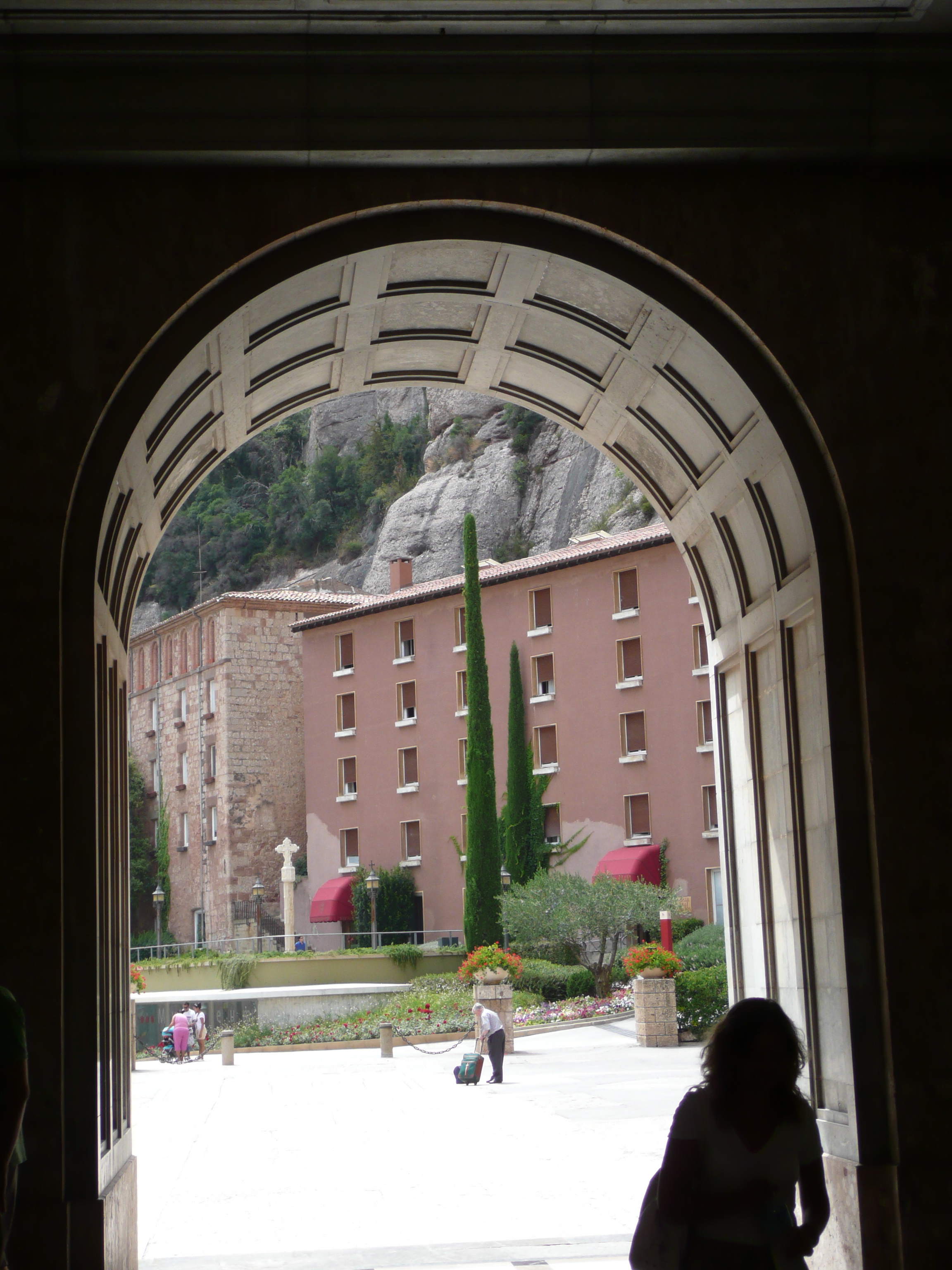
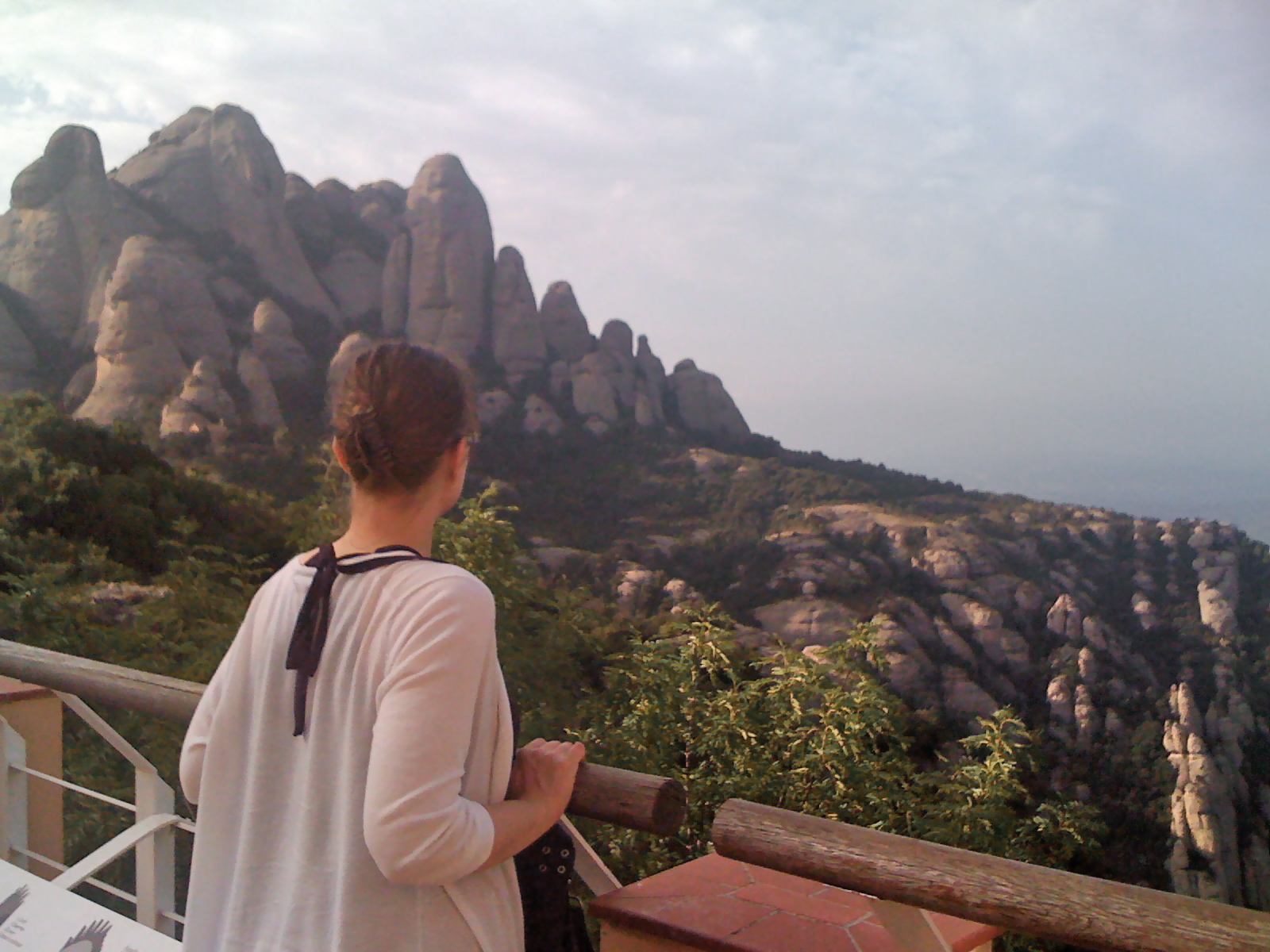
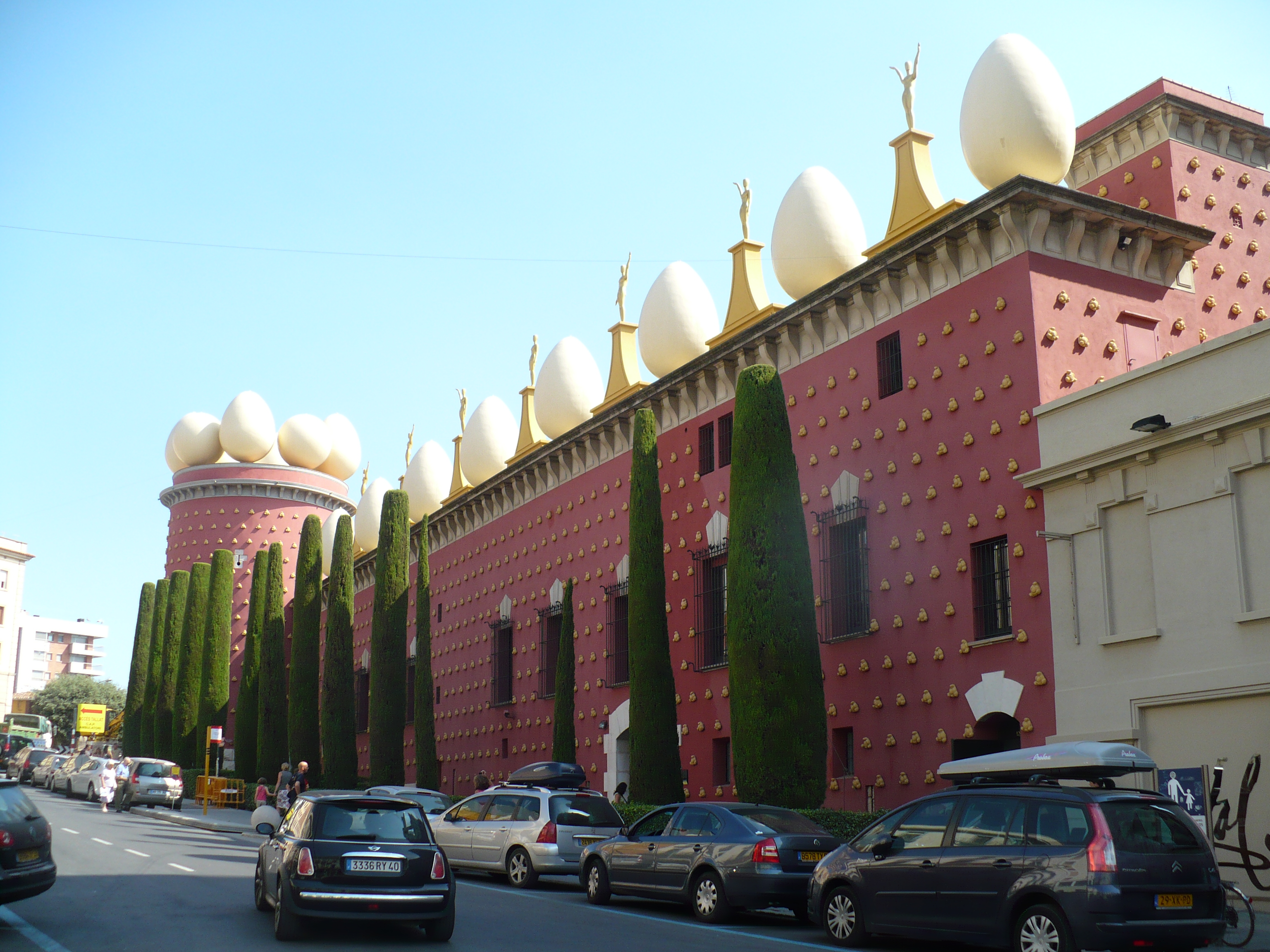
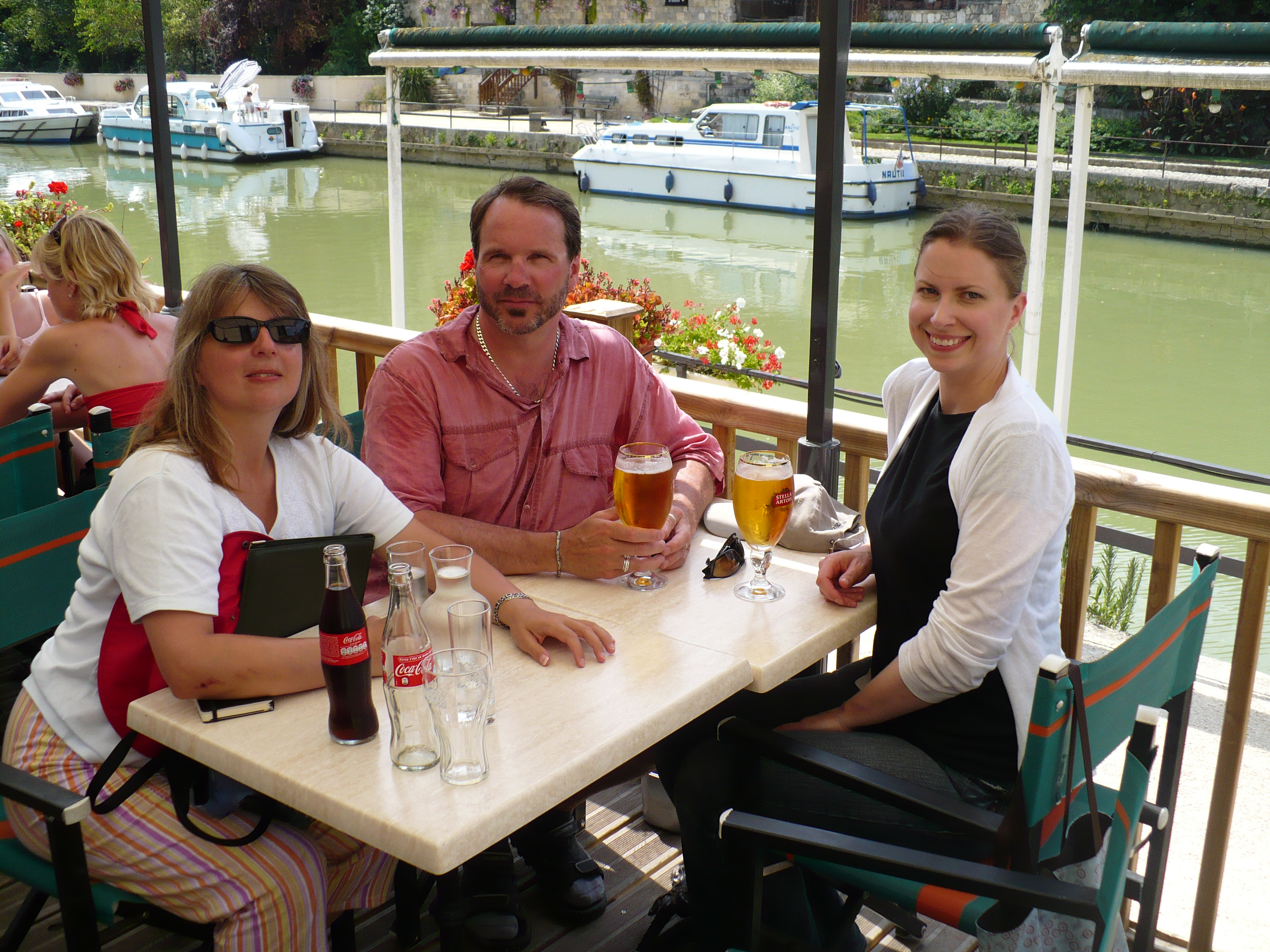
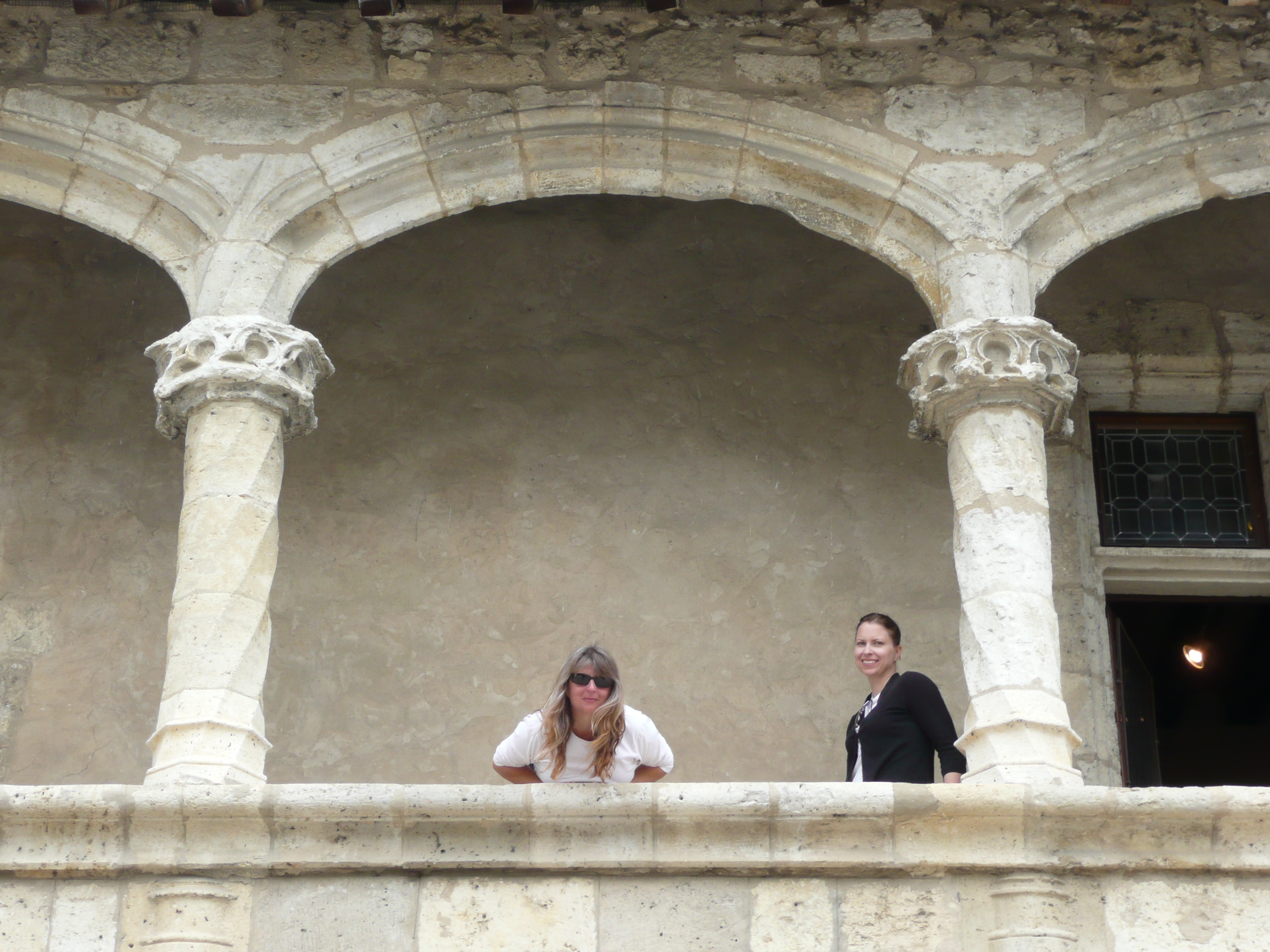
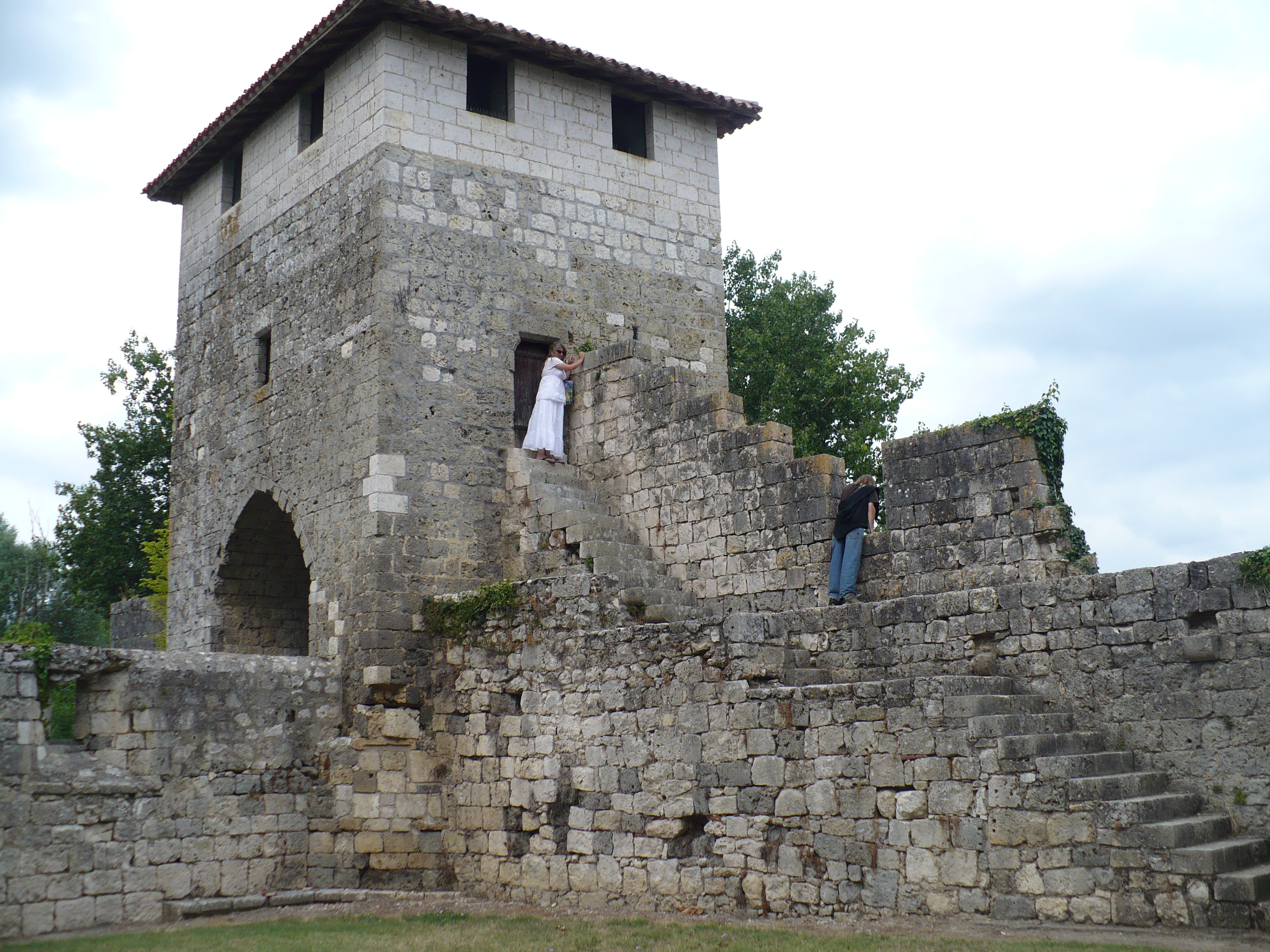
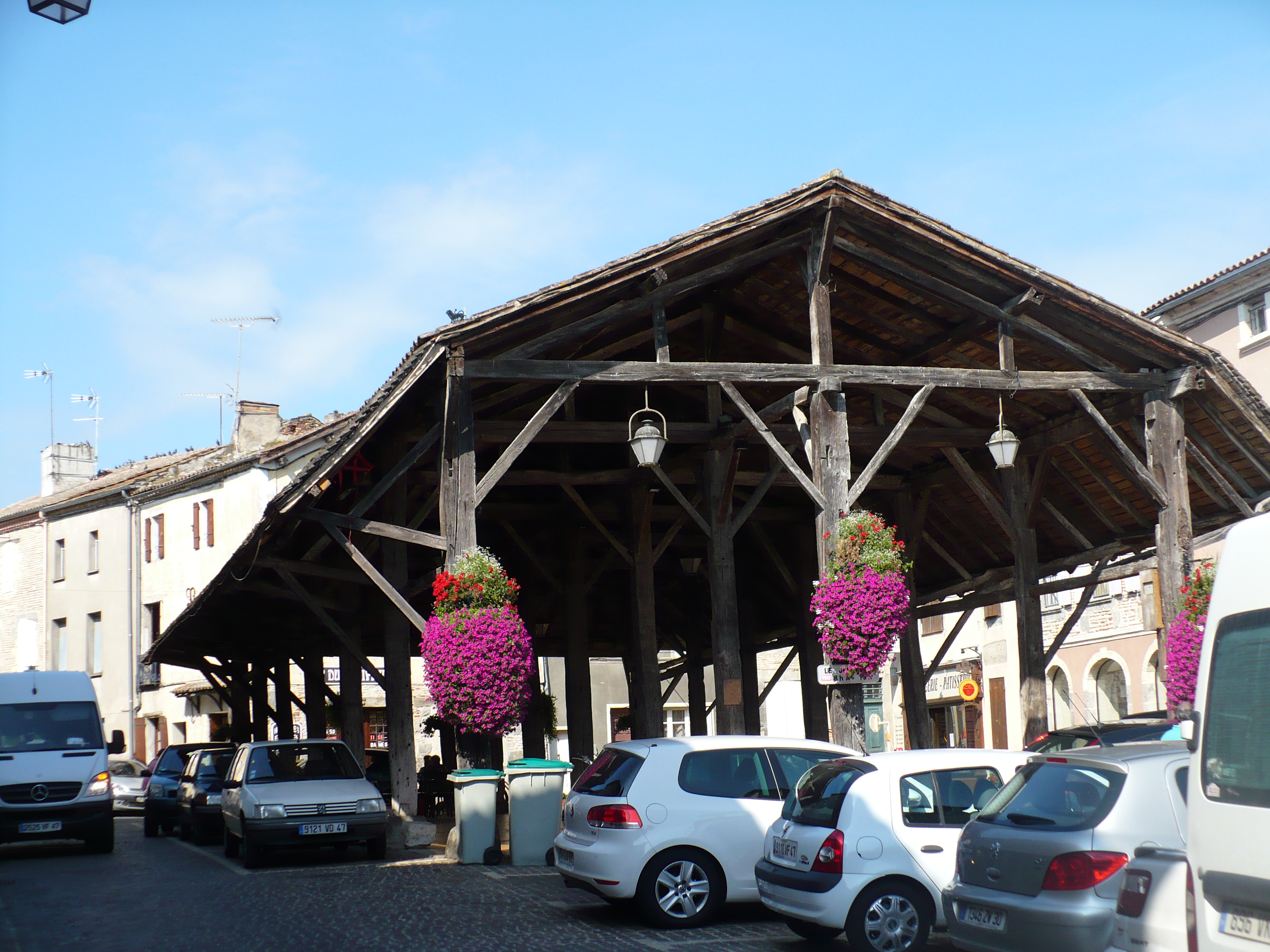
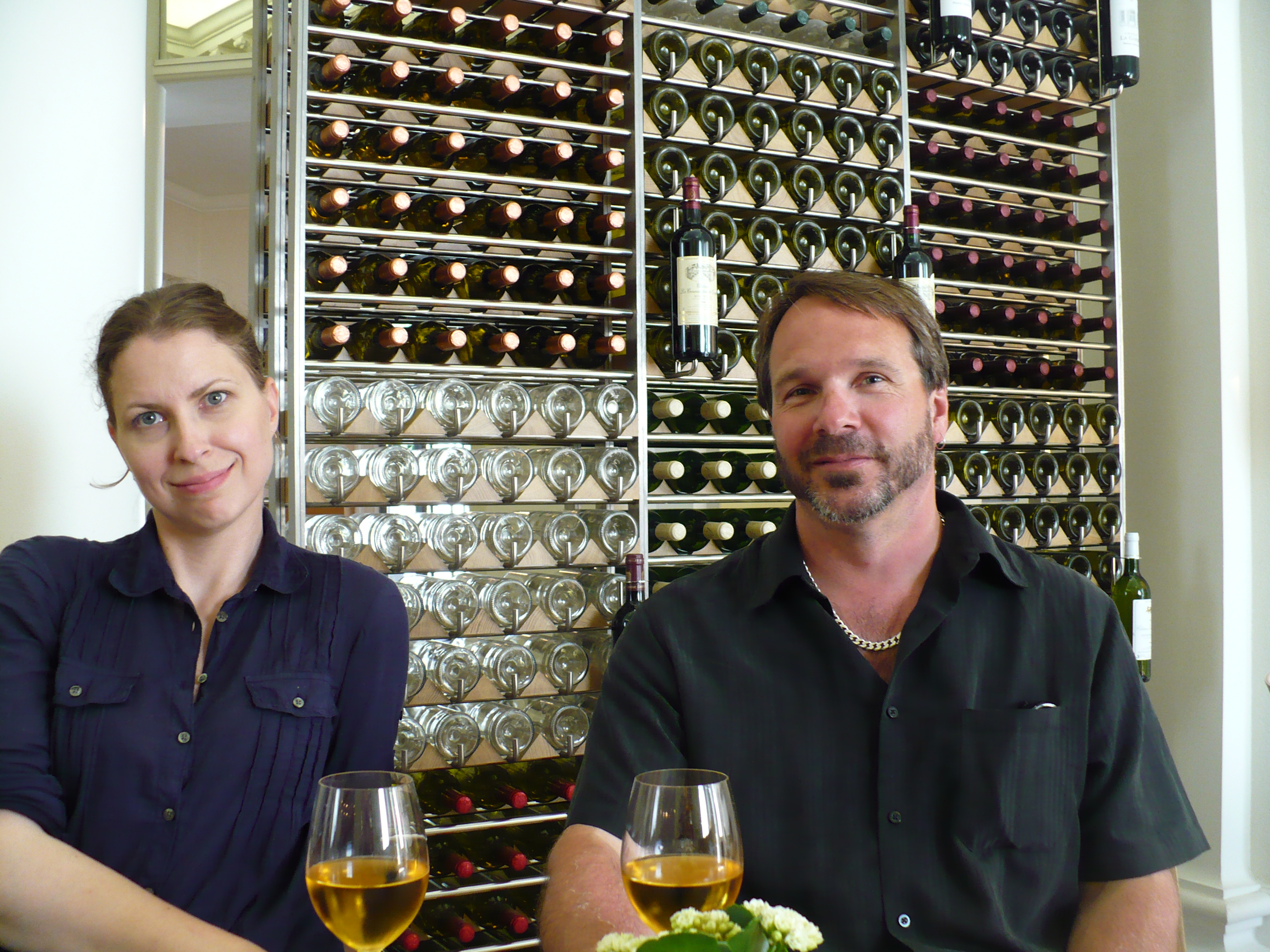
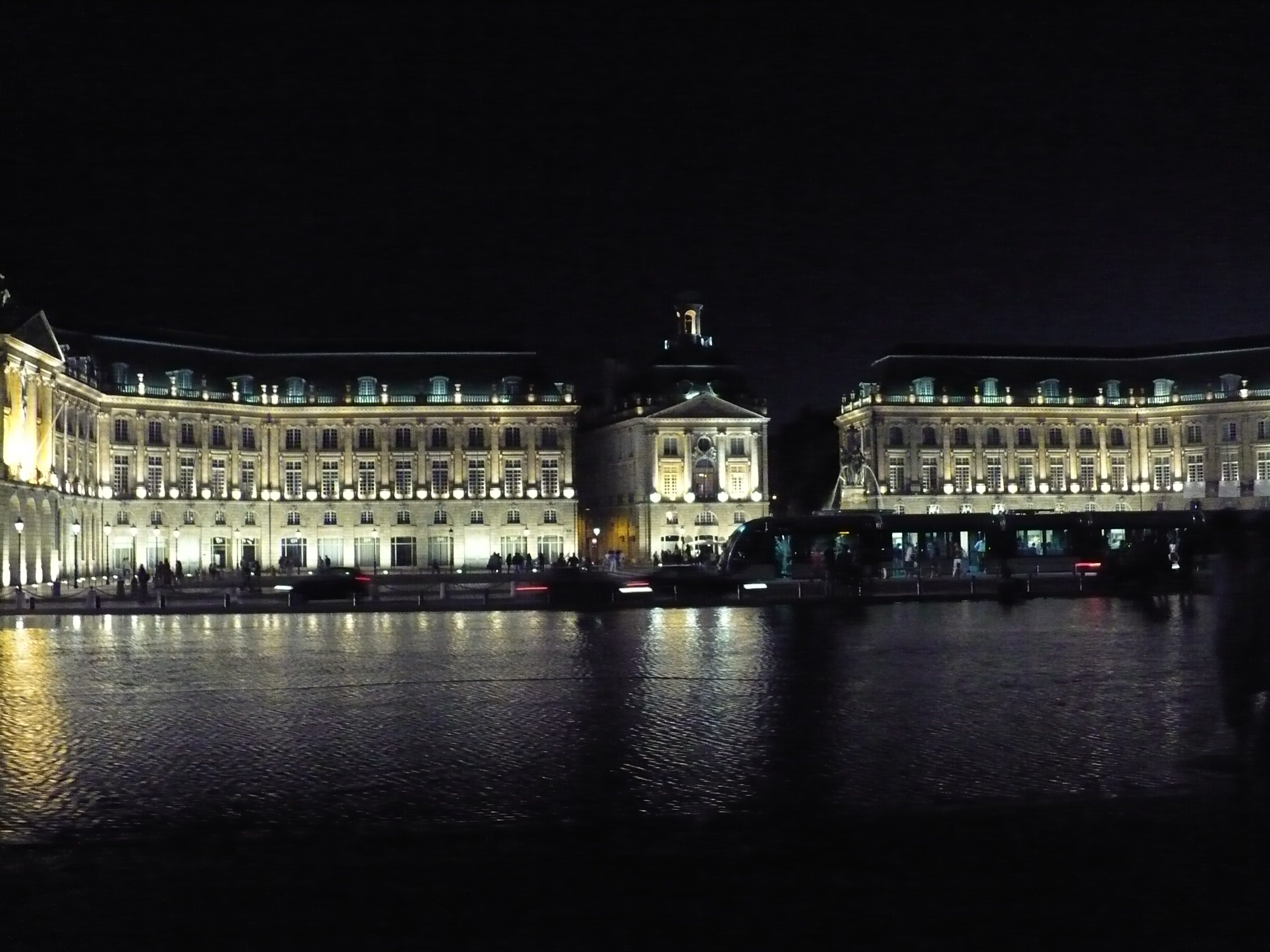
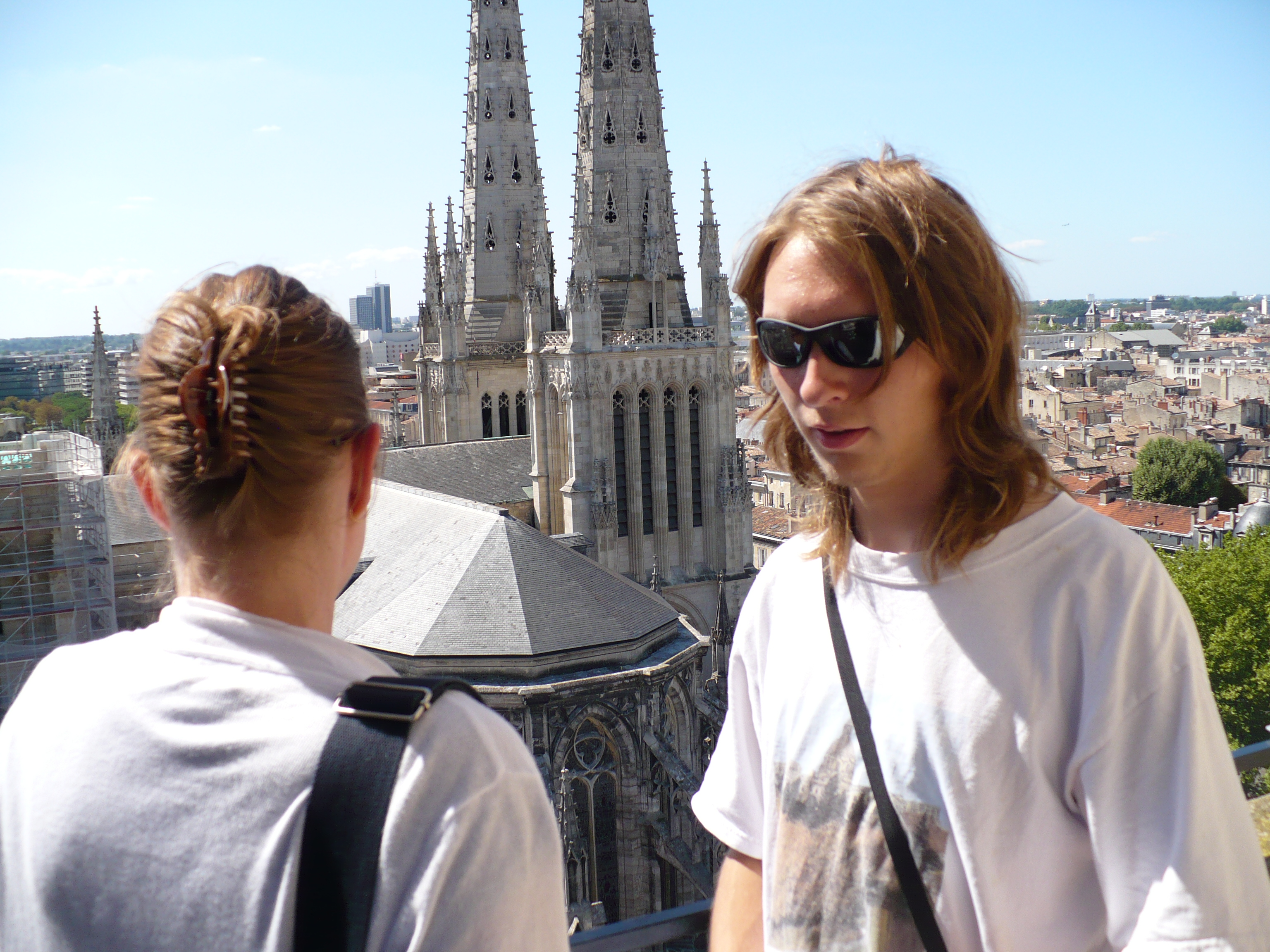
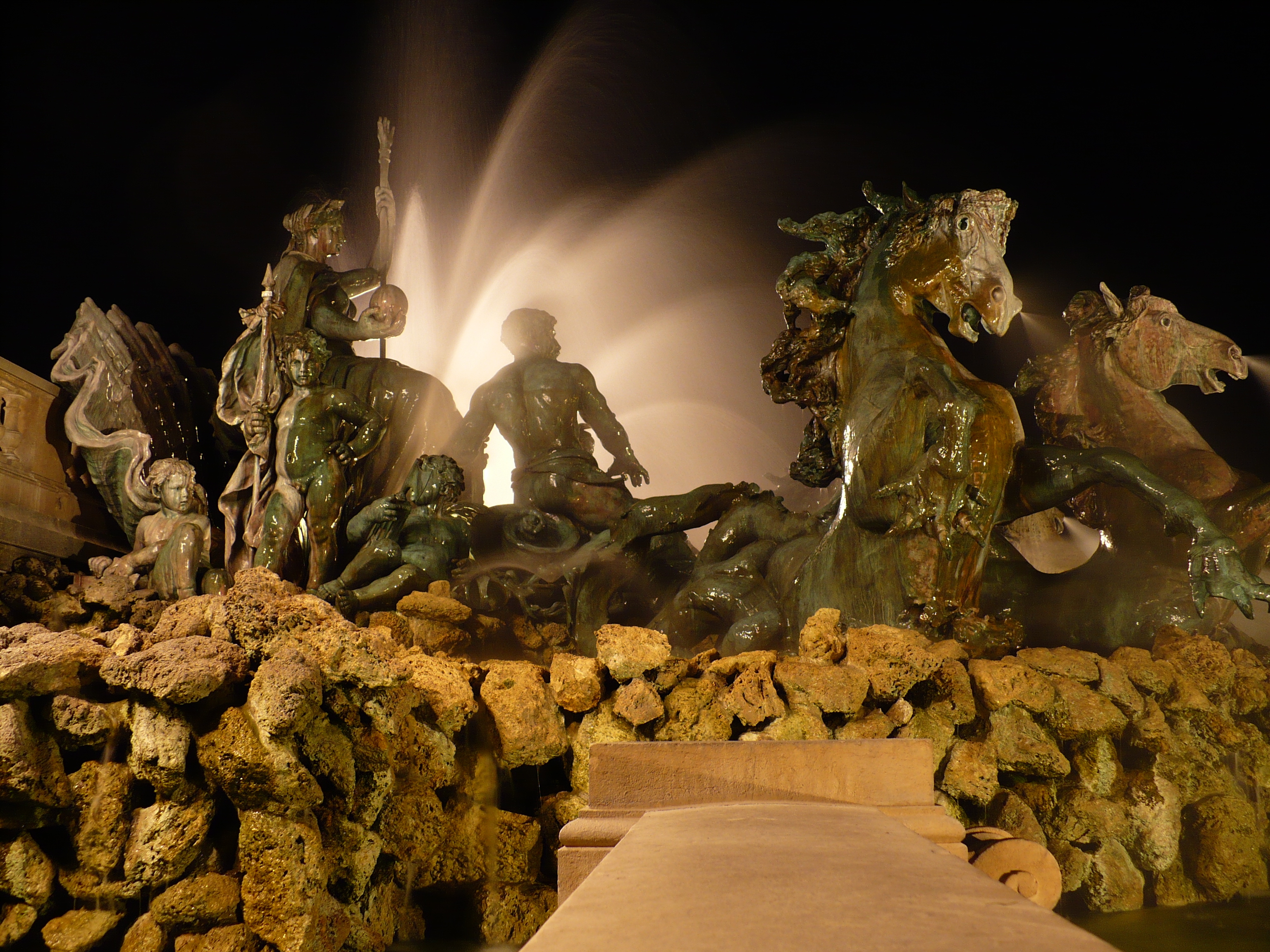
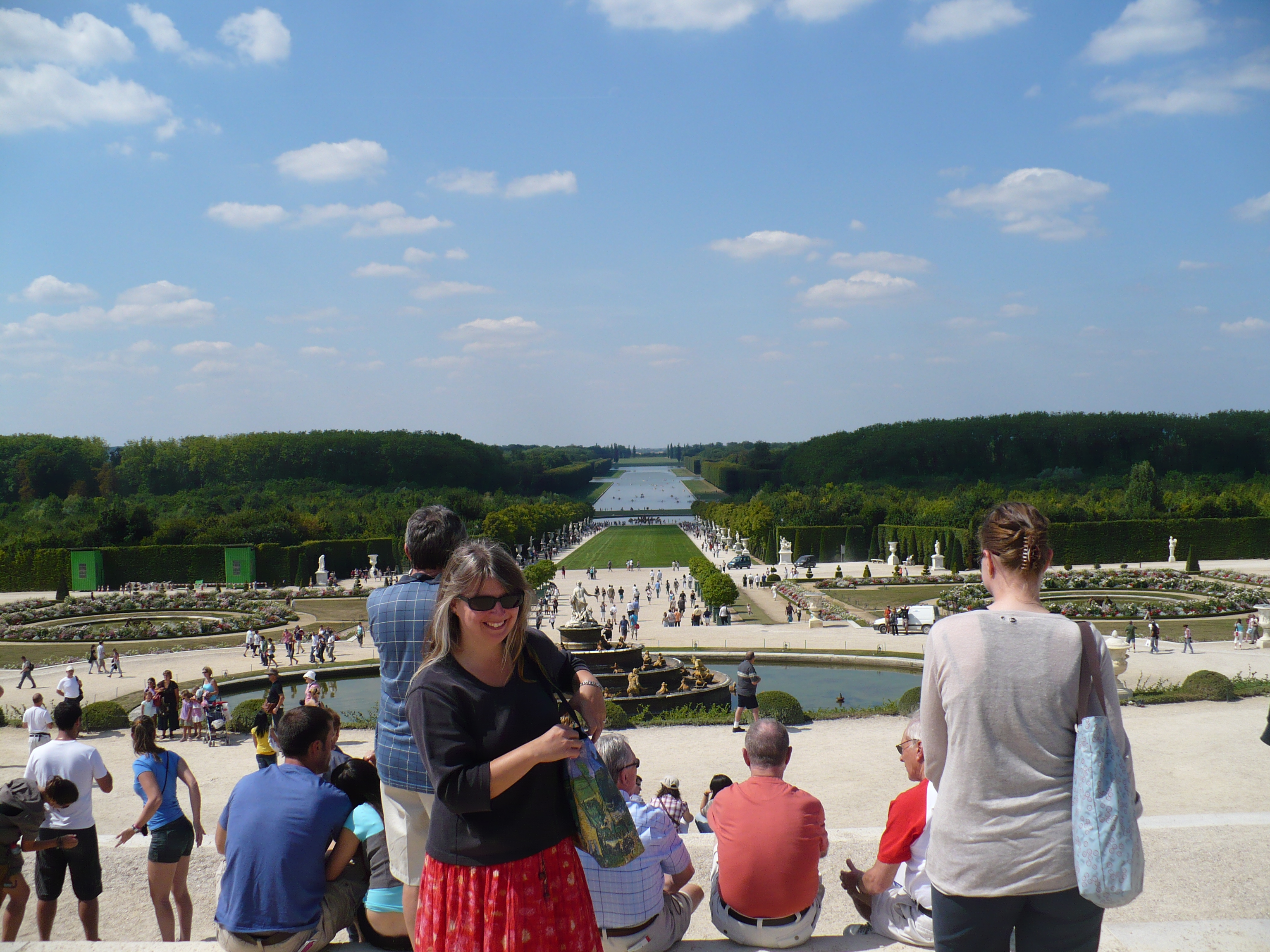
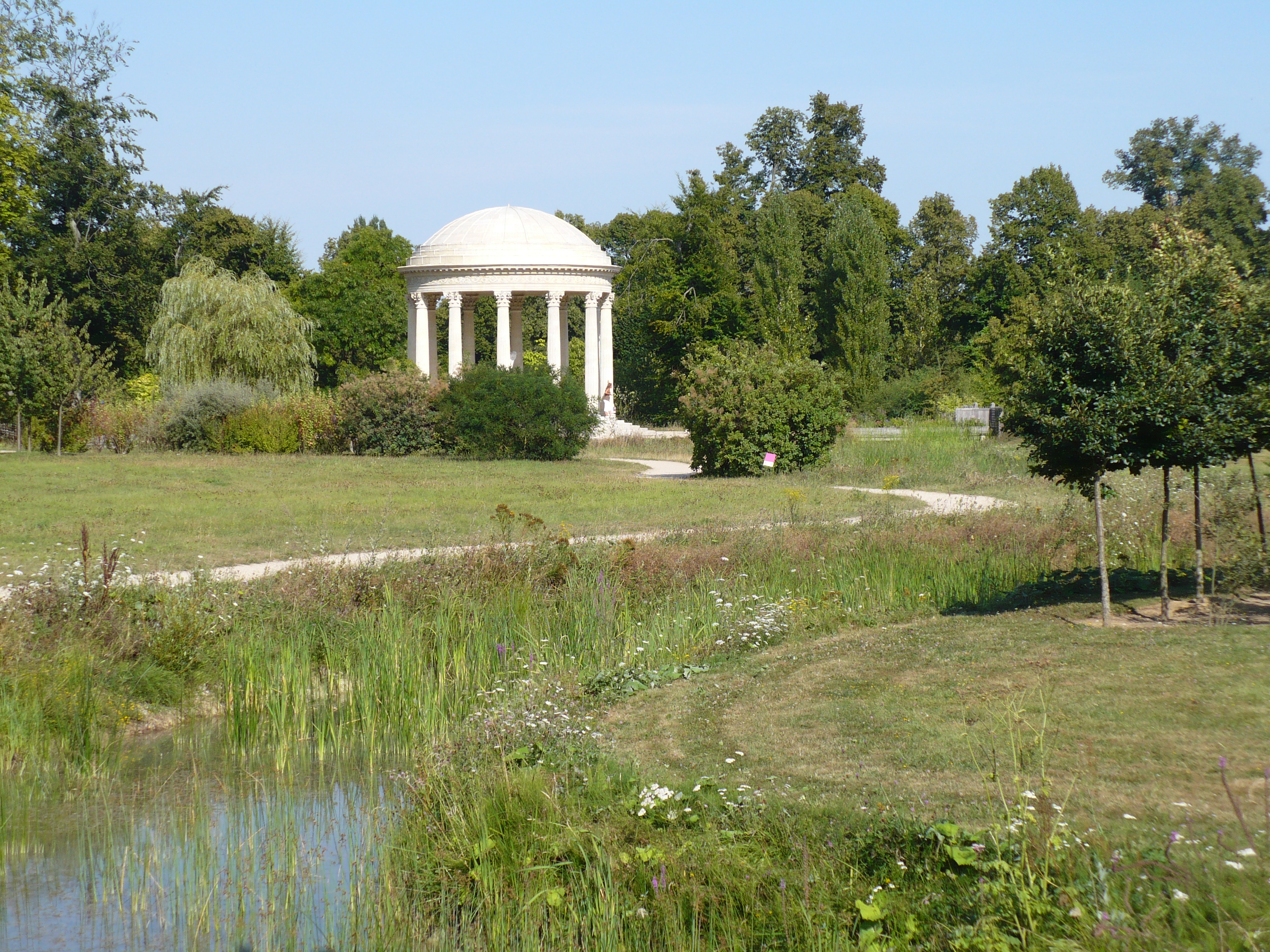
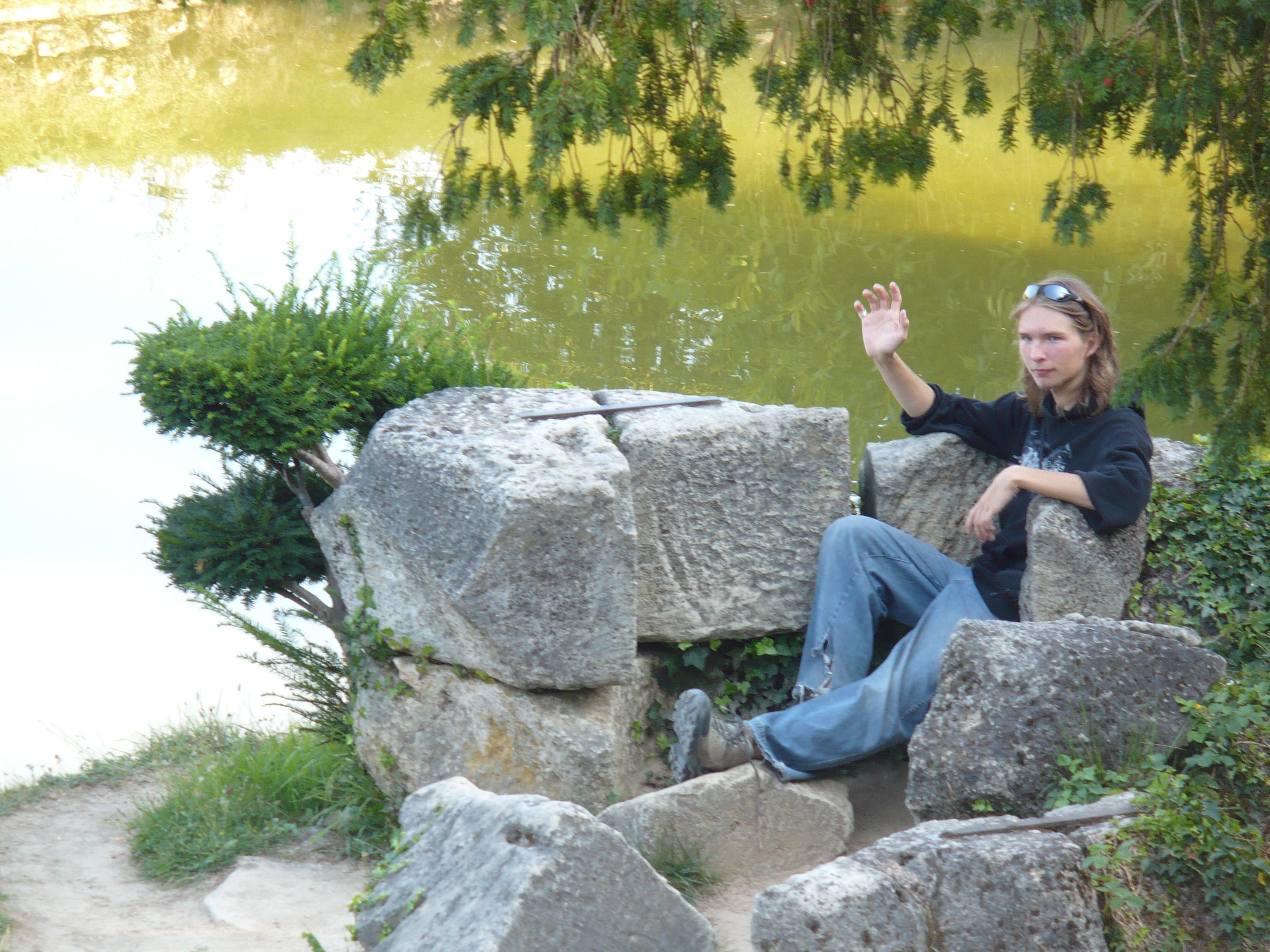
How about some holiday pictures…


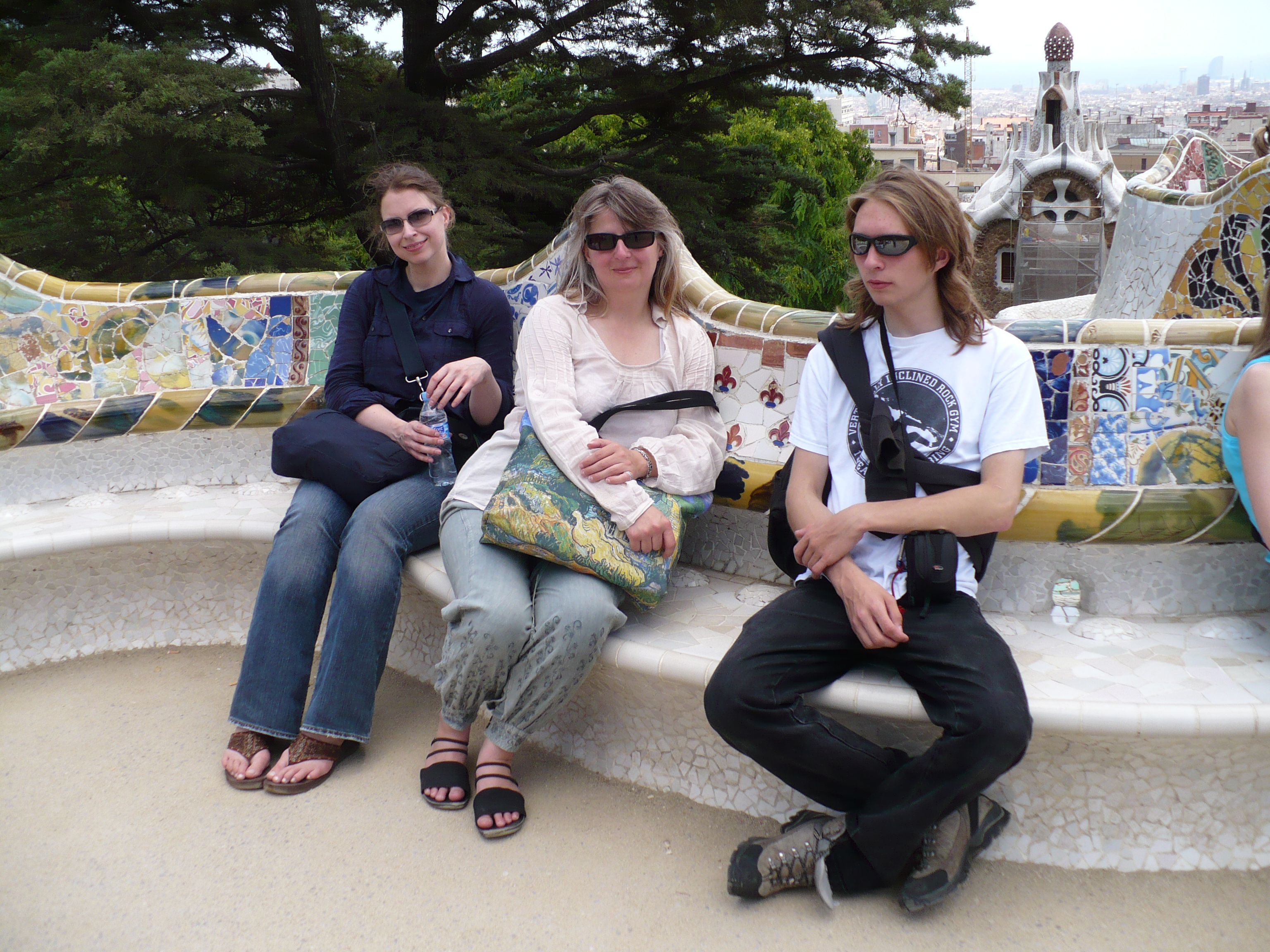
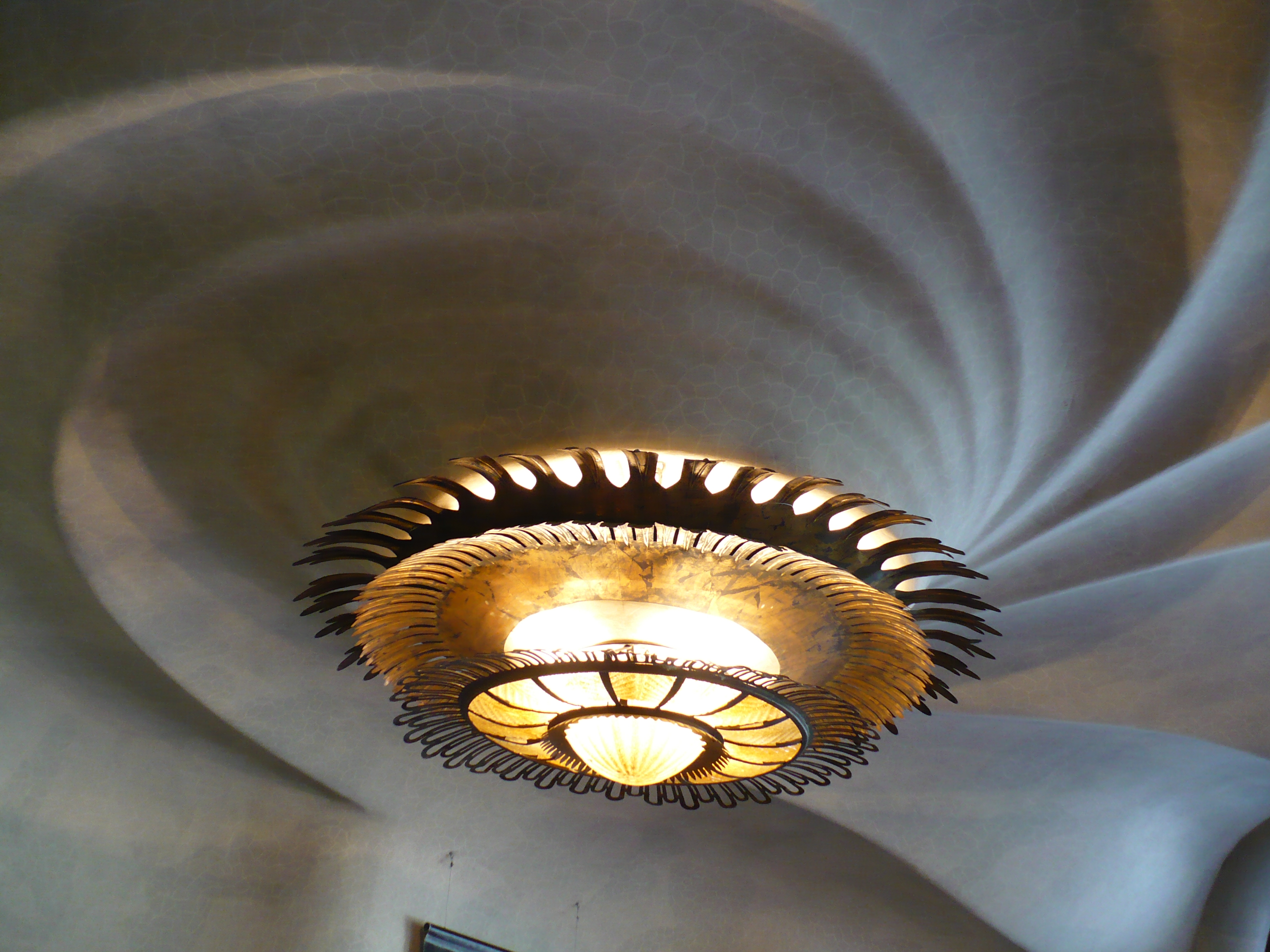
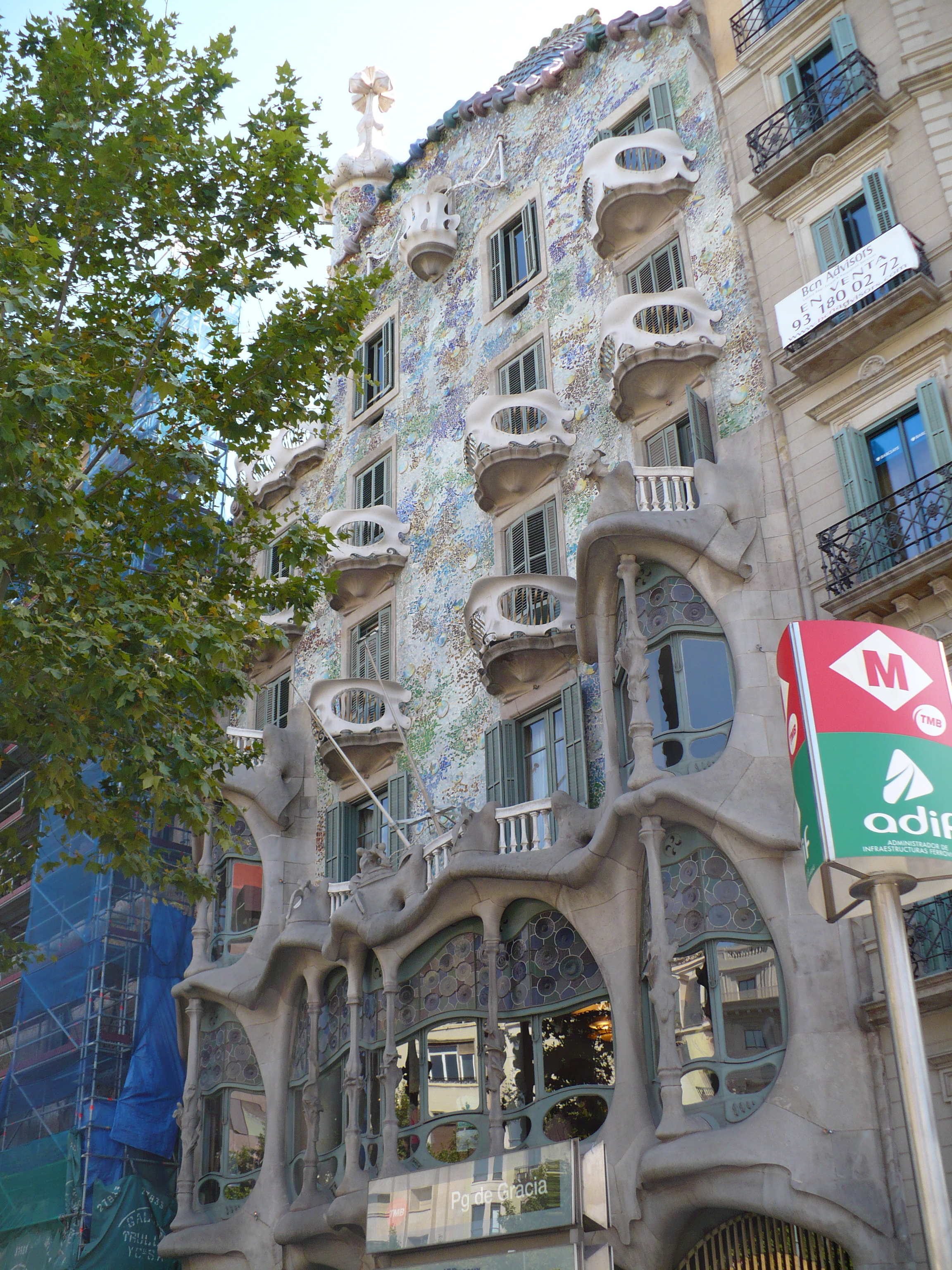
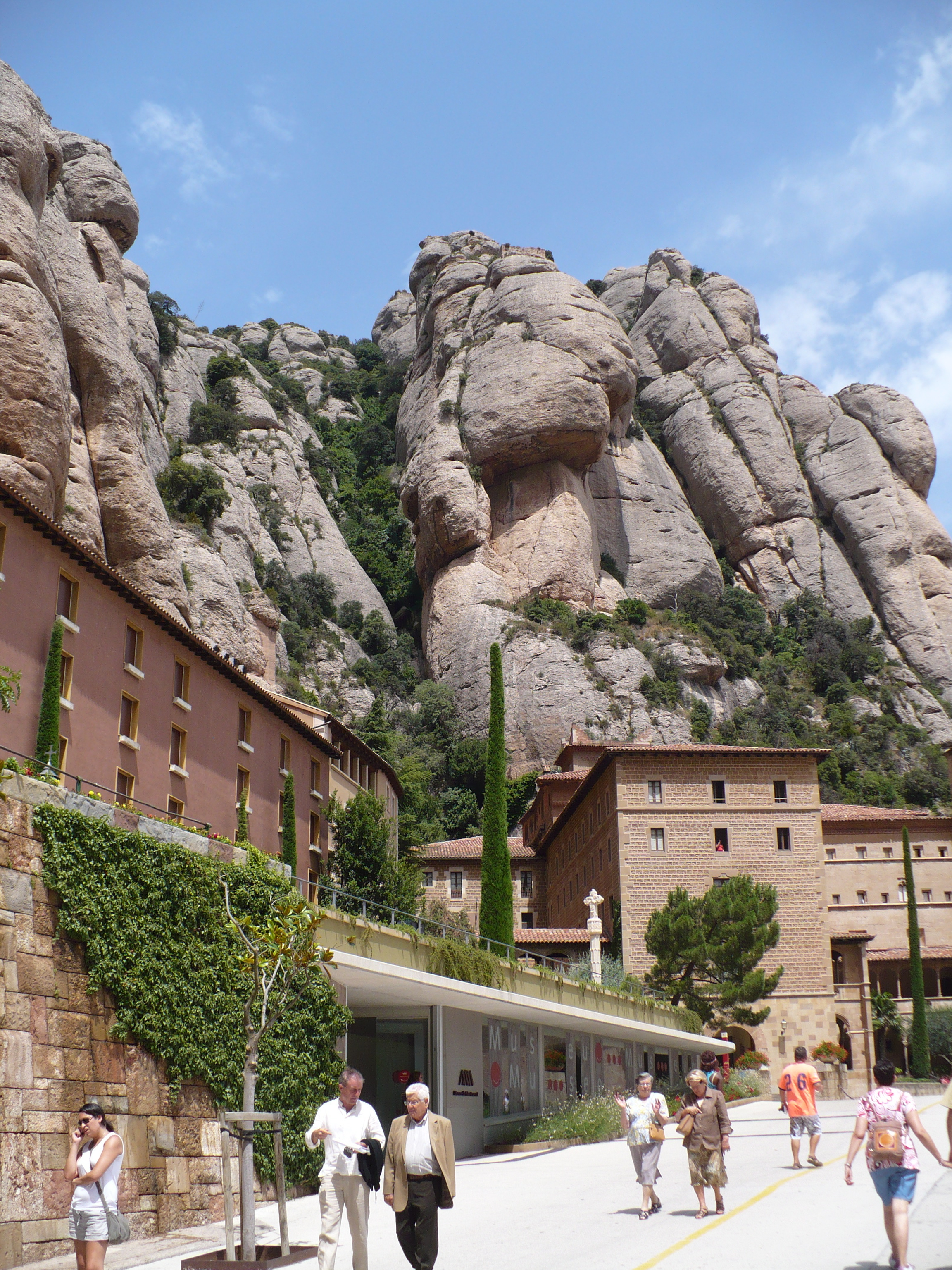

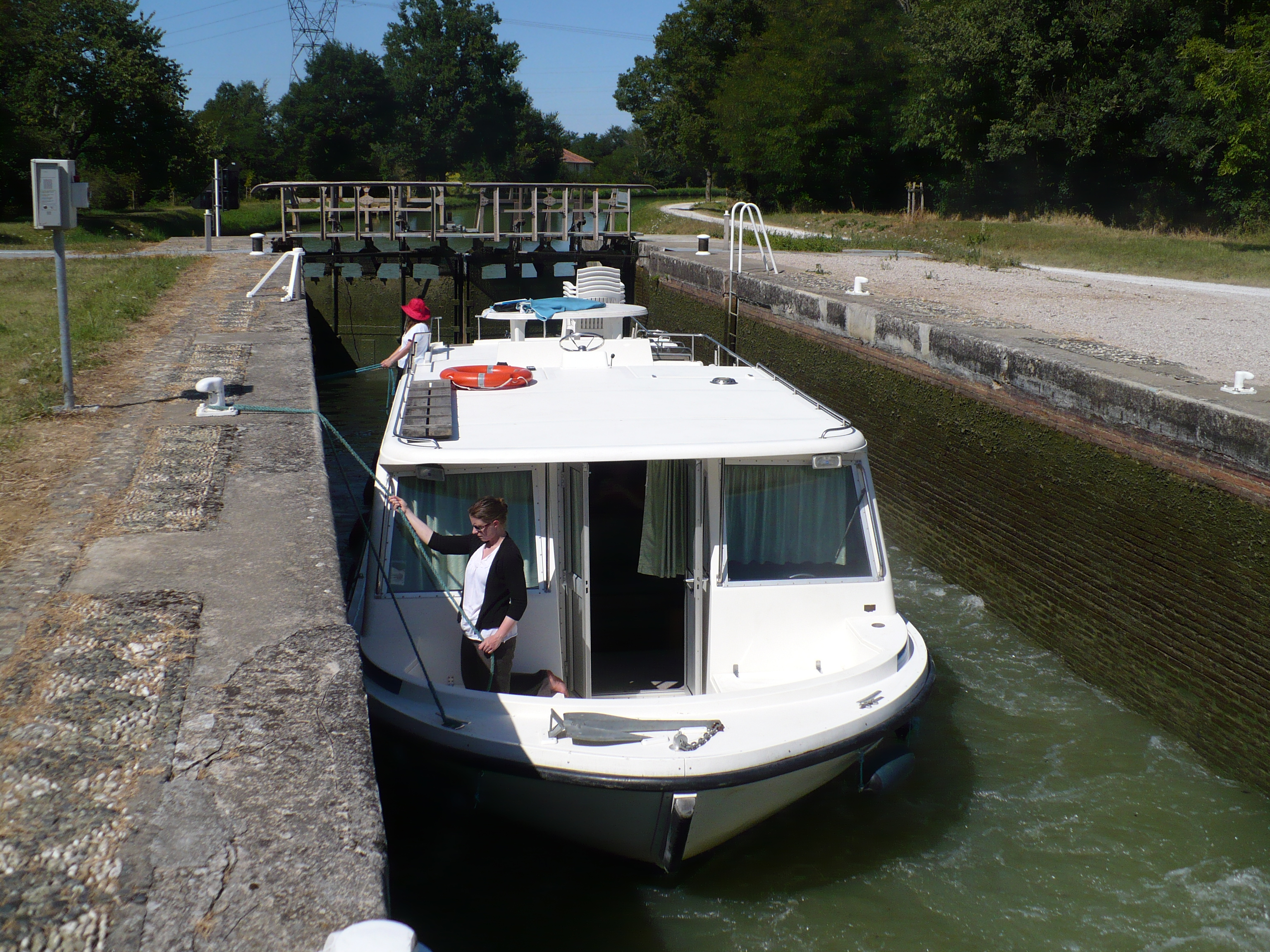
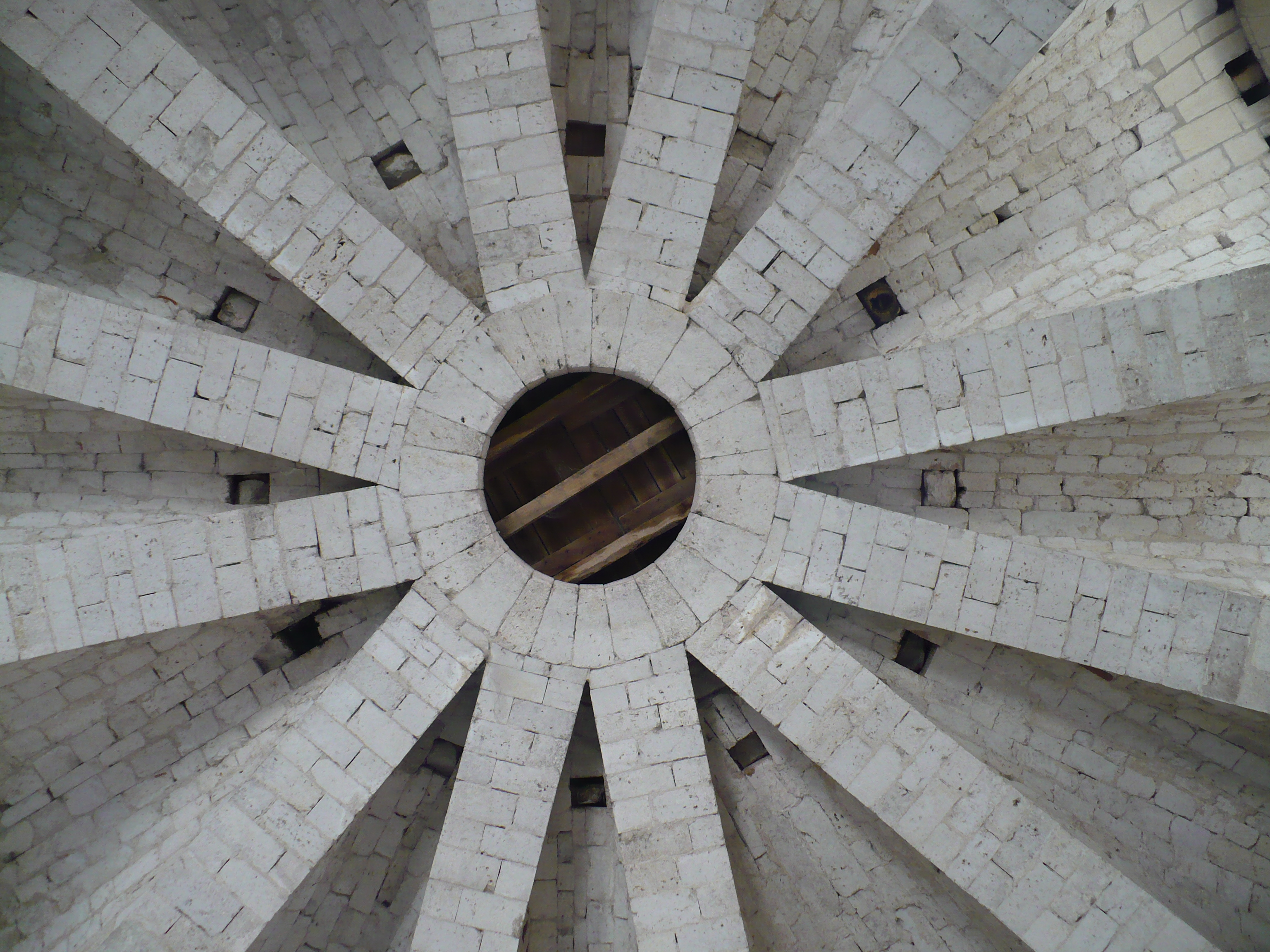

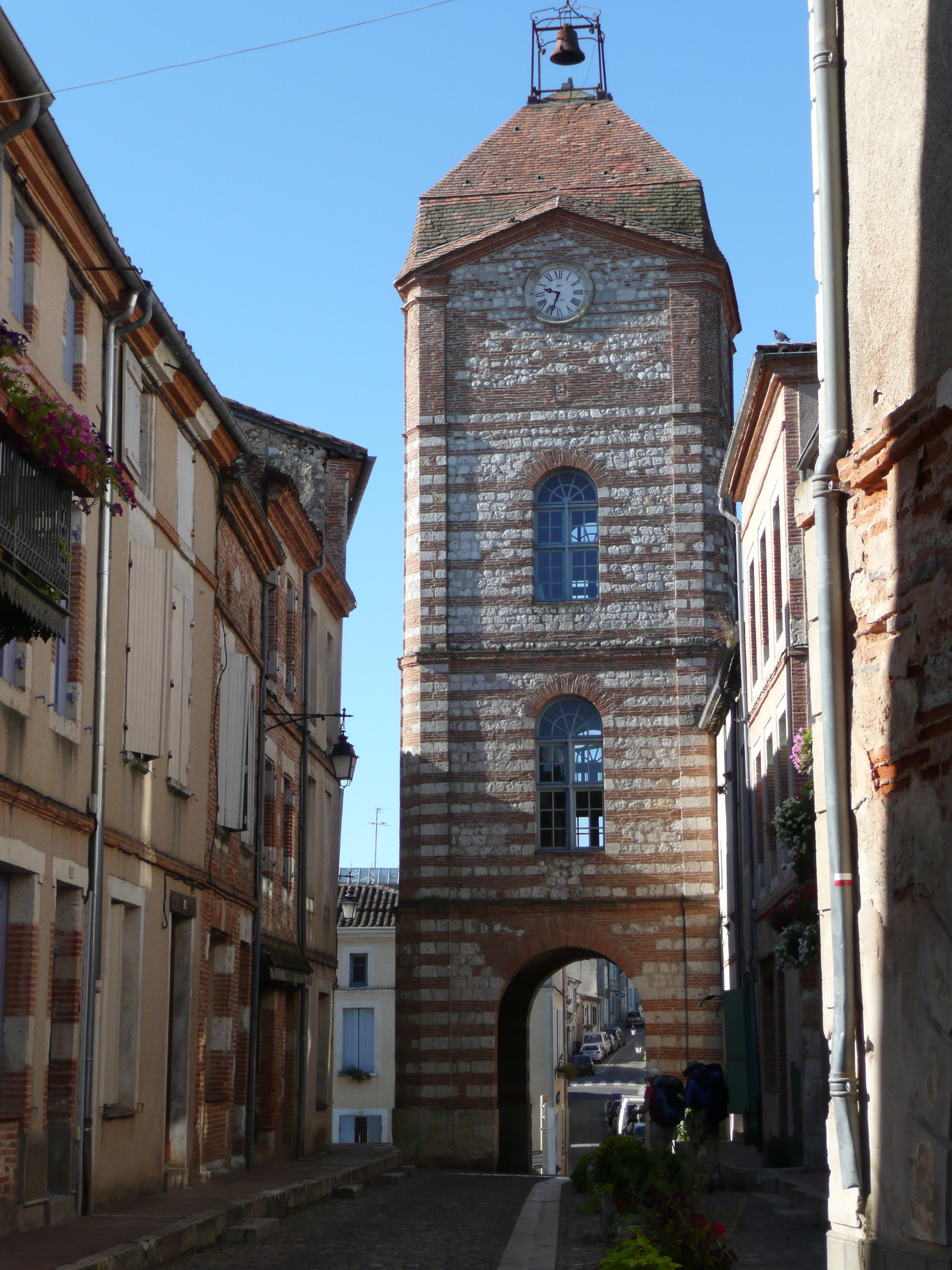
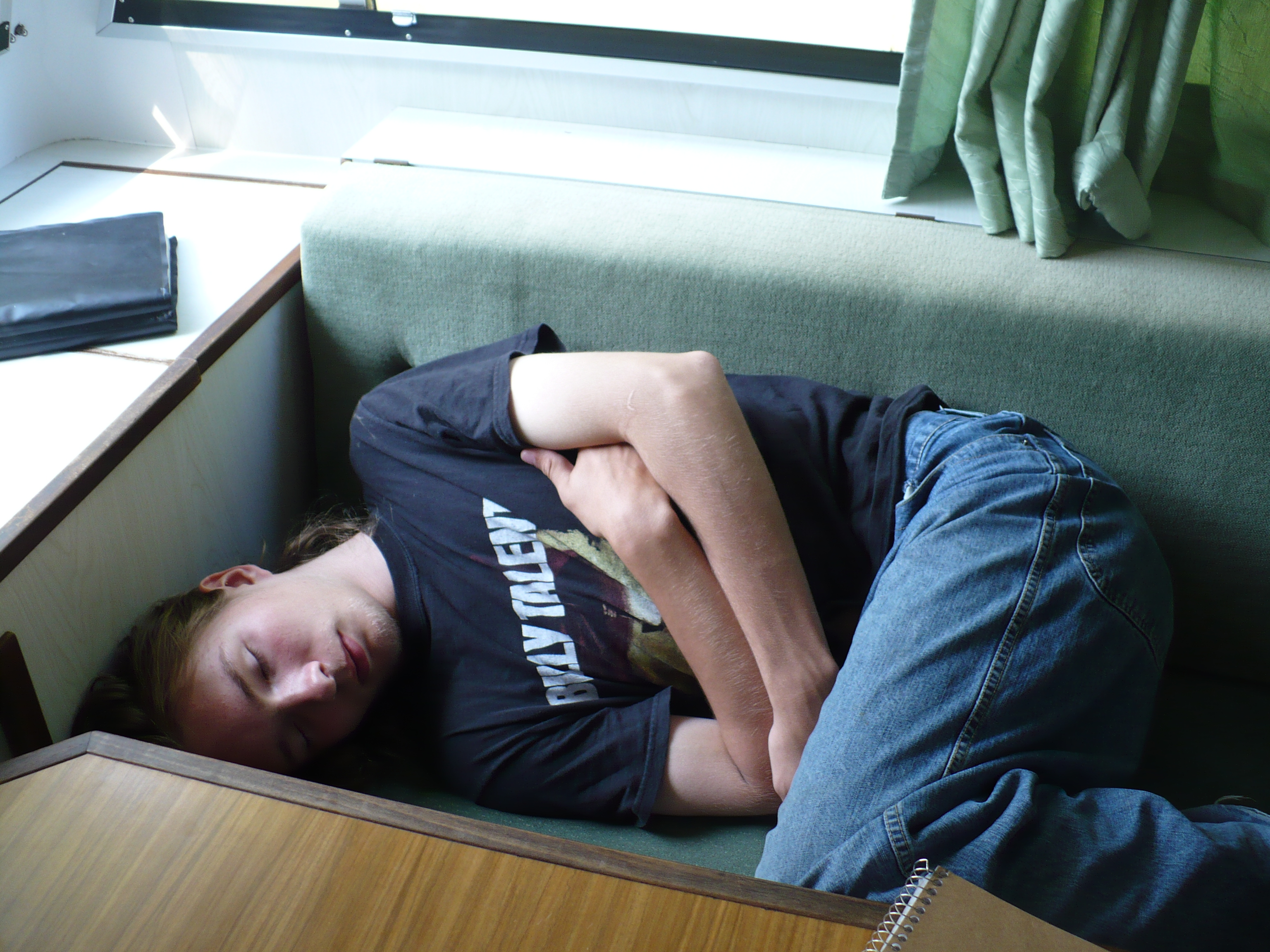



She lives beneath the pages
She lives beneath the pages
Unknown but not Unloved
Unloved but Unappreciated?
She lives beneath the pages
Shapes the visions in your mind
Form and Structure are her voice
Continuity creates her hands
She lives beneath the pages
places knowledge in your mind
Grace and Style are the cloak
That hides her beauty from your view
She lives beneath the pages
The invisible conductor of the word.
Discovered in the bottom of my briefcase; that probably puts it at around 10 years old. Bad, but with potential.
Shadowbox JS part 2
Now lets see what we can do about making this an easier process. Apparently WP 2.8 changed its insert gallery process so you have to save the post first. Then id you wait a moment, the gallery tab appears. Not to useful as it doesn’t allow you to upload first and gallery later. Nor does it expose the code you to add the rel=”shadowbox”
Study in Travelators…
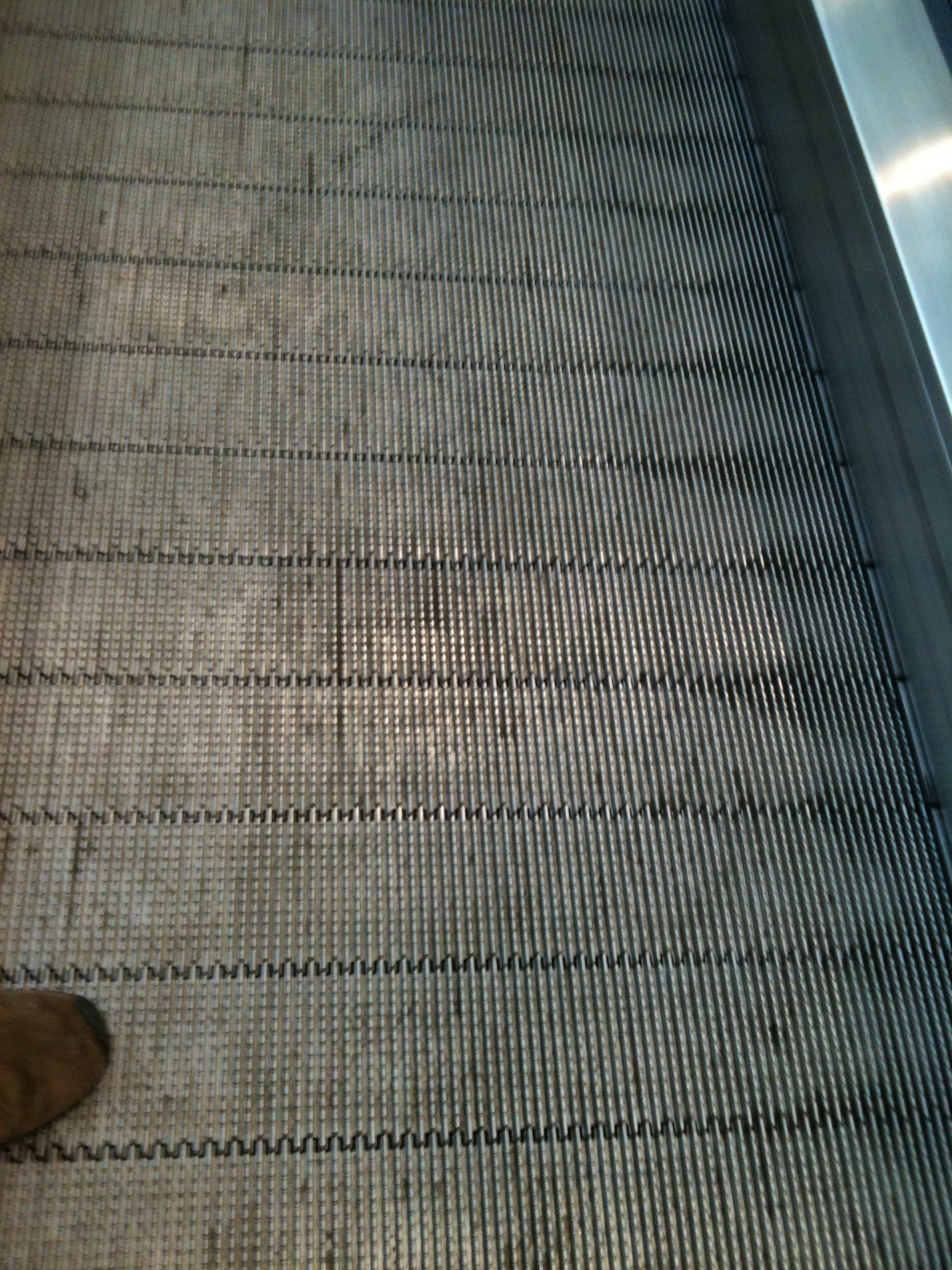
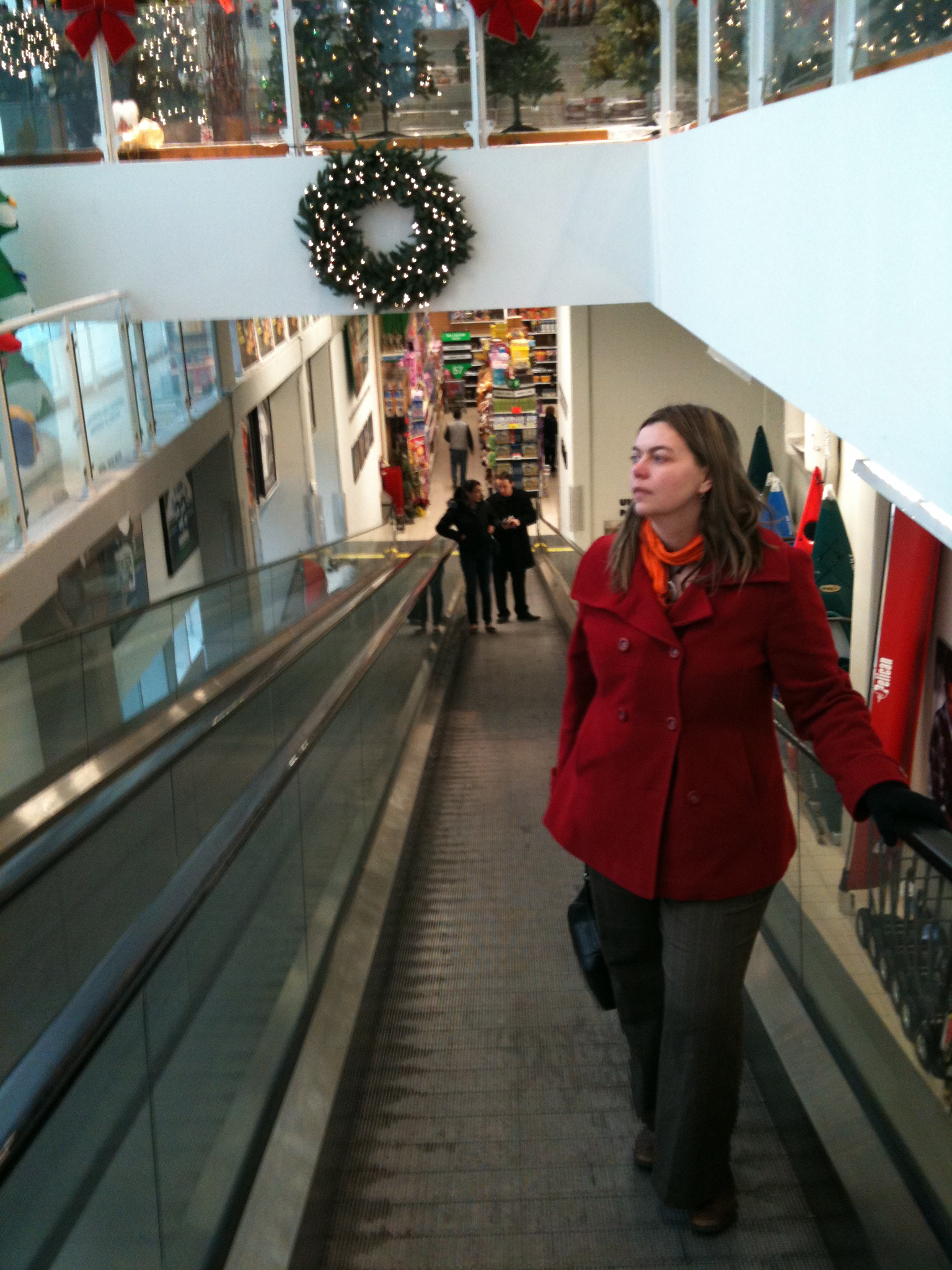
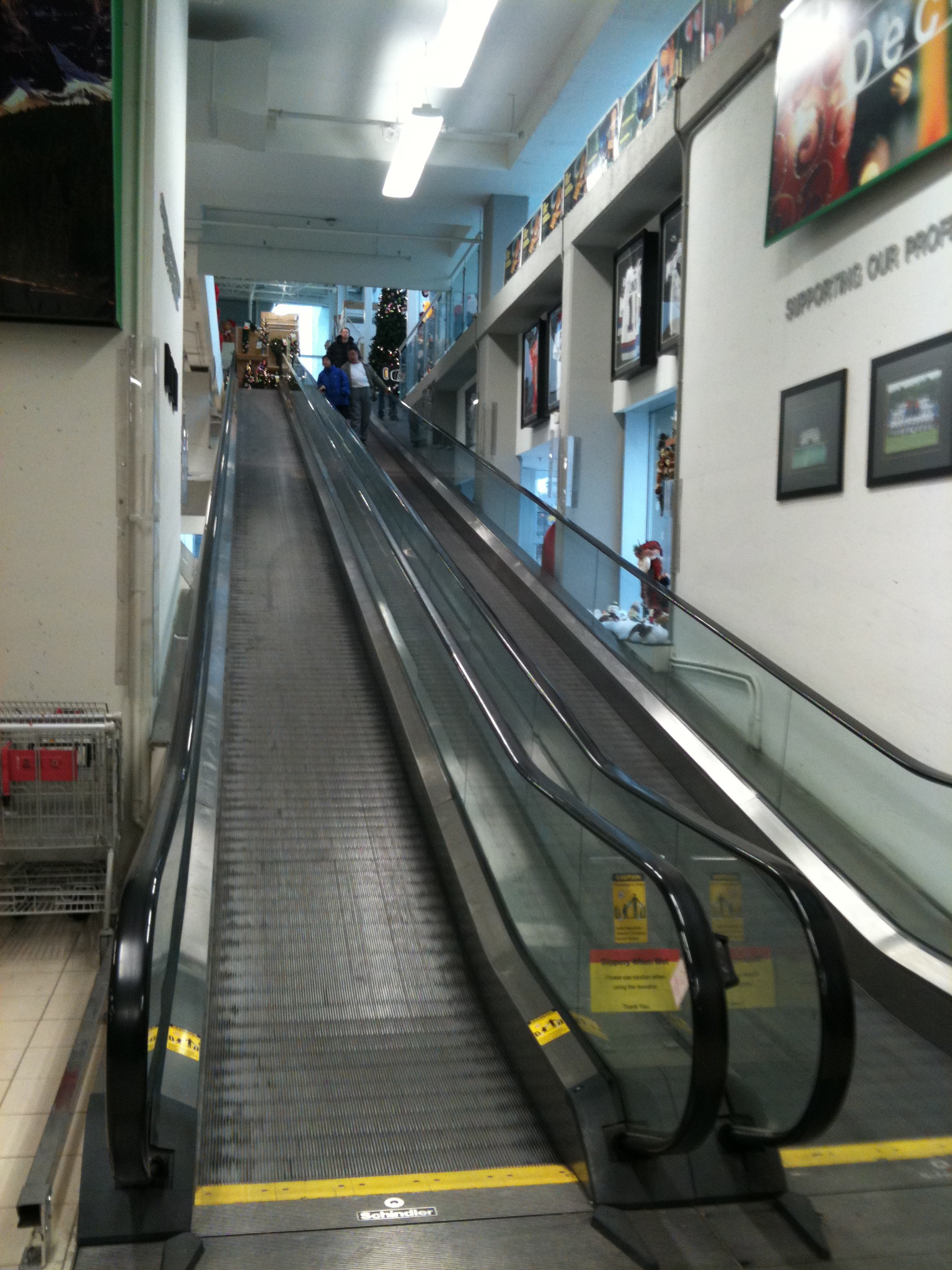
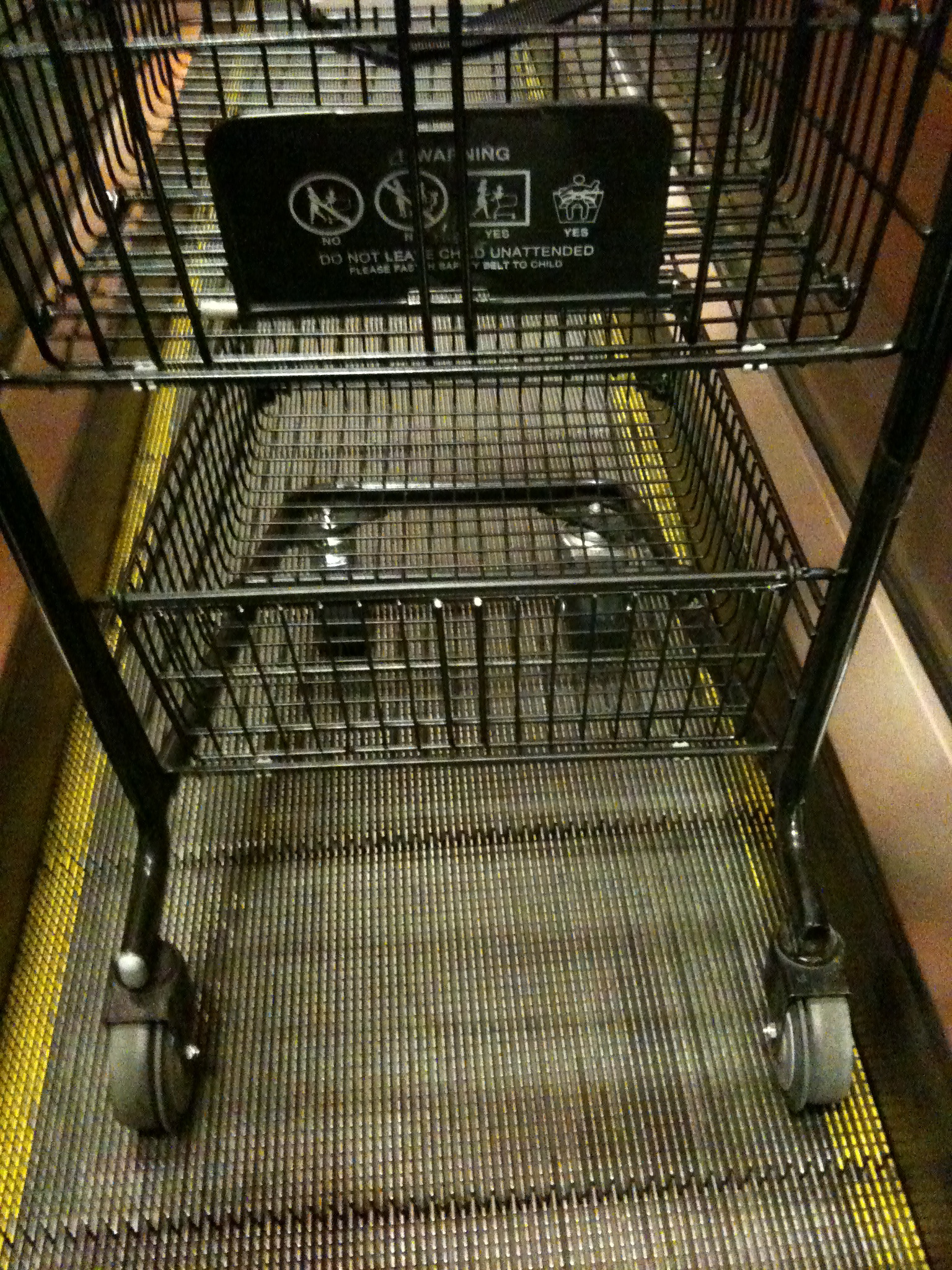
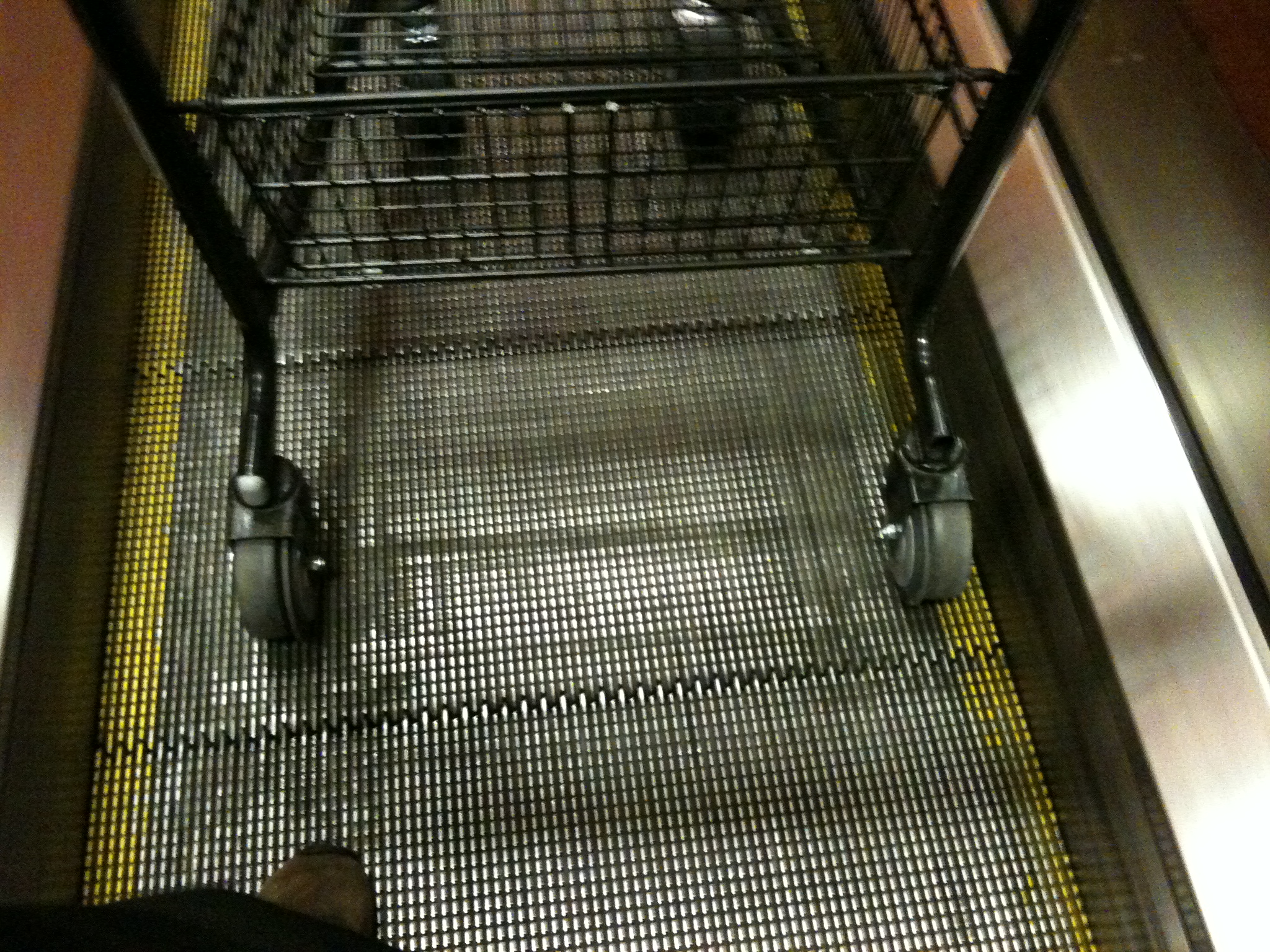
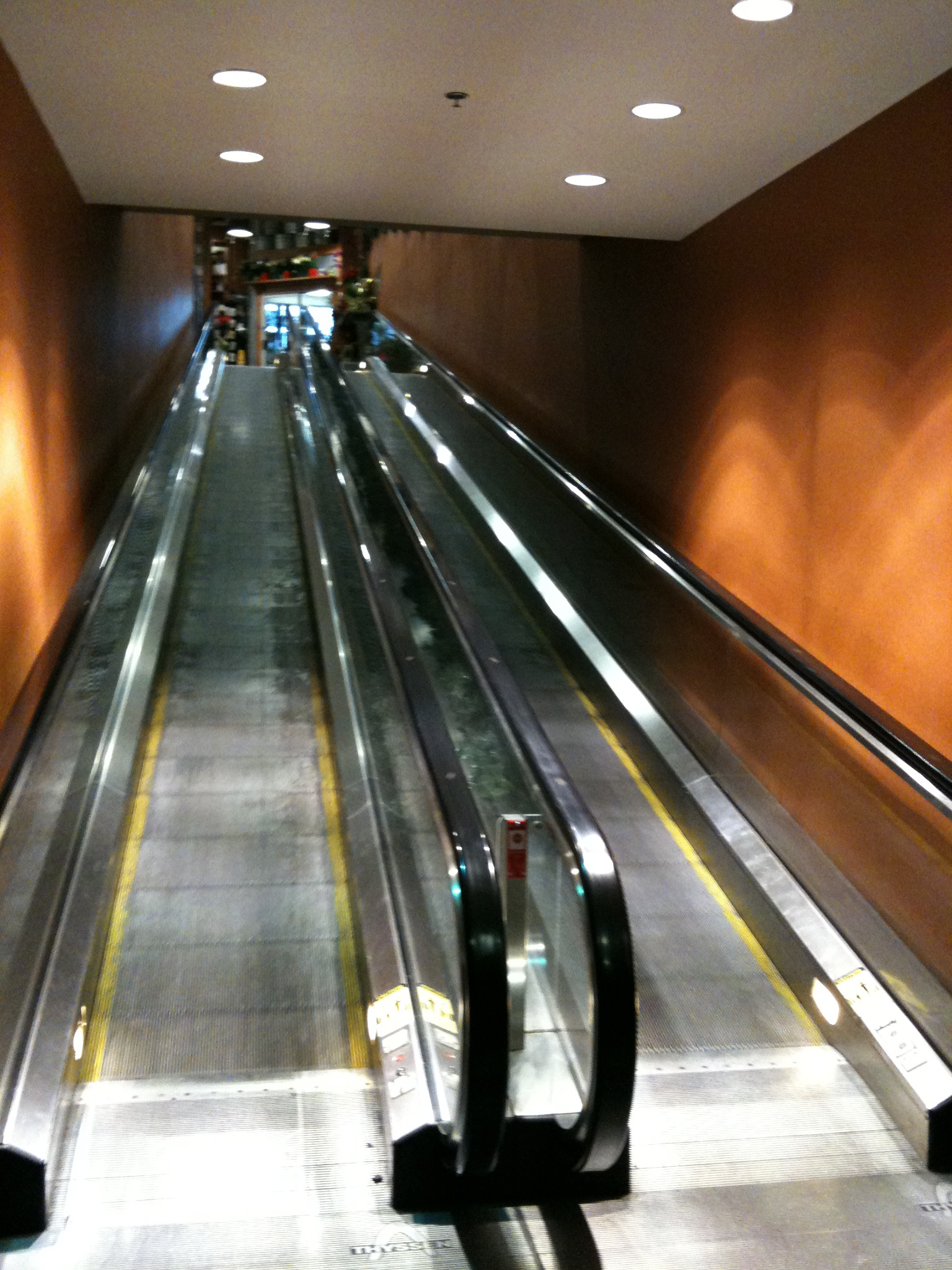
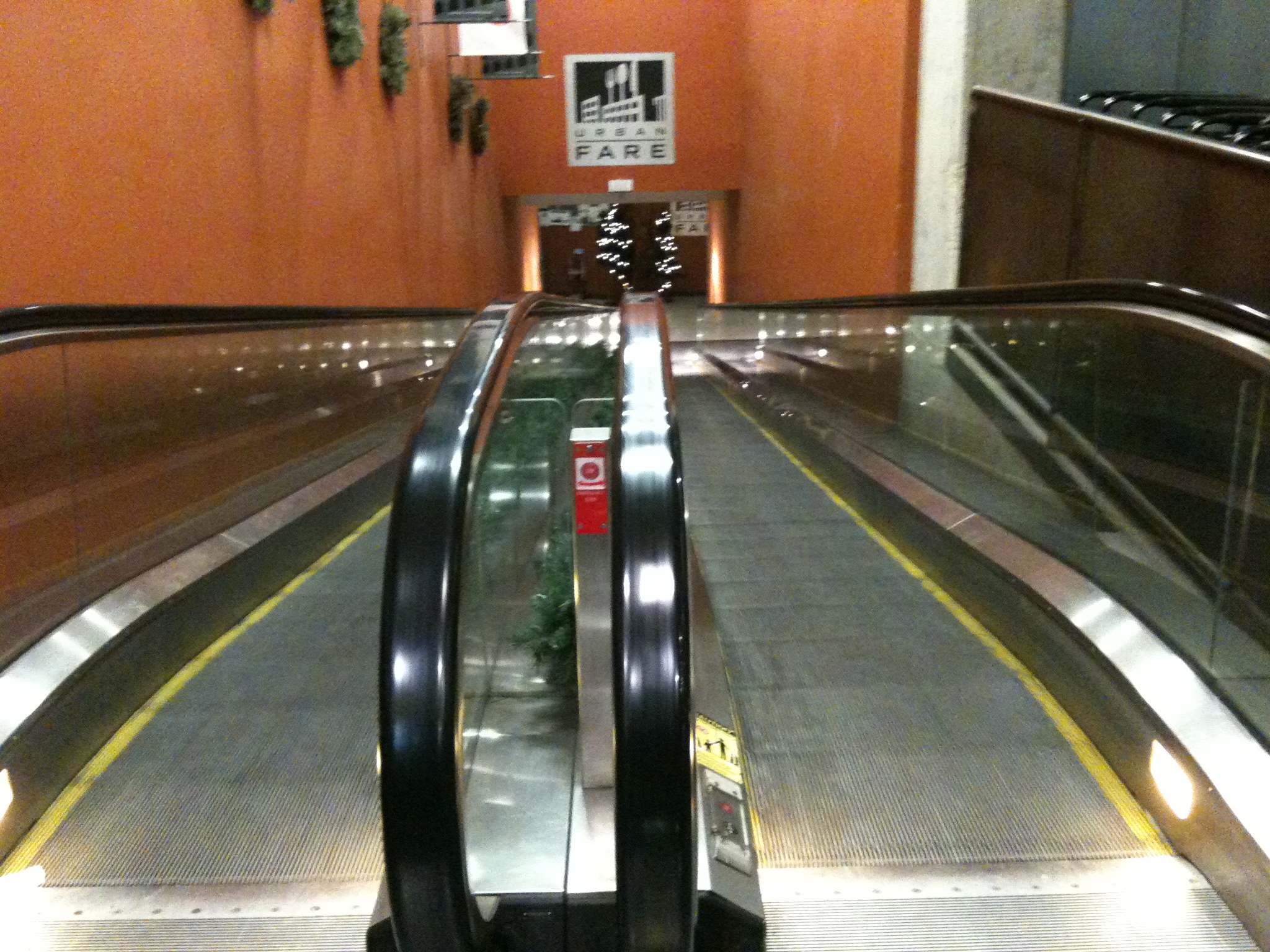
If, however you have the Image Links set to true on the Shadowbox Automation section of the Shadowbox Plugin Settings, then it will auto-sense the images and give you a slideshow without any of the options. Not optimal, but better than having to code everything by hand just to show a few images.
Shadowbox JS
My investigations into jquery.com have yielded Shadowbox JS.
Let’s give it a try…
… …
Well adding the code to the header file as I did on my static site didn’t seem to work. The js kicked in but it didn’t seem to find the target image. A quick google revealed a wordpress plugin So I’ve installed that and we’ll see if it works better…
… …

… …
That seemed to do it. Now if I add rel=”shadowbox to the href the Shadowbox theme appears. Next is an album. Theoretically if I add rel=”shadowbox[albumname]” to a series of images they will appear as a slide show…
… …
And rel=”shadowbox[albumname]options={continuous:true,counterType:’skip’,slideshowDelay:3}” gives it a counter with an automatic slide show
… …

|

|
… …
The whole code looks like this (with broken code):
| a href="http://macblaze.ca/wp-content/uploads/2009/10/P1050224.jpg" rel="shadowbox[test]options={continuous:true,counterType:'skip',slideshowDelay:3}" >img src="http://macblaze.ca/wp-content/uploads/2009/10/P1050224-150x150.jpg" border="0"/> | a href="http://macblaze.ca/wp-content/uploads/2009/11/P1050257.JPG" rel="shadowbox[test]options={continuous:true,counterType:'skip',slideshowDelay:3}" >img src="http://macblaze.ca/wp-content/uploads/2009/11/P1050257-150x150.jpg" border="0"/> |
… …
Apparently you can also link to websites, which is pretty cool.

Be very careful of hyperbole…

Seems to be missing a girl in the reflection… but I guess that’s not a detail…
Simply wow!
Browsing photography sites I came across this and was stunned.
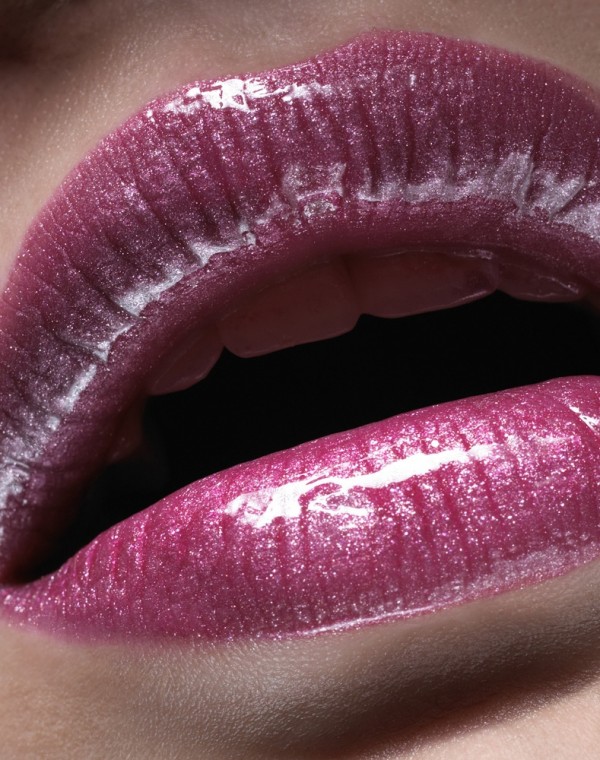
Click on it to see it larger!
It kills me not to know how much retouching was needed to make this so perfect, but I still am bowled over by how perfect it is…
The Enjoy Centre
I was down at the building site this afternoon to checkout the newly arrived greenhouses (all the way from Holland) and I snapped a bunch of pics.

The west side of the new building showing the windows to the staff room on the lower floor and the floor of the cafe above.

One of the staff shows off her finger-counting ability during a walkaround.
Muppets Sing Queen
Mama! Mama! Mama?
[zdvideo]http://macblaze.ca/wp-content/swf/muppet.flv[/zdvideo]
Makizushi
Rice was a bit off and the soya sauce sucked but all in all very yummy!
Too bad tuna is so very expensive…

