Sony Reader PRS-600 Review
or “what I got for Xmas this year”
I got a lovely new Sony Touch ebook reader for Xmas. While I had previously attempted to use Stanza on my iPhone, the ebook experience had never really appealed to me. But since I had the new toy, I was determined to give it a valiant effort. I just finished my first book (David Weber and John Ringo’s March UpCountry) and I thought I’d give the experience a review.

As I’ve mentioned I have an iPhone. I love the Apple user experience. From the first iPod I bought with its flawless install and seamless box to user process, I have been hooked on the idea of a great novice experience. Sad to say, the Sony system did not hold up.
Install
First off the install is slow and the install files on the device are only a link to the Reader website. A pain in the butt when you are on borrowed internet connections at your parents house. Eventually we got it done though it was far from seamless.
Software
The software itself, Reader Library, is a pale imitation of Apple’s iTunes. It maintains two different libraries, one on the device and one on the computer. The synch works but it is flakey and the actually location of the files on you computer is subject to a bunch of odd vagaries that I have yet to discover. Suffice it to say if you’ve added files directly to the Library on you computer, don’t you dare move the originals or you’ll spend hours trying to figure out why teh damn thing chokes on synching…
Hardware
The hardware suffers mostly from two flaws: one is teh lack of light so the screen is dim (I read that teh touch model is even dimmer that the others). This results in having to spend more time finding the right reading position every time the light shifts or you move to a neew reading spot.
The other issue is more of a comparison to the iPhone. I love the touch screen on the iPhone and am used to its reactions. The Reader is a different technology all together and its taken quite a bit of time to get used to. IN the end I prefer the iPhone as it is responsive 100% of the time, while the reader often doesn’t understand you gestures due to difference sin pressure of directions.
Content
Content was also a bone of contention until I figured it out. I guess the only flaw here is that I again compared it to Apple’s integrated system where files moved from one place to another magically and all the content in the world was at my finger tips. Sony has a store but I have yet to bring myself to buy ans ebook for $12.95. Being in the biz, I just can’t justify spending that kind of cash on an ephemeral technology that has very little physical cost associated with it.
There is no warehousing costs, not pp&b (print paper and bind) and the production costs can be spread over the paper editions. $5 and under I can see but there are $20 books out there…
Eventually I found Baen Books free site and downloaded something I actually wanted to read for free. I have book 3 in the series so it was nice to download 1 and 2 and in all likelihood I’ll pick them up next time they are released. A way better model than trying make me pay hardcover prices for something I’m likely to lose the next time my computer thrashes itself.
The Experience
As for reading the book… well it took a while to get used to. It helped that I found a book that I wanted to read and I had made a commitment to really try. I figure by about page 100 I was into the groove enough to zone out and forget about the rest of the world (my primary reason for reading sci-fi). As the pages went by I was more and more comfortable and as soon as I was done book 1 I immediately dove into book 2.
The light is an issue. It’s not a huge one and you can compensate for it. Given that the reader is lighter, easier to hold in one hand, has multiple ways of changing pages without having to shift position and “holds itself open”, I think the trade off is more than fair. I especially like that I can fall asleep and it will turn itself off and remember my page.
If the charge is as good as they claim, it will be the perfect traveling book. Instead of hauling 10 paperbacks to Europe, I can just bring the one. This of course will rely on the availability of books that are under $5, but I think I can make do.
Conclusion
I like it. It won’t replace all my books, but if something good comes along I’ll definitively download it and read it on the reader. It would be perfect if the pricing was more reasonable: I hate hardcovers and get annoyed having to wait 1 year+ to read book 6 of something. If they released the ebook for a reasonable price I could read it early and pick up the paperback when it was released. At least companies like Baen and Tor seem to get it… mostly. We’ll have to wait and see..
Beaker Wood Products
My brother Dale make fine wood crafts and is thinking about setting up a website. He was just playing around uploading images.


Visit www.beakerwood.ca for more…
A friend of his has a site, but his is a much more commercial venture. Beautiful stuff though: andesigns.ca
Merry Xmas 1 & Awl
Home for the holidays… And poor Zak and Leslie have to amuse themselves in the hinterlands that are rural Alberta!


Drywall
Carmen’s condo has got the first bit of drywall. Strange… No roof yet.

Playing with Nextgen-gallery Plugin
I added the Next-gen gallery plugin with instructions by David Potter. I had to disable the images in theShadowbox JS plugin to avoid a disconcerting double effect.
Examples of usage can be found here.
Here’s a gallery of random climbing pics…
nggallery id=8 (in square brackets)
[nggallery id=8]
nggallery id=8, template=carousel
[nggallery id=8, template=carousel]
Highway #2 in Alberta’s Winter
My parents sent me a pic of Highway #2 on Friday, December 4. This is the highway just outside of Red Deer, AB.

Gotta love winter drivers…
Playing with bulk photogalleries
Note: Due to the speed (or lack there of) of my server this is painfully slow on any connections not immediately in my house household…
Sigh
And now that I’ve disabled Shadowbox JS automatic image, it no longer adds the effect to galleries.
Sigh
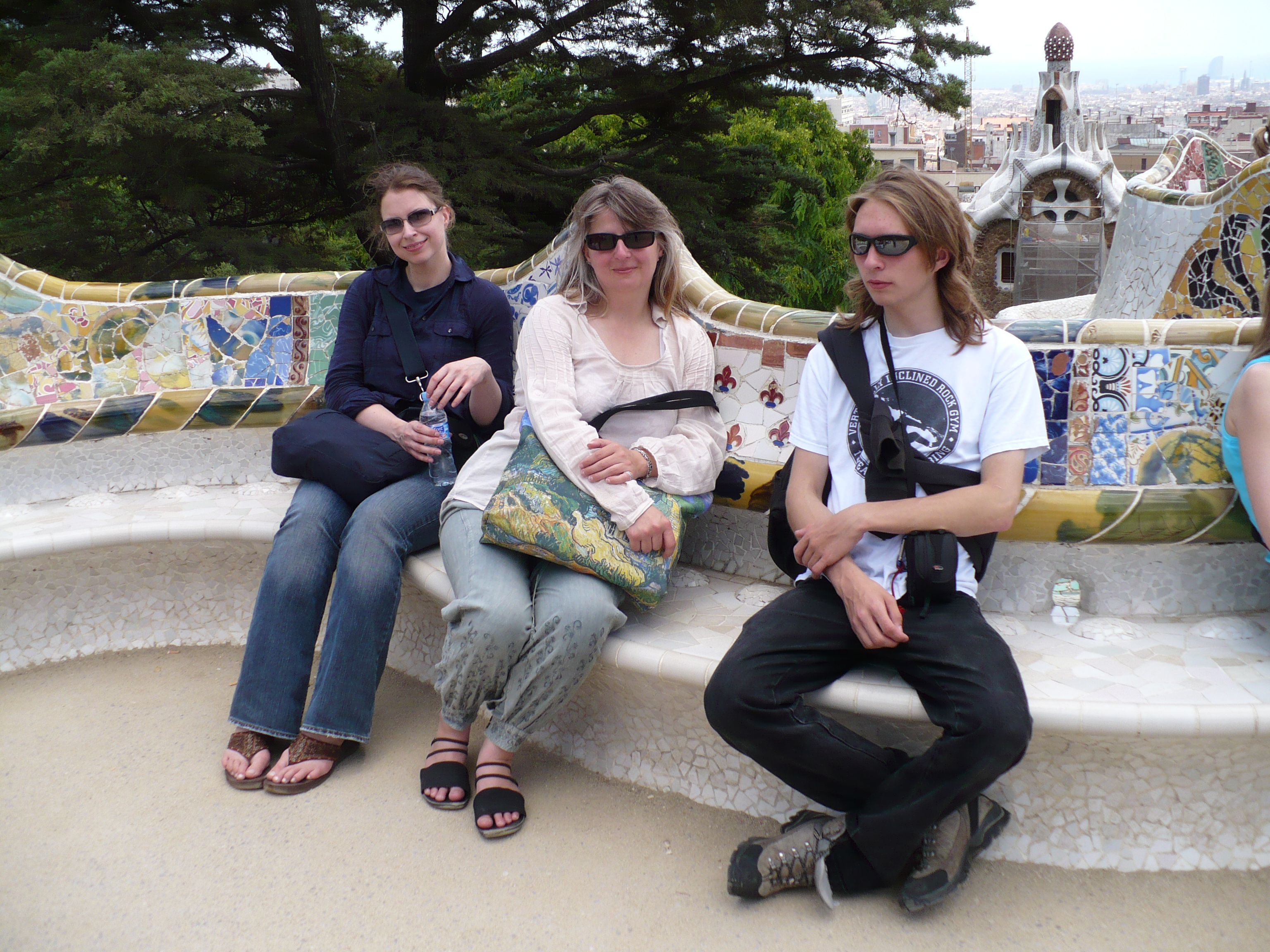
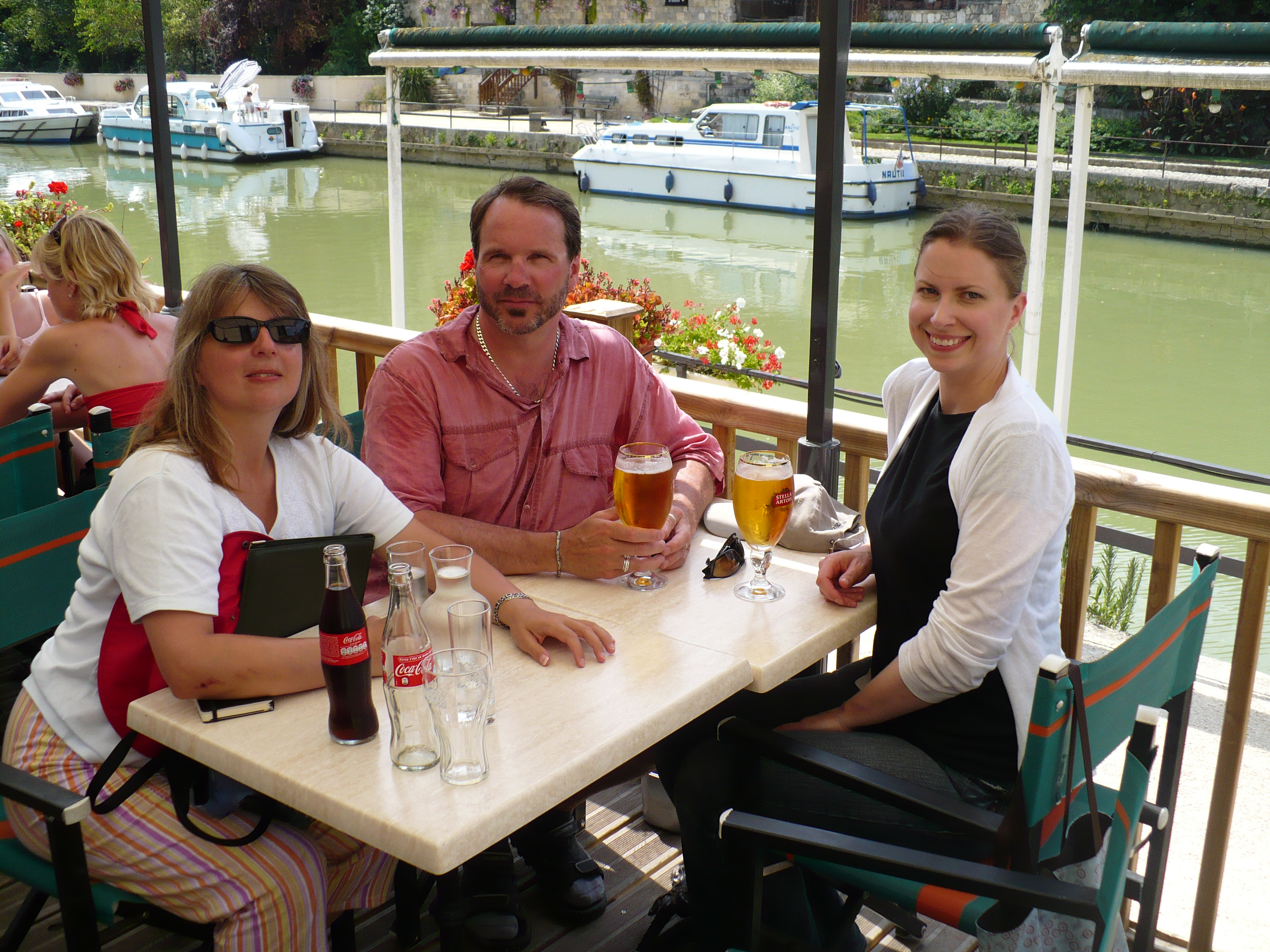
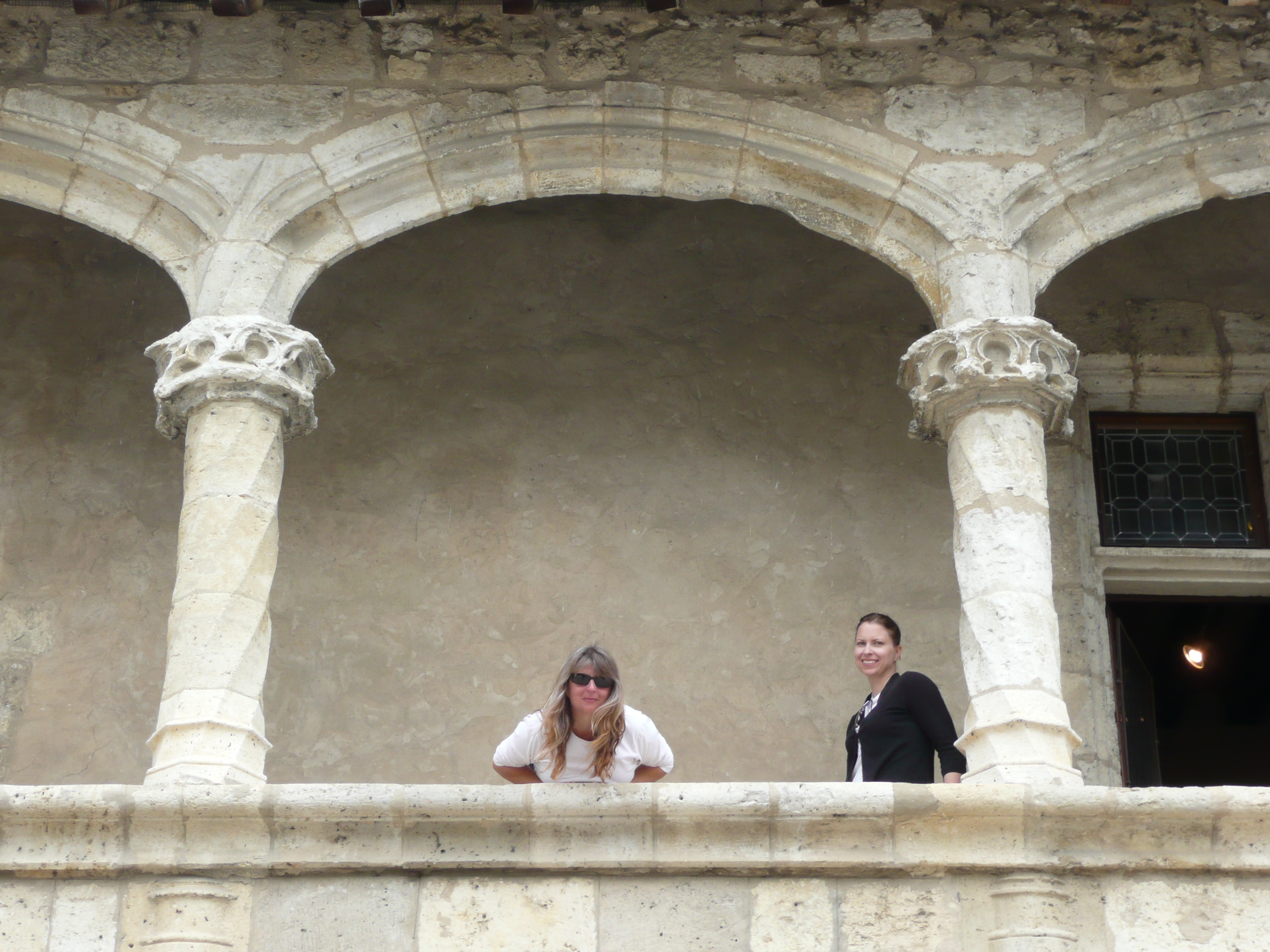
How about some holiday pictures…


























She lives beneath the pages
She lives beneath the pages
Unknown but not Unloved
Unloved but Unappreciated?
She lives beneath the pages
Shapes the visions in your mind
Form and Structure are her voice
Continuity creates her hands
She lives beneath the pages
places knowledge in your mind
Grace and Style are the cloak
That hides her beauty from your view
She lives beneath the pages
The invisible conductor of the word.
Discovered in the bottom of my briefcase; that probably puts it at around 10 years old. Bad, but with potential.
Shadowbox JS part 2
Now lets see what we can do about making this an easier process. Apparently WP 2.8 changed its insert gallery process so you have to save the post first. Then id you wait a moment, the gallery tab appears. Not to useful as it doesn’t allow you to upload first and gallery later. Nor does it expose the code you to add the rel=”shadowbox”
Study in Travelators…
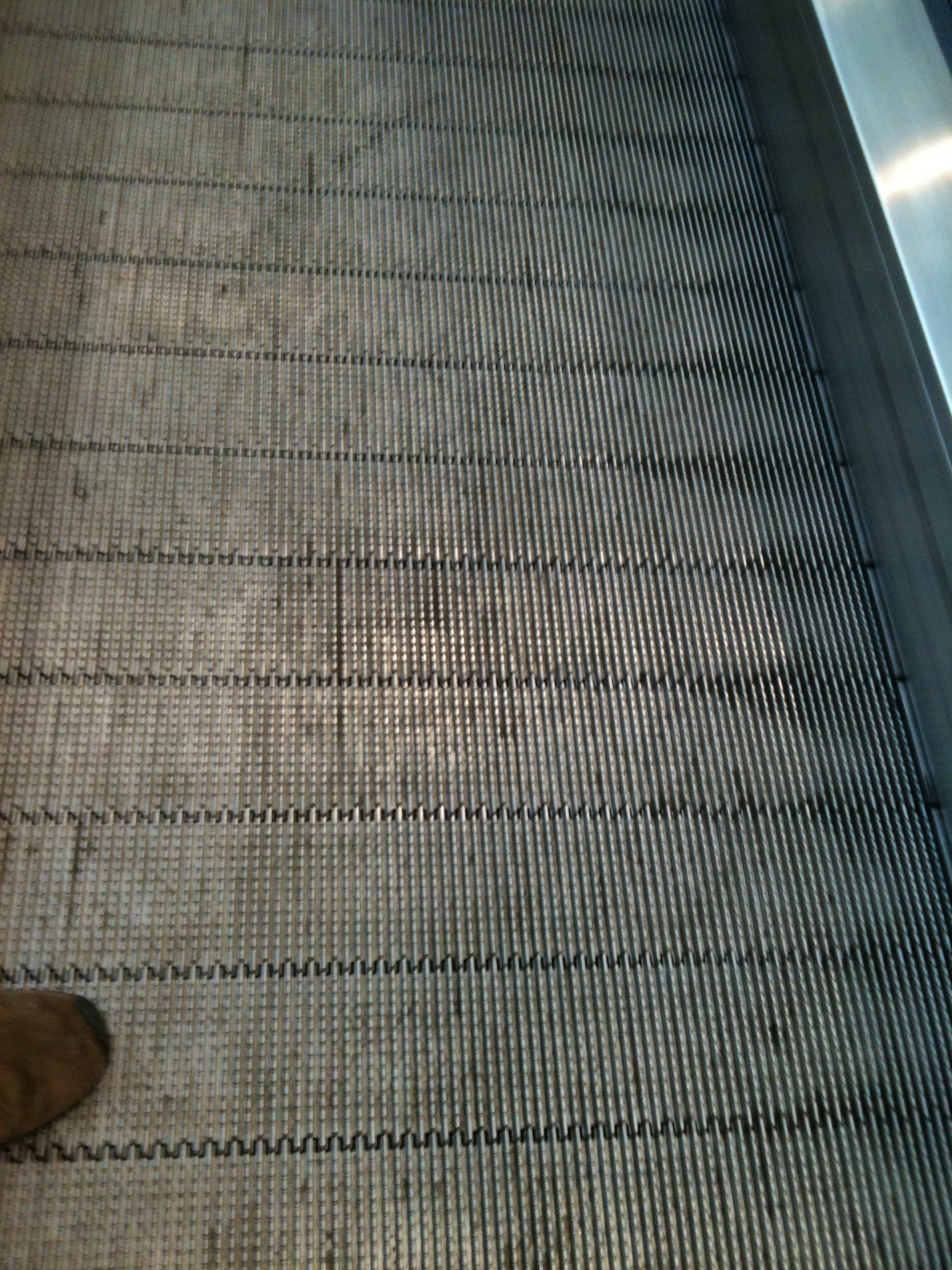
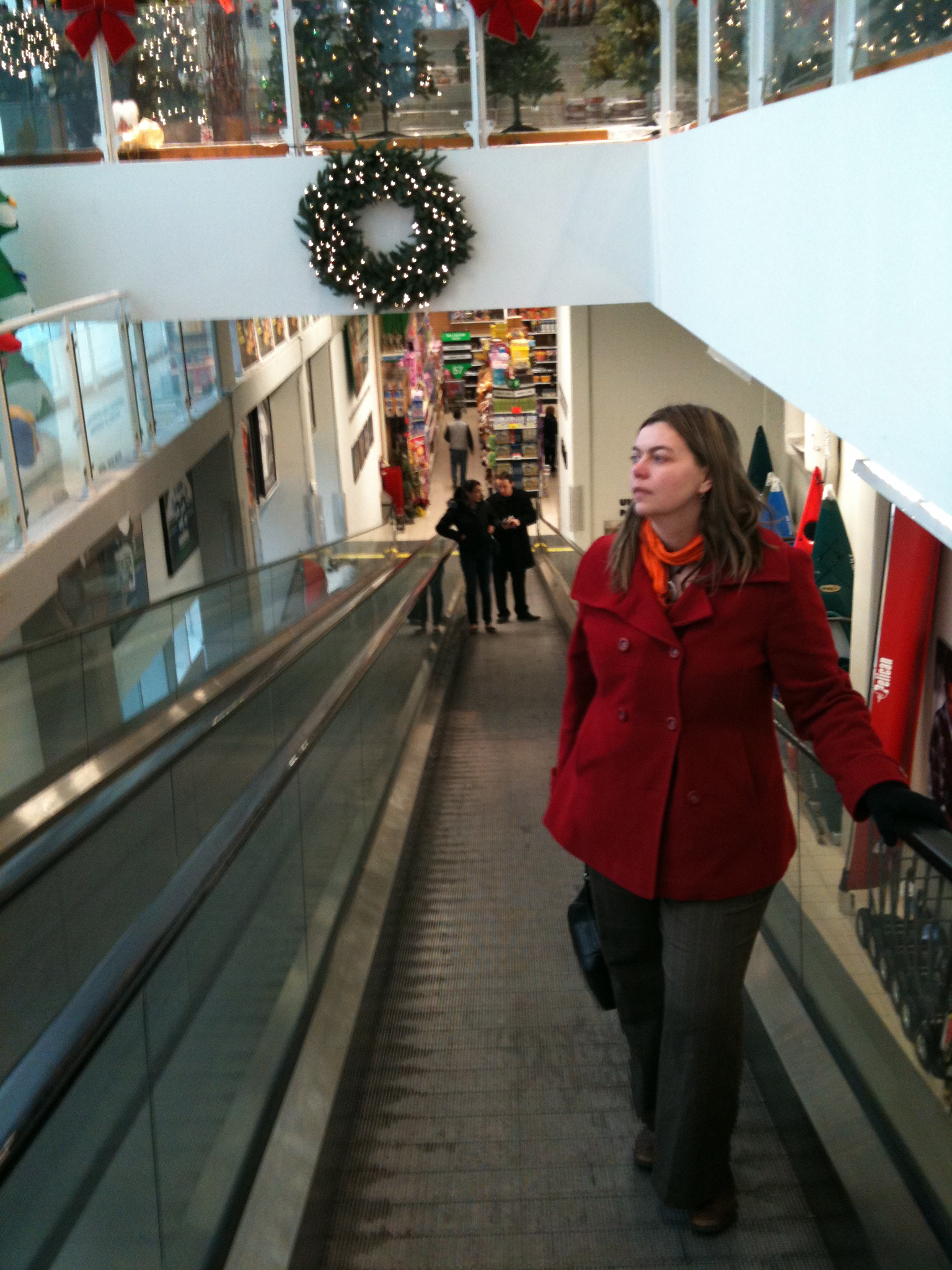
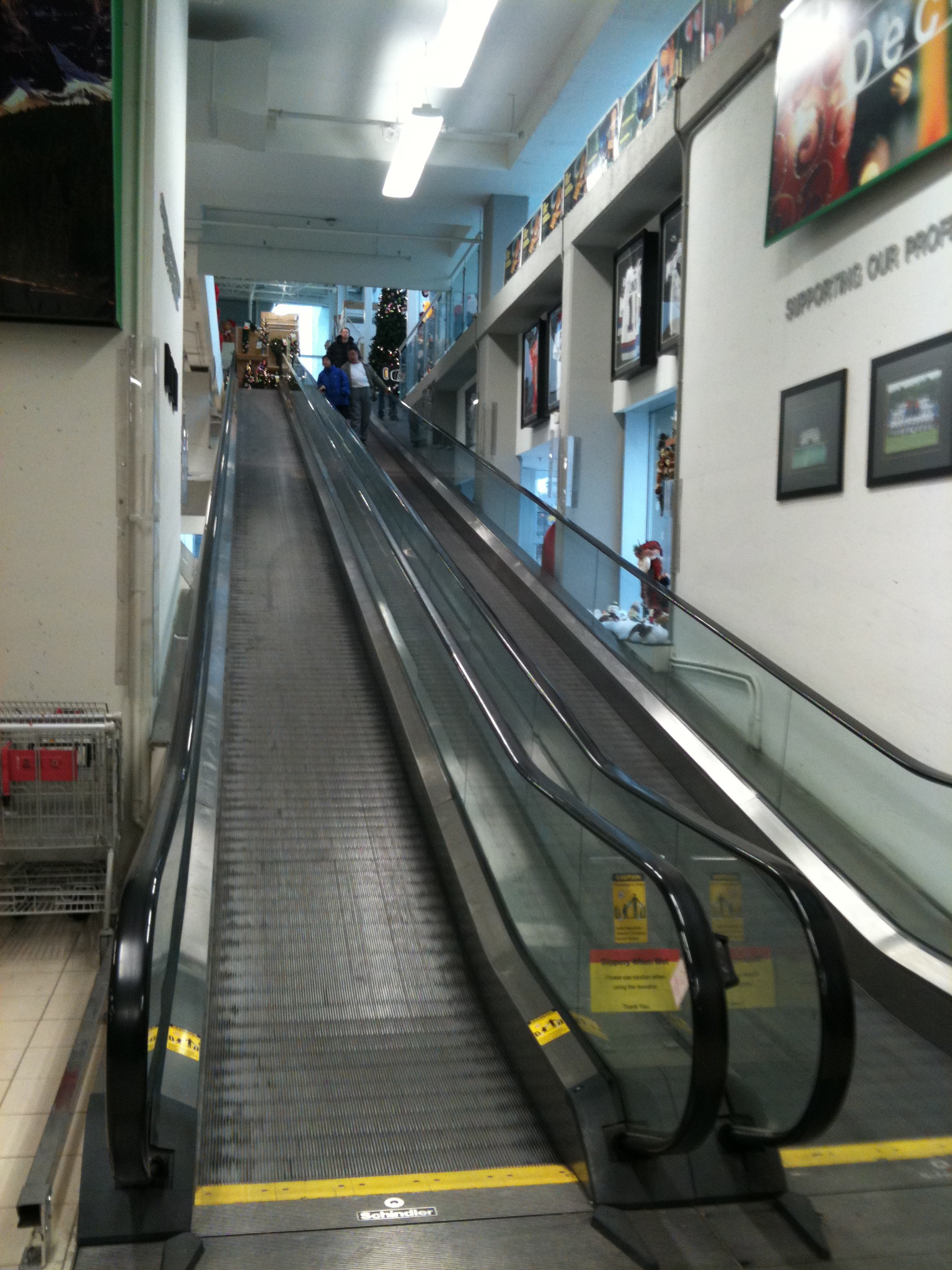
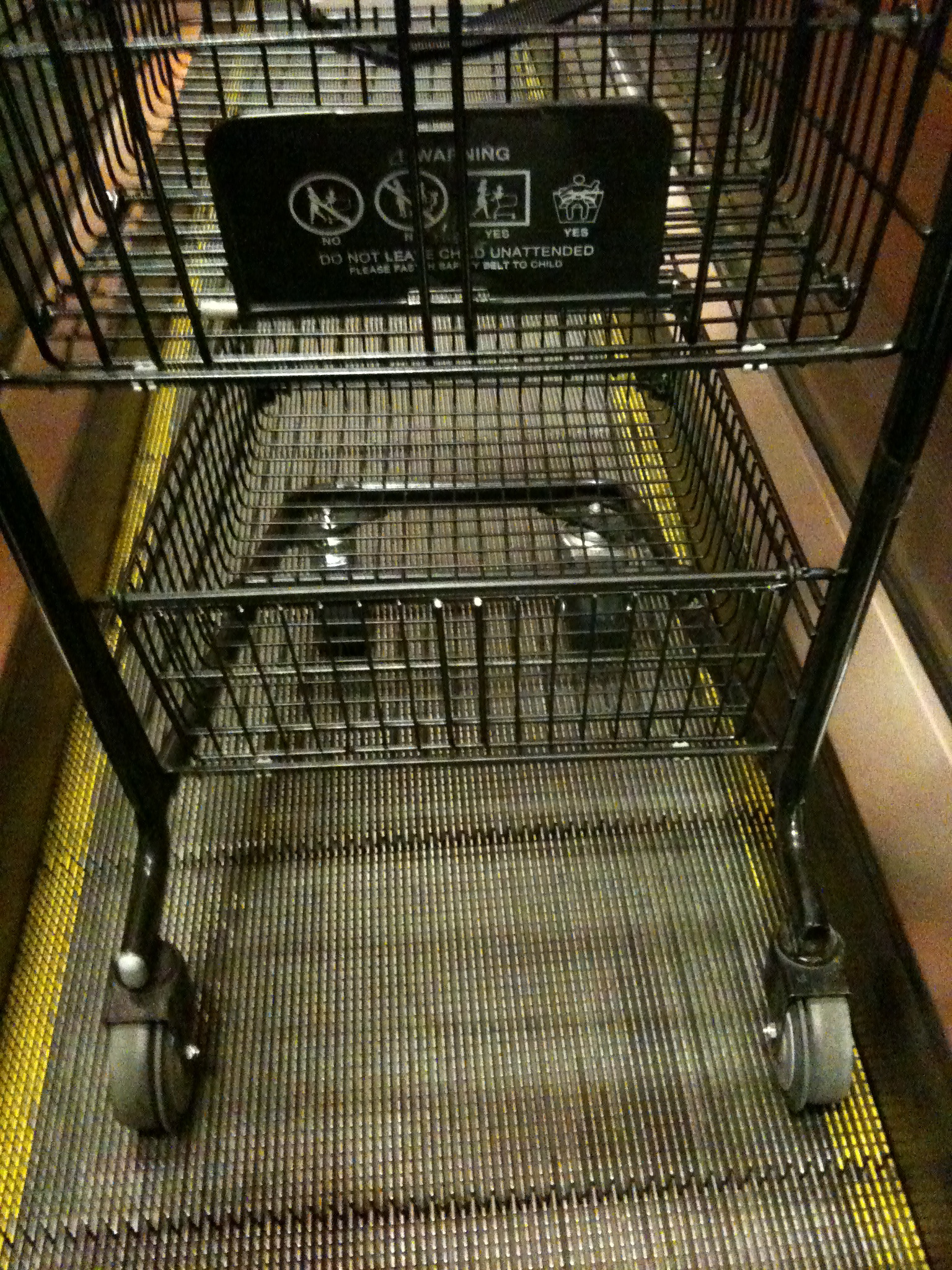


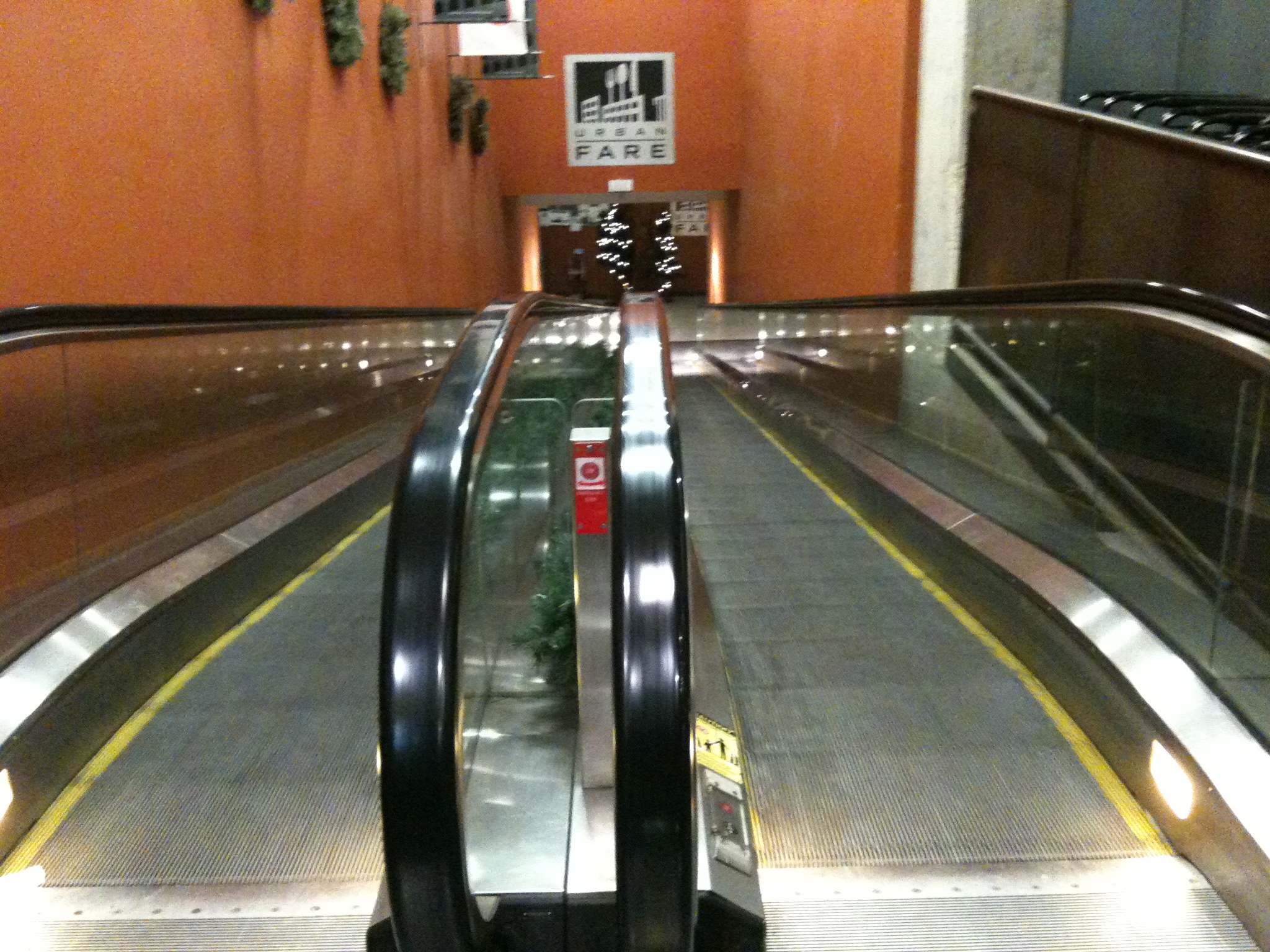
If, however you have the Image Links set to true on the Shadowbox Automation section of the Shadowbox Plugin Settings, then it will auto-sense the images and give you a slideshow without any of the options. Not optimal, but better than having to code everything by hand just to show a few images.
Shadowbox JS
My investigations into jquery.com have yielded Shadowbox JS.
Let’s give it a try…
… …
Well adding the code to the header file as I did on my static site didn’t seem to work. The js kicked in but it didn’t seem to find the target image. A quick google revealed a wordpress plugin So I’ve installed that and we’ll see if it works better…
… …

… …
That seemed to do it. Now if I add rel=”shadowbox to the href the Shadowbox theme appears. Next is an album. Theoretically if I add rel=”shadowbox[albumname]” to a series of images they will appear as a slide show…
… …
And rel=”shadowbox[albumname]options={continuous:true,counterType:’skip’,slideshowDelay:3}” gives it a counter with an automatic slide show
… …

|

|
… …
The whole code looks like this (with broken code):
| a href="http://macblaze.ca/wp-content/uploads/2009/10/P1050224.jpg" rel="shadowbox[test]options={continuous:true,counterType:'skip',slideshowDelay:3}" >img src="http://macblaze.ca/wp-content/uploads/2009/10/P1050224-150x150.jpg" border="0"/> | a href="http://macblaze.ca/wp-content/uploads/2009/11/P1050257.JPG" rel="shadowbox[test]options={continuous:true,counterType:'skip',slideshowDelay:3}" >img src="http://macblaze.ca/wp-content/uploads/2009/11/P1050257-150x150.jpg" border="0"/> |
… …
Apparently you can also link to websites, which is pretty cool.
