Category: Computers
Shadowbox JS part 2
Now lets see what we can do about making this an easier process. Apparently WP 2.8 changed its insert gallery process so you have to save the post first. Then id you wait a moment, the gallery tab appears. Not to useful as it doesn’t allow you to upload first and gallery later. Nor does it expose the code you to add the rel=”shadowbox”
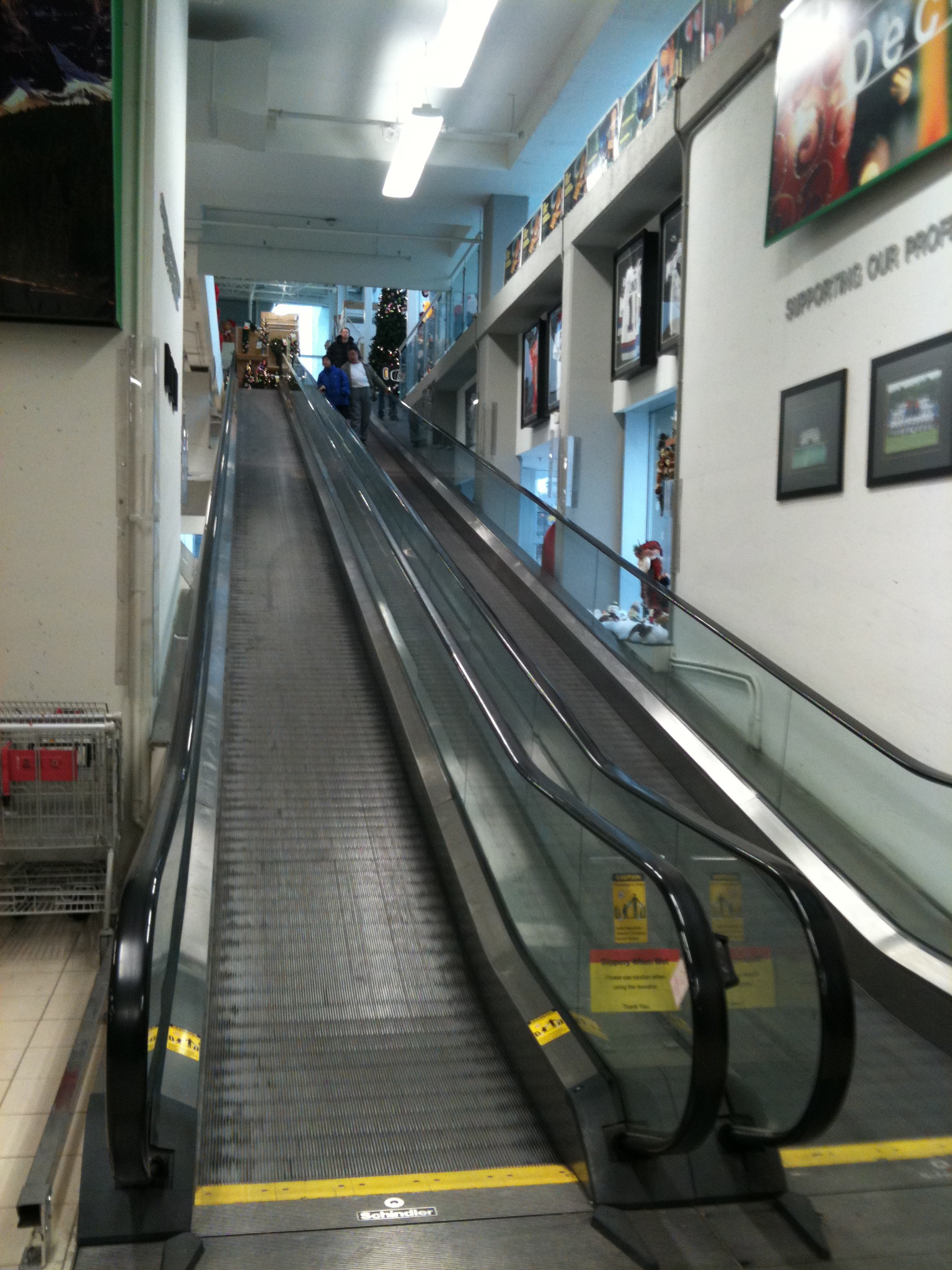
Study in Travelators…






If, however you have the Image Links set to true on the Shadowbox Automation section of the Shadowbox Plugin Settings, then it will auto-sense the images and give you a slideshow without any of the options. Not optimal, but better than having to code everything by hand just to show a few images.
Shadowbox JS
My investigations into jquery.com have yielded Shadowbox JS.
Let’s give it a try…
… …
Well adding the code to the header file as I did on my static site didn’t seem to work. The js kicked in but it didn’t seem to find the target image. A quick google revealed a wordpress plugin So I’ve installed that and we’ll see if it works better…
… …

… …
That seemed to do it. Now if I add rel=”shadowbox to the href the Shadowbox theme appears. Next is an album. Theoretically if I add rel=”shadowbox[albumname]” to a series of images they will appear as a slide show…
… …
And rel=”shadowbox[albumname]options={continuous:true,counterType:’skip’,slideshowDelay:3}” gives it a counter with an automatic slide show
… …

|

|
… …
The whole code looks like this (with broken code):
| a href="http://macblaze.ca/wp-content/uploads/2009/10/P1050224.jpg" rel="shadowbox[test]options={continuous:true,counterType:'skip',slideshowDelay:3}" >img src="http://macblaze.ca/wp-content/uploads/2009/10/P1050224-150x150.jpg" border="0"/> | a href="http://macblaze.ca/wp-content/uploads/2009/11/P1050257.JPG" rel="shadowbox[test]options={continuous:true,counterType:'skip',slideshowDelay:3}" >img src="http://macblaze.ca/wp-content/uploads/2009/11/P1050257-150x150.jpg" border="0"/> |
… …
Apparently you can also link to websites, which is pretty cool.

WordPress flv players
I came across some really powerful typography-based videos the other day and thought I wanted to steal one to post on my site.
First up was to download the .flv file. Easily accomplished on a Mac by using Safari.
Open the page with the movie and press Command-Option-A, which shows the Activity window. If you’re also loading other sites, you’ll see a list of them: scroll until you find the YouTube page and click on the arrow to show details about what is being loaded.
You will certainly notice an element whose size is over 0.5MB (most of the time, over 5MB). Double-click on it (even if it is still loading), and Safari will download it. When the download is over, navigate to the file in the Finder (which will probably be called get_video) and add the extension .flv to its name.
Next up was trying to get a an flv plugin so I could easily run them on the WordPress site. I heard a lot of good things about FLV Player Plugin v2.0 but in the end I couldn’t get it to run. I have no idea why. One of things that I had to do was edit the php file to correct the location of the swfobject.js. Default expects it to be placed in the plugins directory – but the file exists in plugins/flv-player. Modify line 20 to update the correct path to swfobject.js or the “Get Flash” icon will show up.
Still it wouldn’t play the flv and I have no idea what I did wrong. While cruising the WordPress site I came across ZD YouTube FLV Player which offeered more options and actually worked for me (other than the autoplay switch which still won’t work…). Anyway here are the usage and attributes:
Usage:
[zdvideo]url[/zdvideo]
‘url’: This is the URL of either a youtube video or flv video file. Example – http://in.youtube.com/watch?v=7HdJgf3yXM0 or http://www.yourdomain.com/videos/myvideo.flv
Attributes:
width – Default is “425”. This is the width of the player including border.
height – Default is “349”. This is the height of the player including border.
align – Alignment of the Flash Player. Default is “center”. Available Options: “left”/”right”/”center”
border – Show/Hide Flash Player Border. Default “yes”. Available Options: “yes”/”no”
fullscreen – Show/Hide full screen button. Default “yes”. Available Options: “yes”/”no”
theme – Name of the theme you want to use for the Flash Player. Default “dark”.
autoplay – Set video auto play On/off. Default “no”. Available Options: “yes”/”no”
Themes:
Dark
Glossy
Gray
Simple 1
Simple 2
Testing the WordPress App
 A pic of Jim, one of the owners of Hole’s on a transit bus advertising the City of St Albert.
MAN Down! MAN Down!
Well the computer blew up. I restarted it and it wouldn’t boot up again. Couldn’t mount the harddrive via target disk mode… nothing. This led me to believe it was the harddrive.
So while I took the beastie in to get serviced (seems that the G5 iMacs with iSight are virtually impossible to open without the proper tools I figured better safe than sorry) I decided to see if I could rescue my blog. Google caches accounted for most of the posts up till May 09 and luckily I had backed up everything to the new mac mini in March. That meant potentially I was only out of action for the month of April which wasn’t bad all in all.
Here begins the trials…
Firstly the mac mini is an intel chip and I couldn’t find an install for the same version of mysql as was on the iMac. And it turns out it is virtually impossible to restore the database files across version. The preferred way is to do a database dump from the source database and a restore on the new one:
admin$ mysqldump [databasename] > [Newdatabasename.sql]then
admin$ mysql -u[user] -p [databasename] < [Newdatabasename.sql]
This basically left me screwed until I got a call to tell me it was my logic board and not the drive that had failed. 2nd time for a logic board on that piece of hardware you may recall. One of my few Mac lemons...
So I swung by the shop, picked up the drive and a new sata case, had the poor old G5 recycled. I successfully booted the mini from the old drive and did the dump. So now comes the easy part. I tried a new install on the mini of everything (php, mysql, wordpress) but it wasn't as easy as I remembered.
I downloaded...
mysql from here:
dev.mysql.com/downloads/mysql/5.1.html
php from Marc Liyanage's site: www.entropy.ch/software/macosx/php/
and a new clean install of wordpress: codex.wordpress.org/Installing_WordPress
The problem was all my notes about granting privileges and making databases and whatnot are on this stupid blog (inaccessible at that point you see) and thus the install took longer than expected.
I had trouble starting mysql until I tried this:
sudo /usr/local/mysql/bin/mysqld_safe --user=mysql
So then …
Login to mysql after the install: mysql -uroot (no password)
Then:
mysql> CREATE DATABASE databasename;

Query OK, 1 row affected (0.00 sec)

mysql> GRANT ALL PRIVILEGES ON databasename.* TO "wordpressusername"@"hostname"

    -> IDENTIFIED BY "password";

Query OK, 0 rows affected (0.00 sec)

mysql> FLUSH PRIVILEGES;

Query OK, 0 rows affected (0.01 sec)

mysql> EXIT
After that you should set the root password for mysql
mysql> SET PASSWORD FOR 'root'@'localhost' = PASSWORD('password');
After restoring my files and themes I was up and running again. Now I guess its time to clean up the theme a little…
Resizing Images
I was reading an article that said WordPress now (ver 2.5 and higher) actually resizes images upon upload. If so I hadn’t realized this was built in now. Here is a 2 meg jpeg 3072 x 2304 pixels taken last night (Halloween 2009 by famous photographer C). Let us upload it to a few different sizes and see…

Published at medium setting (400 x 300)
Well what do you know, it works… Now in the upload folder are 4 files: the original sized P1050240.JPG, P1050240-150×150.JPG, P1050240-400×300.JPG and P1050240-1024×768.JPG
I’ll have to try this on enjoygardening.com which I haven’t kept as up-to-date and make J’s job a bit easier…
Testing WordPress 2.0 app
Just testing the new iPhone app. Here’s a pic of L having a Strongbow and checking out the free wireless in our new pub.
- OK. So it’s faster but there is no category option? Hmmmmm
- Oh. It helps if you compose a post, and not a page. All fixed now.
- No way to delete the page with the app.
- enjoygardening.com didn’t work until I added a trailing / to the URL.

Tech Support
No one I know would find this useful… 😉

Courtesy of xkcd.com A webcomic of romance,
sarcasm, math, and language.
Updates and Comments
- I’ve added a Random Doggerel button to the side bar for those of you who are sick enough to want to read the bad poetry/verse.
- I’ve re enabled comments because I think I’ve got the spam under control.
- I’ve disabled the “post to Facebook” feature for reasons of temporary insanity. I might re enable it later.
- I added my twitter feed link
- I moved the climbing image down to the bottom of the column
- And I think I will now need to redesign the sidebar and editor to add all this crap in without making such a mess
A Simple WordPress Tutorial
A nice tutorial on setting up a wordpress theme from scratch…